Supplier Onboarding Paperwork Automation in Singapore: A Practical SME Workflow
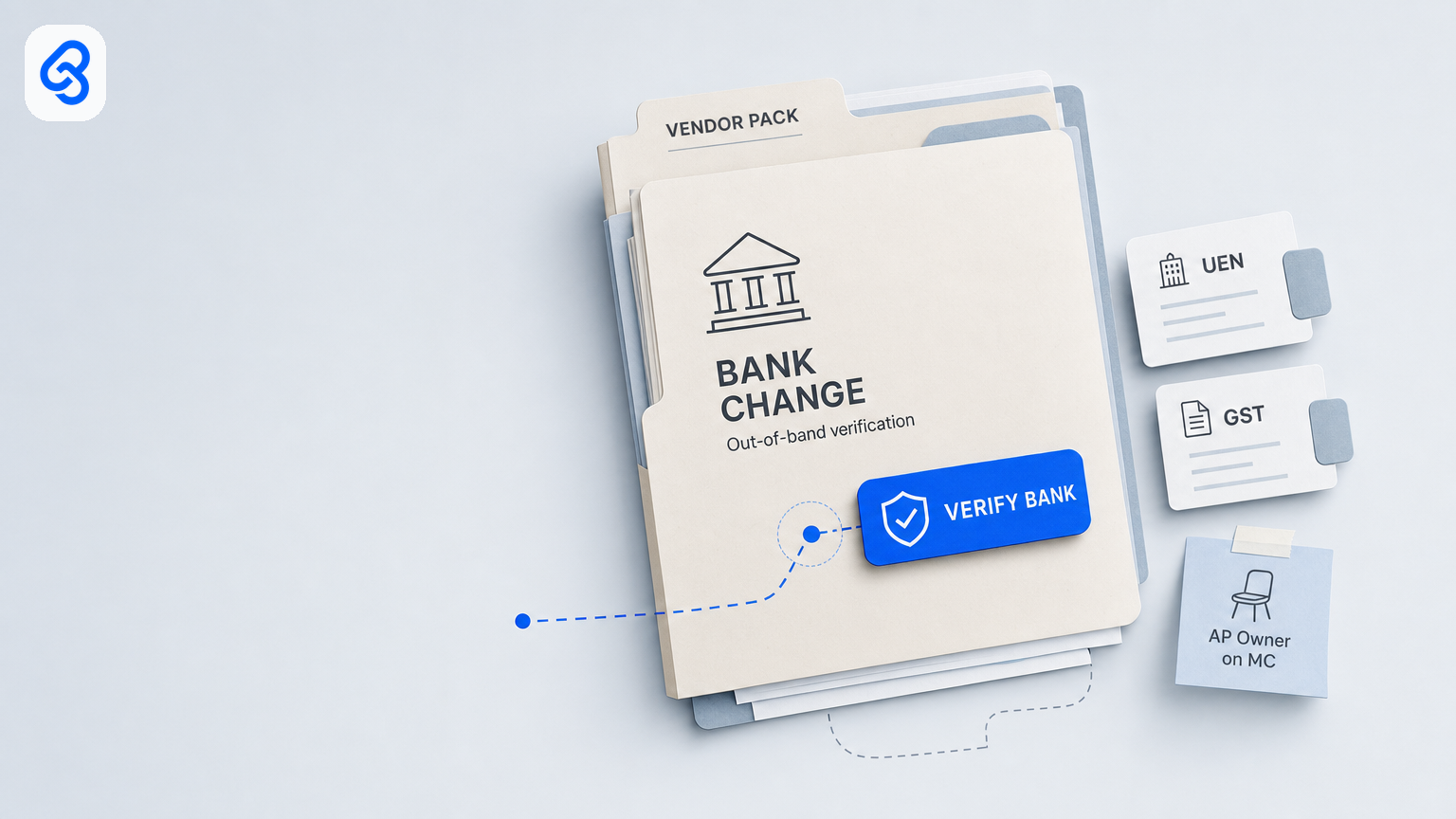
Supplier Onboarding Paperwork Automation in Singapore: A Practical SME Workflow
Supplier onboarding paperwork automation helps a small business collect and organise vendor documents, identify gaps, and route each pack to a named reviewer. The value is not simply faster filing: it is knowing what is missing, who owns the next step, and whether bank details have been independently checked before a first payment.
For a Singapore SME, start with a shared intake, a clear checklist, a status tracker, and named primary and backup owners. Let automation file documents and send reminders. Keep decisions about pack completeness and bank verification with accountable people; do not let a form, message, or document upload silently activate a supplier or change payment details.
What supplier onboarding automation should do
A practical workflow brings a new supplier request into one queue, stores the submitted records in a company-controlled location, flags missing or inconsistent information, and assigns follow-up to an owner. The reviewer can then see the pack, its status, and the action required without searching through individual inboxes or chats.
Common fields to consider include:
- Supplier legal or trading name and UEN, where applicable.
- GST status, recorded as confirmed, not applicable, or requiring follow-up according to your policy.
- Business contact details and the documents your company requires.
- Bank details in a restricted record, with a status showing whether they have been verified.
- Owner, backup, due date, exceptions, and links to the documents.
Define what “complete” means for your business before choosing software. Requirements will differ by supplier type and internal policy. Automation can detect a blank field or missing attachment; it should not claim that an account is genuine or that a supplier is safe to pay merely because a document was received.
A five-step supplier paperwork workflow
1. Trigger one intake
Create one route for a new supplier or a change to existing payment details: for example, a shared mailbox or a company form. A consistent entry point makes it easier to create a record and assign ownership. If staff receive a request elsewhere, they should direct it into the queue rather than treating a message as an approved vendor record.
2. Collect and file the required documents
Send the supplier a checklist that explains what is needed and where to submit it. Store files in company-managed storage with access limited to people who need them. Use a consistent folder or record naming convention, and link that record from the tracker.
3. Flag gaps and route exceptions
A tracker can show statuses such as New, Documents requested, Needs review, Bank verification, On hold, Approved for handoff, or Rejected. Use clear reason codes for common gaps, such as missing information, unreadable documents, a name mismatch, or a possible duplicate. Assign each open item to a named owner and backup, with a due date appropriate to your operation.
Automation is useful for filing, status updates, and reminders. It should not convert an exception into approval just because a deadline passed.
4. Keep human approval and bank checks explicit
Separate the decision that a paperwork pack is complete from the check of payment details. Record who completed each action and when. For a new or changed bank account, use a verification method independent of the request itself, for example, contacting the supplier through a previously established, trusted channel. Do not rely solely on a phone number or reply supplied in the bank-change request. Once a supplier is live, later bank-detail changes run on their own desk, with a hold, a callback to the number already on file and a second approver before the next payment run, as set out in our supplier bank-detail change and payment run release workflow.
Set written rules for exceptions, such as a changed account name, an overseas account, a related party, or a payment above an internal threshold. The appropriate approver and any second review depend on your organisation’s risk controls. Do not allow an automated workflow to update the accounting payee record or authorise a payment without the required human approval.
5. Hand off to accounts payable and retain a useful record
Once the required review steps are complete, mark the supplier record ready for the next accounts-payable step. Keep onboarding approval, bank verification, and payment approval as distinct actions. The record should make it possible for an authorised colleague to understand what was checked, who checked it, and what remains outstanding.
Assign owners before choosing a tool
A workable process identifies the people responsible for each decision:
- Requestor or buyer: explains the business need and provides the initial supplier details.
- Onboarding owner: checks the required documents and marks the pack complete or returns it for correction.
- Bank verifier: performs and records the independent check of new or changed bank details. This may be a separate person or a defined second check, depending on the business’s controls.
- Accounts-payable approver: handles the payment process under the company’s normal approval rules.
- Backup owner: can access the queue and carry out permitted steps when the primary owner is unavailable.
- Automation: files, flags, routes, and reminds; it does not take responsibility for human approvals.
Small firms may have people performing more than one role. If so, document the arrangement, limits, and cases that require a second reviewer. A backup should be able to see the work through company access, not by borrowing someone’s personal account or phone. New staff go through a separate staff onboarding workflow with its own forms and owners.
Protect vendor and contact information
Supplier records can contain personal data, including an individual’s name, mobile number, email address, or bank account details. Singapore’s PDPA governs the collection, use, disclosure, and care of personal data; review the PDPA overview when setting your handling practices.
As a practical baseline, collect only information needed for the onboarding purpose, keep documents in approved company storage, restrict access, and avoid posting full account numbers or document images in broad chat groups. Agree how long records should be kept and how they will be securely disposed of when no longer needed under your policies and applicable requirements. If a third-party service processes documents, understand its data handling and access arrangements before using it with live supplier records.
Cybersecurity is part of the workflow too. The Cyber Security Agency’s Internet Hygiene Portal provides enterprise resources and self-assessment tools for internet security practices. Apply suitable account security and access controls to the inbox, storage, and tracker that hold onboarding records.
Start with existing tools or consider a dedicated system?
A shared mailbox, company storage, and a controlled spreadsheet may be adequate when onboarding volume is manageable, exceptions are easy to track, and an owner and backup can reliably review the queue. Test whether the backup can find the documents, understand the status, and follow the bank-verification procedure without relying on the primary owner’s private messages.
Consider a dedicated supplier or accounts-payable system when your requirements exceed what the current process can safely support, for example, multiple entities, complex approval paths, or a need for more structured records. Compare tools against your written workflow, access requirements, and accounting handoff. A new platform cannot fix unclear ownership or an undefined approval rule by itself.
IMDA’s Industry Digital Plans offer sector-specific guidance for SMEs considering digitalisation. Use guidance to inform your evaluation, then choose a process and system that fit your actual operating requirements.
A short readiness checklist
Before automating supplier onboarding, confirm that you can answer these questions:
1. Where does every new supplier or bank-change request enter the process?
2. What documents and fields are required, and who defines “complete”?
3. Who owns the review, who is the backup, and what can each person approve?
4. How will new or changed bank details be independently verified and recorded?
5. Which exceptions require escalation or a second reviewer?
6. Where are documents stored, who can access them, and how are they retained?
7. What actions may automation take, and which approvals must remain human?
8. Can the process be completed when the usual owner is away?
If any answer is unclear, document the rule before building automations. Begin with one shared queue and a small set of statuses; test it with sample or appropriately redacted records, then adjust the workflow before relying on it for live payments.
Next step
If supplier documents are scattered or bank-change checks depend on one person, map the current steps and identify the decisions that need named owners. Lynqra can help you review the workflow through its services and decide whether existing tools are sufficient or a more structured system is warranted. For an initial conversation, contact Lynqra.