GRN Automation in Singapore: A Practical Goods Receipt Exception Workflow
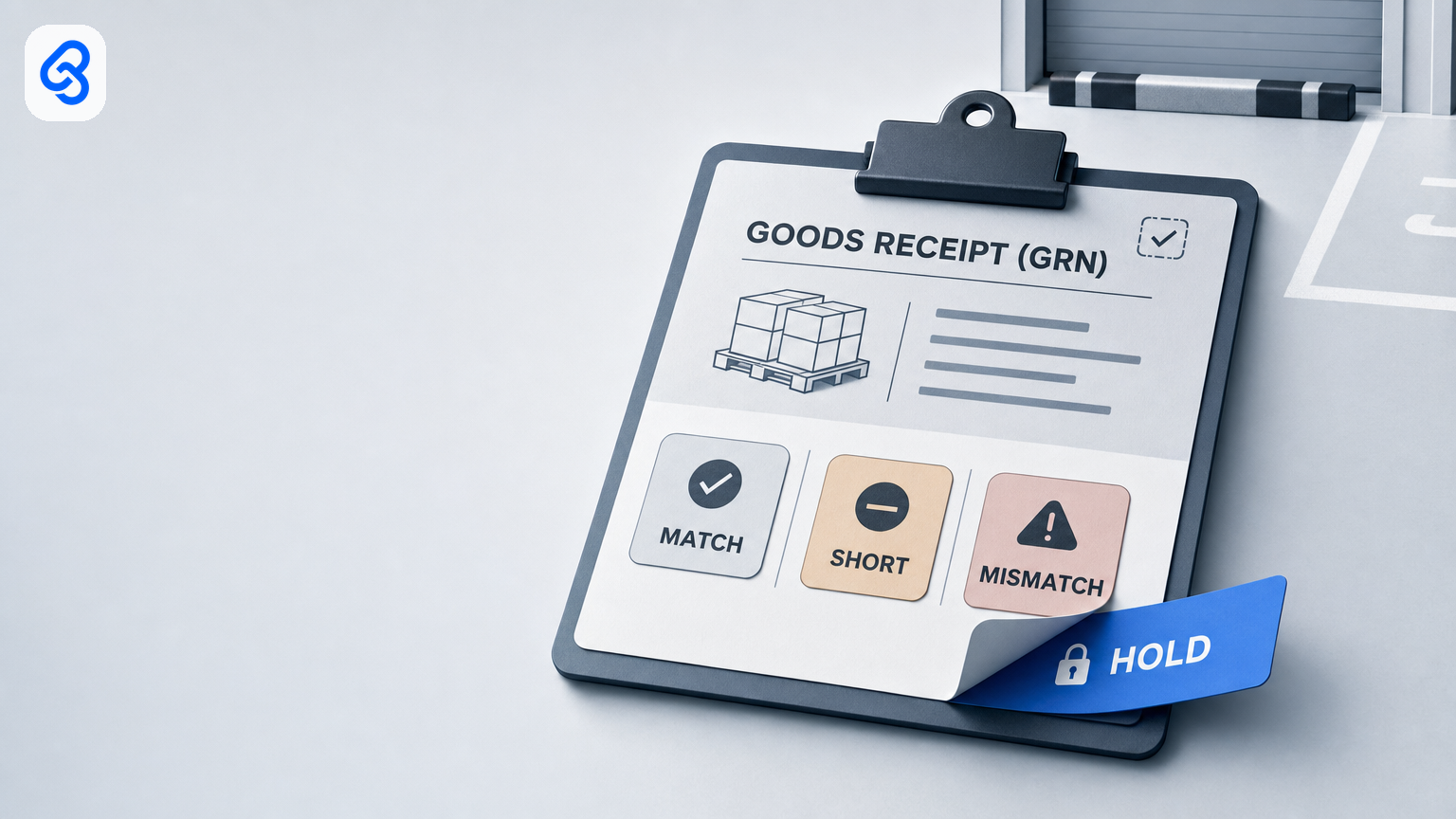
GRN automation in Singapore: a practical goods receipt exception workflow
GRN automation in Singapore works best when it makes every receipt traceable and routes exceptions quickly, not when it silently accepts mismatches. A simple workflow links the delivery order (DO), purchase order (PO), goods received note (GRN) and later supplier invoice. Automation can file documents, populate a shared queue, flag differences and remind an owner. A named person should decide whether a short, damaged or wrong-PO delivery is accepted, partially received or held.
That distinction matters for a small trading, wholesale or logistics business: an unowned mismatch can become inaccurate stock records and a difficult invoice query. You do not necessarily need to replace your systems to improve the process. Start by defining the receipt record, exception reasons, owner and payment hold rule.
What goods receipt exception automation does
A GRN records what the business actually received. It should connect the receipt to the supplier and relevant PO and DO, note quantities and condition, and retain supporting documents. The receipt then gives accounts payable (AP) evidence for the invoice-matching process.
A workable automation flow can:
- Collect a receipt event and its DO, PO and packing-list references.
- File documents in a shared location and create a tracker entry.
- Compare available fields, flag missing information or differences, and route the case to an owner.
- Keep a mismatch on hold until an authorised person records a decision.
- Make the resulting receipt information available to AP for invoice review.
It should not treat a document arriving or a quantity appearing close enough as proof of acceptance. Nor should a GRN automatically trigger payment. A general overview of how a goods received note supports procurement and invoice matching is available from Tipalti’s GRN guide.
The receipt workflow: trigger, record, route, decide
Write down this process before choosing software. If a step has no owner, the workflow is incomplete.
1. Trigger the receipt record
Choose one shared intake route, such as a receiving form, shared mailbox or system-generated receipt event. Include a DO reference where available and identify the related PO. Avoid relying on a private message or a verbal “received” as the only record.
2. Record the evidence
Capture supplier, receipt date, warehouse or location, DO and PO references, item or SKU, ordered quantity, quantity counted, and any damage or other condition note. Store the delivery and receiving documents in a company-controlled shared folder or system. Make the record accessible to the designated backup as well as the primary owner.
If a field or attachment is missing, mark the record as needing information. Do not fill gaps by guessing.
3. Separate clean receipts from exceptions
Define “clean” using your own written receiving policy. For example, state which fields must match, whether any tolerance is permitted, and who may approve it. Do not assume a tolerance that has not been approved.
Use a short set of reason codes so the team can see why a receipt is waiting:
- SHORT or OVER, counted quantity differs from the order or delivery document.
- WRONG_ITEM or WRONG_PO, item or PO reference does not match.
- DAMAGE, goods are damaged or condition is uncertain.
- PRICE, a price discrepancy is identified on the supporting documents.
- MISSING_INFO or DUPLICATE_SUSPECT, evidence is incomplete or the receipt may already be recorded.
A clean receipt can move to the next stage under the policy. An exception should enter a visible hold queue with a named owner, due time and document link.
4. Keep the decision with an authorised person
The warehouse or operations owner is often best placed to confirm what arrived. Purchasing may need to resolve a wrong PO, substitute item or commercial discrepancy. AP should use the approved receipt record when reviewing the invoice. Decide who can accept a partial delivery, amend a receipt or escalate a price difference, and document those limits.
Automation can assign the case, send a reminder and escalate an overdue hold to a named backup. It should not silently accept goods on a mismatch or approve payment. A receipt is evidence of what was received; payment remains a separate control.
5. Maintain a shared tracker
A basic queue can include:
`Receipt ID | Supplier | DO reference | PO number | Receipt date | Owner | Backup | Status | Exception | Document link | Decision | Notes`
Use a small, controlled list of statuses, such as `New`, `Needs information`, `Clean`, `Mismatch hold`, `Partial receipt`, `Received`, `AP review` and `Closed`. Record who made a decision and when. Keep the tracker and source documents available to the team rather than on one employee’s device.
Example: short delivery against a PO
A supplier’s delivery paperwork refers to an open PO for 40 cartons of one item and 12 of another. The receiver counts 40 and 9. The workflow records the counted quantity, attaches the documents and raises a `SHORT` exception for the second item. The authorised receiving owner confirms a partial receipt of 9 and records the decision. When the invoice arrives for 12, AP can see the receipt quantity and investigate the difference before approving the invoice.
This example illustrates a control design, not a reported customer result. The key is that the recorded receipt reflects the count, the exception has an owner, and AP does not treat the unconfirmed quantity as received.
Connect the DO, GRN and invoice records
A useful audit trail lets a reviewer follow the transaction from commitment to delivery and payment:
1. The approved PO identifies what was ordered.
2. The DO or supplier delivery document identifies what was sent.
3. The GRN records what the business counted and accepted, including any partial receipt or hold.
4. AP compares the invoice with the relevant order and receipt evidence and routes differences for review.
Invoice-processing systems commonly use purchase-order and receiving records as part of invoice matching, while routing failures to a person; see Synergix’s overview of invoice processing automation. The exact controls and system capabilities depend on the business’s configuration. The useful principle is to retain the source documents and keep unresolved receipt exceptions visible to AP.
Do not collapse receiving, exception resolution and payment into one approval. Define which status prevents an invoice from being treated as ready for payment, and who can clear that status.
Start with existing tools, or assess a receiving system?
A shared mailbox, spreadsheet and document repository may be enough when receipt volume is manageable, there is one clear owner for exceptions, and the team can keep records consistent. In that case, improve the intake, naming, access and escalation rules before buying a new platform.
Consider a warehouse management or ERP receiving module when the current process cannot reliably support your operational needs, for example, multiple locations, high transaction volume, barcode workflows or inventory records that need to update across systems. Assess the full workflow, including how the system handles partial receipts, corrections, duplicate documents, access rights and audit history. A product demonstration alone does not establish that the process is controlled.
For broader digitalisation planning, IMDA’s Industry Digital Plans provide sector-oriented guidance for SMEs. Use such resources to inform an assessment, not as a substitute for mapping your own receipt process.
A low-risk implementation checklist
Before automating, answer these questions:
- What event starts a receipt record, and where do documents enter?
- Which references and fields are required to identify the PO and delivery?
- What does “clean receipt” mean, and who approved any tolerance?
- Which exception reasons create a hold, and who can resolve each one?
- Who is the primary owner and backup? What happens if neither is available?
- How does AP know an invoice relates to a held or partial receipt?
- Can staff see the source document, the decision, the person responsible and the time recorded?
- How will the team test missing references, short quantities, damage, duplicates and system downtime before relying on the workflow?
Run the new process alongside the existing one for an agreed test period. Compare the records, review missed or duplicate entries and correct routing rules before retiring the old process. Measure operational indicators that matter to your team, such as time from receipt to an assigned decision, number of unresolved holds, and invoice discrepancies linked to receipt records. These are suggested measures, not performance claims.
Common mistakes to avoid
- Marking everything received by default. A missing discrepancy check can turn an exception into stock and invoice errors.
- Treating chat confirmation as the formal record. Keep the decision and supporting evidence in a shared, searchable system.
- Leaving ownership implicit. A group inbox is not an exception owner; name a primary and backup.
- Using undefined tolerances. Write approval limits into policy rather than letting a spreadsheet or automation invent them.
- Allowing an unresolved hold to disappear. Keep its status visible to receiving and AP until a person records the outcome.
- Combining receipt and payment approval. Preserve separate review points and a traceable decision history.
Next step: map one week of receipts
Start with a sample of recent receipts and trace each from PO and DO through the counted quantity, exception decision and invoice review. Note where evidence is missing, where work waits, and who is authorised to resolve each issue. Then decide whether a shared tracker can solve the problem or a receiving-system assessment is warranted.
Lynqra’s workflow automation services can be considered if you want help mapping a process before selecting tools. Bring the real exception types and current record flow; the aim is to identify a practical control design, not assume a particular platform or outcome. For a discussion, contact Lynqra.