Credit Note Workflow Automation in Singapore: A Practical AP Adjustment Guide
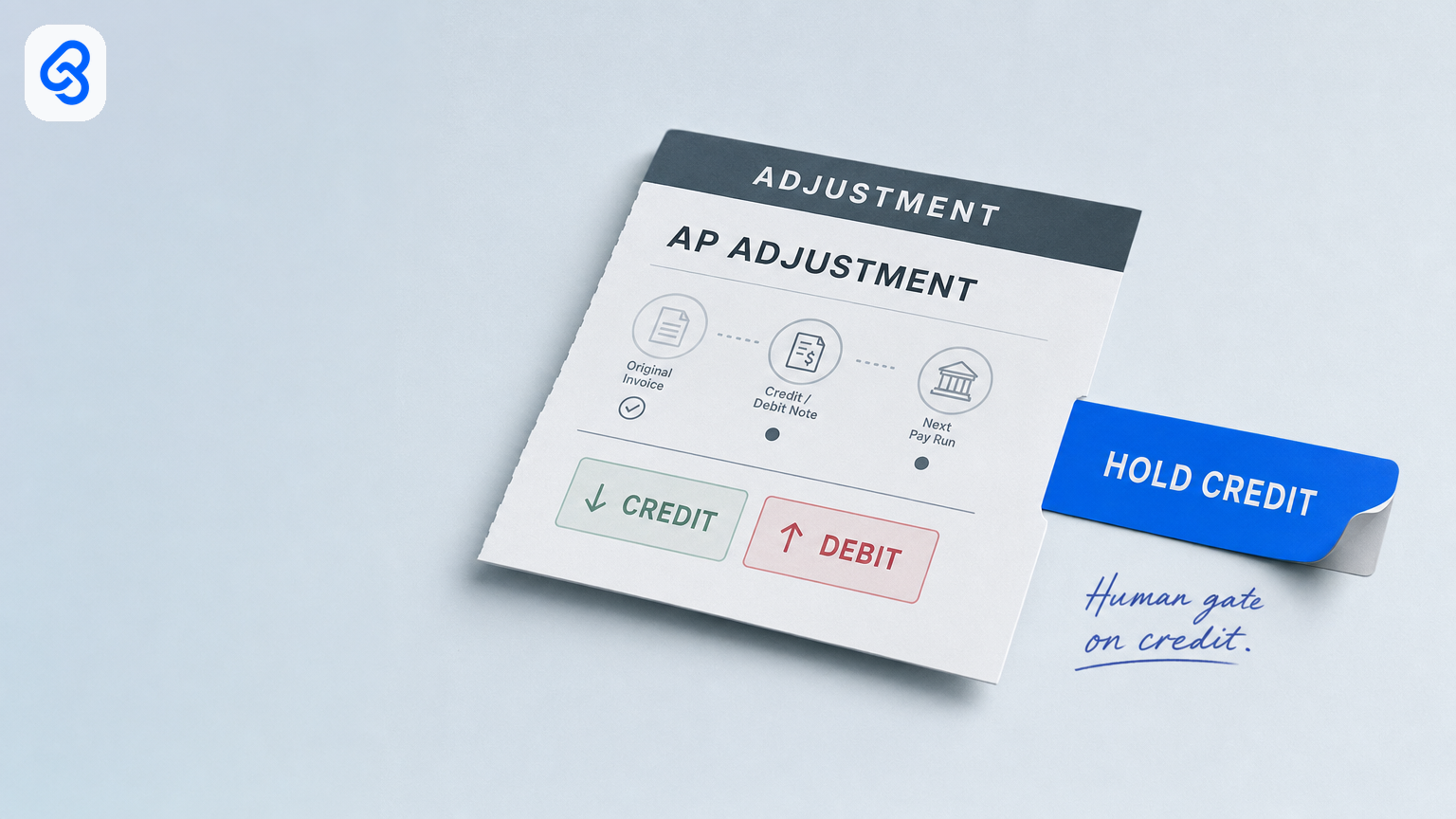
Credit Note Workflow Automation in Singapore: A Practical AP Adjustment Guide
A credit note should correct a specific supplier invoice, not disappear into a chat thread or be silently deducted from the next payment. For Singapore SMEs, a reliable credit note workflow links the adjustment to its original invoice, records why it is needed, routes it to an authorised finance reviewer and preserves evidence of what was posted or netted.
Automation can collect documents, populate an adjustment queue, flag missing information and remind an owner. It should not decide that a short delivery merits a particular credit, change GST treatment, post an adjustment or net a payment without an accountable human decision.
This guide focuses on the post-invoice AP adjustment: a short shipment, return, price discrepancy, duplicate payment or correction discovered after the supplier bill has been recorded or paid. It is not a guide to invoice capture or payment approval.
What a controlled AP adjustment workflow does
A useful workflow has five parts:
1. Trigger: A discrepancy or supplier credit note is received after the invoice has entered the AP process.
2. Collect: Gather the original invoice reference, supporting records and the supplier’s credit or debit note, if available.
3. Route: Send the case to the person responsible for confirming the facts and the person authorised to approve the accounting adjustment.
4. Review: A named finance owner decides whether to accept, request, issue, reject or write off the adjustment, and confirms its treatment in the accounting records.
5. Track: Record the decision, posting status and any authorised settlement against a future payment, with links to the supporting documents.
The purpose is not to make every adjustment touchless. It is to make open items visible, reduce repeated chasing and retain a traceable decision. Xero’s overview of the accounts payable process and three-way matching describes the wider bill-to-payment cycle; an adjustment workflow should connect to that cycle without confusing a credit decision with payment approval.
When this workflow applies
Use an AP adjustment record when a supplier invoice has already been received, recorded or paid and a later event changes what the business believes it owes. Common triggers include:
- Goods received are fewer than the quantity invoiced.
- The invoiced price differs from the agreed purchase price.
- Goods are returned or accepted as damaged after receipt.
- A supplier issues a credit note that needs to be matched to an invoice.
- A duplicate payment or another billing error needs investigation.
- A tax invoice or GST-related detail requires review.
If the invoice itself has not yet been approved or paid, handle the issue within the existing invoice approval and matching process. If the goods discrepancy is found at receiving, record it at that stage too; an adjustment may still be needed later if the invoice has already moved forward.
A simple Singapore SME runbook
1. Give every case one intake route
Choose a shared mailbox, form or other company-controlled channel that creates or updates a central record. A chat message can alert the team, but it should point to the case rather than become the only record of the request.
Capture at least:
- Supplier and original invoice number and date.
- Purchase order and goods-receipt or delivery reference, when relevant.
- Issue type and a concise reason.
- Amount and the components shown on the supplier document, including GST where applicable.
- Credit note, debit note, return evidence or correspondence.
- Named owner, backup, due date and current status.
2. Check the evidence before routing
The person preparing the case checks whether the original invoice can be identified and whether the supporting documents agree on the supplier, items, quantities and amounts. Missing references, unexplained differences or a supplier’s informal promise to deduct a future amount should be marked for follow-up, not treated as an approved credit.
A small team can begin with a shared spreadsheet and a company document folder. Use a consistent case ID and filename so a backup can find the record. Limit access to appropriate staff, particularly where records contain personal information; the PDPA overview explains Singapore’s framework for the collection, use, disclosure and care of personal data.
3. Separate fact confirmation from financial approval
Assign roles explicitly. Warehouse or operations staff can confirm what arrived or was returned. Purchasing can confirm the agreed price or supplier discussion. A named AP or finance owner should decide whether the adjustment is supported and how it is recorded. Set a second-review threshold for larger or unusual adjustments according to the business’s own controls.
The person who raises the issue does not automatically have authority to approve a credit, post a journal or authorise a deduction from a later payment. A message acknowledging the problem is not, by itself, approval to change the ledger or settle an amount.
4. Keep posting and settlement as distinct decisions
Record whether the adjustment is a supplier-issued credit, a requested credit, a debit adjustment or a proposed write-off. The authorised finance reviewer should confirm the accounting treatment and required supporting document before posting. Any decision to offset an approved credit against a future payment should also be recorded and reviewed under the company’s payment controls. If the supplier asks for a refund or credit balance to go to a different bank account, treat it as a bank-detail change and hold it until the callback is done, as in our supplier bank-detail change and payment run release workflow.
For GST questions, keep the adjustment linked to the original transaction and have the responsible finance professional verify the applicable treatment and documentation. This article is an operational workflow, not tax advice. Do not infer GST treatment from a free-text reason or automate it solely from an amount or keyword.
5. Track status through closure
A compact queue might use these statuses:
- New, received, not yet checked.
- Needs information, evidence or supplier confirmation is missing.
- Under review, facts are being checked or finance approval is pending.
- Approved to post, authorised decision recorded; posting is not yet confirmed.
- Posted, entry is confirmed in the accounting system.
- Approved to settle, any permitted offset or settlement decision is documented.
- Closed, the adjustment and related follow-up are complete.
- Rejected / written off, decision and rationale recorded by the authorised person.
Do not label a case closed merely because a supplier says it will “deduct next time.” Keep it open until the supporting documentation and the business’s accounting and settlement steps are complete.
What to automate, and what to keep with a person
Automation is useful for repetitive administration: creating a case from a shared intake, saving attachments in a controlled folder, copying known references into a queue, flagging blanks, notifying the assigned owner and escalating overdue cases. These steps improve visibility without making the underlying financial decision. If your bills come in through invoice automation software, link each credit note to the same invoice record.
Keep human review for confirming disputed facts, approving the adjustment, deciding GST treatment, posting to the ledger and authorising any settlement or netting. Do not automatically create a credit amount from a delivery discrepancy, post every item below an arbitrary threshold or offset a future payment simply because a supplier message or tracker status changed.
Before adding a new AP system, check whether the existing accounting package, shared inbox and controlled tracker can support a clear queue, permissions, document links and an audit trail. If the process has multiple entities, complex approval rules or a volume that the current controls cannot manage, assess a more structured AP workflow against those requirements. IMDA’s Industry Digital Plans provide sector-specific guidance for SMEs planning digital adoption; choose tools based on the process and business needs rather than a generic promise of automation.
Common failure points
- No link to the original invoice: Staff cannot establish which liability the adjustment changes.
- Informal requests treated as approval: A chat acknowledgement is mistaken for authority to post or settle.
- One person owns the whole process: The case stalls during absence or concentrates too much control in one role.
- Posting and netting are combined: The ledger entry and the payment decision become difficult to distinguish.
- No record of exceptions: Repeated disputes, missing documents and unresolved supplier promises are invisible until reconciliation.
- Automation marks cases complete by time: A reminder being sent does not mean a credit was approved, posted or received.
Review a sample of recent adjustments and ask whether each has an original invoice reference, reason, evidence, named decision-maker and recorded outcome. That small check often reveals whether the main problem is intake, authority, documentation or follow-up.
A practical implementation checklist
Before changing software, agree on the following:
- One shared intake route and one place to track open adjustments.
- Required fields and document links for each case.
- Who confirms delivery, return and price facts.
- Who approves credit, debit and write-off decisions, and when a second review is needed.
- Who can post an approved adjustment and who can authorise settlement.
- A backup owner and a reasonable follow-up interval.
- Statuses that distinguish approval, posting, settlement and closure.
- A periodic review of overdue items and adjustments without supporting evidence.
Start with a small set of recent cases, test the workflow alongside the current process and correct unclear hand-offs before expanding automation. Keep a record of exceptions and unresolved cases; do not measure success only by the number of steps automated.
Next step
If post-invoice credits are difficult to trace, begin by mapping one recent adjustment from the original bill through evidence, approval, posting and settlement. Lynqra’s workflow automation services can help businesses assess a process and its hand-offs, while the contact page is available if you would like to discuss whether the existing tools are sufficient. A useful first outcome is a clear, reviewable workflow, not an assumption that every credit should be automated.