How Singapore SMEs Can Verify Supplier Bank-Detail Changes Before Paying
How Singapore SMEs Can Verify Supplier Bank-Detail Changes Before Paying
A supplier’s bank-detail change is a payment-control event, not an ordinary vendor-record update. For a Singapore SME, the safest workable rule is: pause the change and affected payments, call a supplier contact using a number already verified and held on file, require a separate approval, then update the vendor record and release the payment only after the control trail is complete.
This protects cash and reduces the chance that a plausible email redirects a routine payment. It also makes legitimate changes easier to process because staff know who owns each step and what evidence to record.
The essential supplier bank-change workflow
Use a single queue and a visible status for every request. Keep the process simple enough that AP, the approver and a backup can explain it without relying on one person’s inbox.
1. Hold: Route any request to change a live supplier’s bank details into a designated queue. Do not update the vendor master from the message. Mark the supplier and any unreleased payment lines as on hold.
2. Check: Compare the request with the existing vendor record: legal name, current bank information, verified contact details and known email domain. Record discrepancies and urgency requests as risk flags, not as reasons to bypass the control.
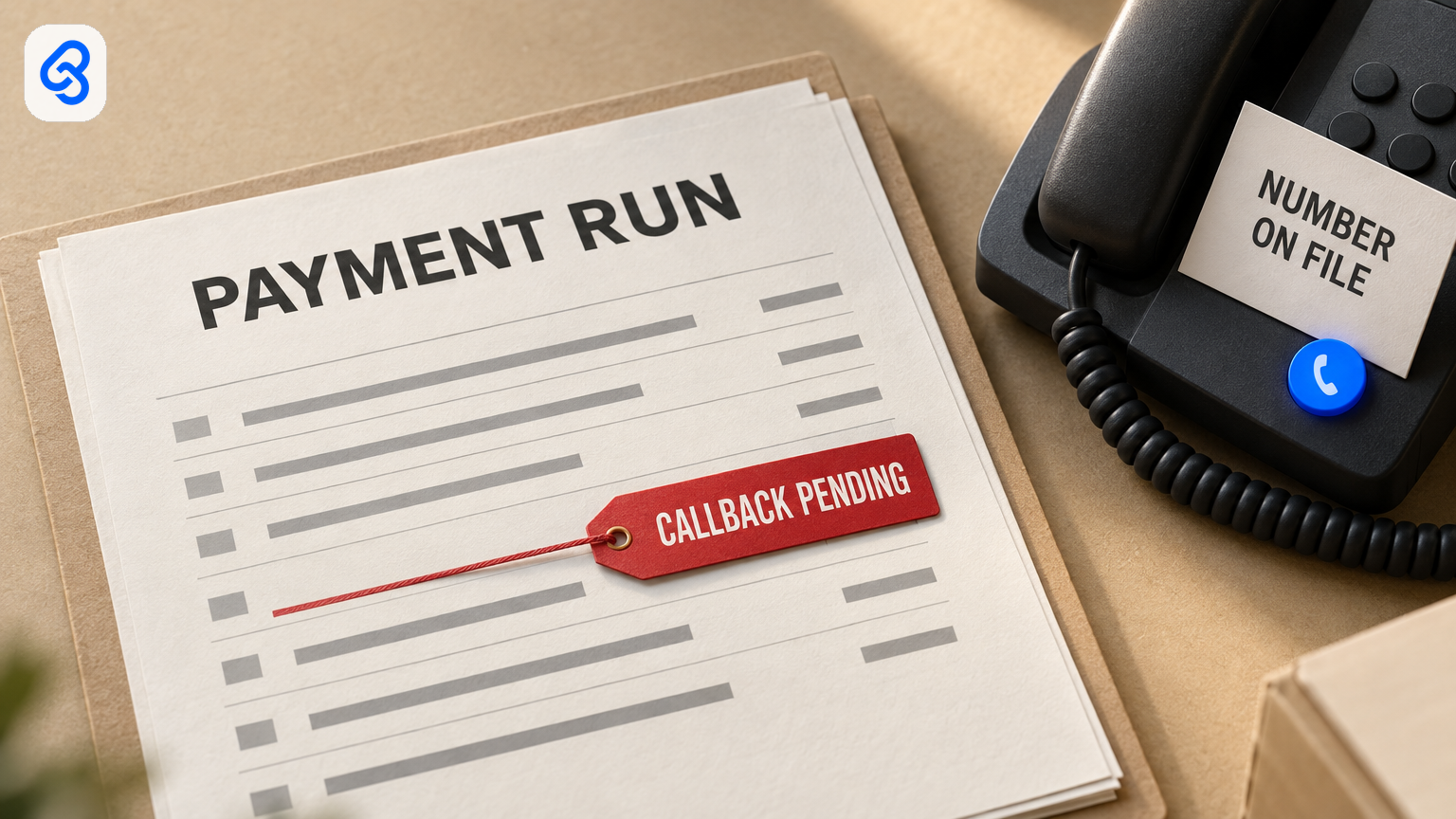
3. Callback: Call the supplier using a phone number already in your records from onboarding or a previously verified change. Do not use a number supplied in the change request, its attachment or a new invoice. Record the date, number called, person and role reached, and what was confirmed.
4. Approve separately: A person other than the request receiver or record editor reviews the callback note and approves or rejects the change. Approval should be recorded, not inferred from a chat reaction or a payment-run approval.
5. Update and check: A named editor changes the vendor master only after approval. A second person checks the saved details against the approved request.
6. Release and reconcile: Keep affected lines out of the payment batch until an authorised person decides how each will be handled. After the run, compare the bank’s processed payments against the approved batch and investigate differences.
A useful change record includes a unique ID, received date and channel, supplier, verified contact source, old and proposed account details (restrict full account numbers), risk flags, callback notes, decision, editor and checker, and affected payment lines. Keep an audit trail that a backup can access.
Why an email request deserves a separate check
Business email compromise can involve a spoofed sender address or a compromised genuine mailbox. Familiar branding, a known supplier name or a correct invoice amount does not establish that payment instructions are genuine. A callback is useful only when it uses a contact route independent of the request.
Treat any request to change payment instructions as a cue for independent verification. Check the sender’s domain carefully and do not use contact details supplied with the change request to validate it. These controls reduce reliance on the authenticity of an email, but they do not guarantee that a request or payment is safe.
Set roles and thresholds before the next request
Write down the people who own the process, including leave cover. A lean team might assign:
- Request receiver: Forwards the request to the designated queue and does not edit bank details.
- AP owner: Maintains the change log, gathers the record and callback evidence, and prepares affected payment lines.
- Approver: Reviews the evidence and records the decision. This person is not the request receiver or the person who made the vendor-record change.
- Editor and checker: One person updates the bank fields after approval; another verifies the saved record.
- Payment-run preparer and authoriser: Different people where the banking setup permits. The authoriser receives a summary of held lines and any first payment to a changed account.
- Backup: Can access the queue and written rules, with defined authority. Higher-risk cases can wait for a director or named alternate.
Define what increases scrutiny. Examples include a domain mismatch or look-alike, a different account name or country, a repeated change, an overseas account, an urgent request to accelerate payment, or a missing verified contact. These are practical flags for human review, not an automated fraud score. A mismatch should stop the process until a person resolves it through trusted contact details.
If no verified phone number exists, do not treat the number in the request as a substitute. Establish an independent contact through a controlled process and document how it was verified. If the supplier denies making the request, mark it as suspected fraud, keep affected payments on hold, notify the supplier through a known channel and follow your organisation’s incident and reporting procedures.
Keep changed-account payments visible in the run
A bank portal approval may show a supplier name and amount without making a recent account change obvious. The payment-run control should therefore connect the change queue to the draft batch.
Before release, check every payment line against open change records. Hold affected lines outside the releasable batch and show the approver the run total, held lines and reasons, and any first payment to a newly approved account. Do not let an urgent supplier chase or a missed internal deadline release a held line by default.
For each held line, record a named decision: release to the approved new account; pay the old account only after the supplier confirms it remains valid; move the line to a later run; or cancel it. A change approval and a payment-run approval are separate decisions.
After payment, reconcile the bank’s processed transactions to the authorised batch, including payee, account and amount. For a first payment to a changed account, confirm receipt through the verified supplier contact. If the payment appears misdirected, contact your bank promptly and follow your incident-response process.
A lightweight tracker and a regular review
Many small teams can start with their existing accounting records, a restricted shared folder and a controlled spreadsheet or equivalent log. The important capability is not the software brand: it is a reliable link between the request, independent callback, approval, master-record edit and payment line.
A tracker can use these statuses:
- Change: `HOLD`, `CALLBACK DONE`, `READY FOR APPROVAL`, `APPROVED AND APPLIED`, `REJECTED, UNVERIFIED`, `REJECTED, SUSPECTED FRAUD`, or `WITHDRAWN`.
- Payment line: `CALLBACK PENDING`, `RELEASED TO NEW ACCOUNT`, `PAID TO OLD ACCOUNT`, `MOVED TO NEXT RUN`, or `CANCELLED`.
Limit access to full account numbers and personal contact details to people who need them. Avoid copying full bank information into chat or broadly shared notes. The PDPC’s overview explains that Singapore’s Personal Data Protection Act governs the collection, use, disclosure and care of personal data; apply your organisation’s access, retention and security practices to contact and account records.
At least periodically, compare supplier bank-field edits in the accounting system with approved change IDs. An edit with no matching approval record should be investigated and the supplier’s payments reviewed. Review open holds before each payment run so a legitimate supplier is told about delays rather than left waiting without explanation.
When a basic process is enough, and when to review tools
A shared intake, accounting-system change history, restricted tracker and separate bank authorisation may be adequate when the supplier base and change volume are manageable and staff can consistently follow the steps. First establish whether your accounting system can show who changed bank fields and whether your bank portal separates payment preparation from authorisation.
Consider reviewing AP or vendor-management tools when multiple entities, high payment volumes or manual batch comparisons make it difficult to link approved bank changes to payment lines. A supplier portal does not remove the need to verify a change: an authorised supplier login can itself be compromised. Decide from a walkthrough of your actual process rather than a feature list.
IMDA’s Industry Digital Plans provide step-by-step digital guidance for SMEs. They can help frame a broader digitalisation review, but they do not replace the specific callback, approval and payment-release controls in this workflow.
A practical checklist for this week
- Choose one route for receiving supplier bank-change requests and tell staff who deal with suppliers to use it.
- Name the request owner, callback owner, approver, record editor, checker and backup.
- Confirm how verified supplier phone numbers were established and who may change them.
- Restrict vendor bank-field editing to a named role and require an approved change ID.
- Add a visible marker for the first payment to an approved changed account.
- Confirm that the payment preparer and authoriser are separate people where possible.
- Test the workflow with a harmless practice request and an unreleased payment line.
- Review the process after a staff change, system change or near miss.
For related help, see Lynqra’s services overview and case studies. To discuss how a documented change-control workflow could fit your current systems, contact Lynqra.