Inventory Reorder Automation for Singapore Retail and SMEs
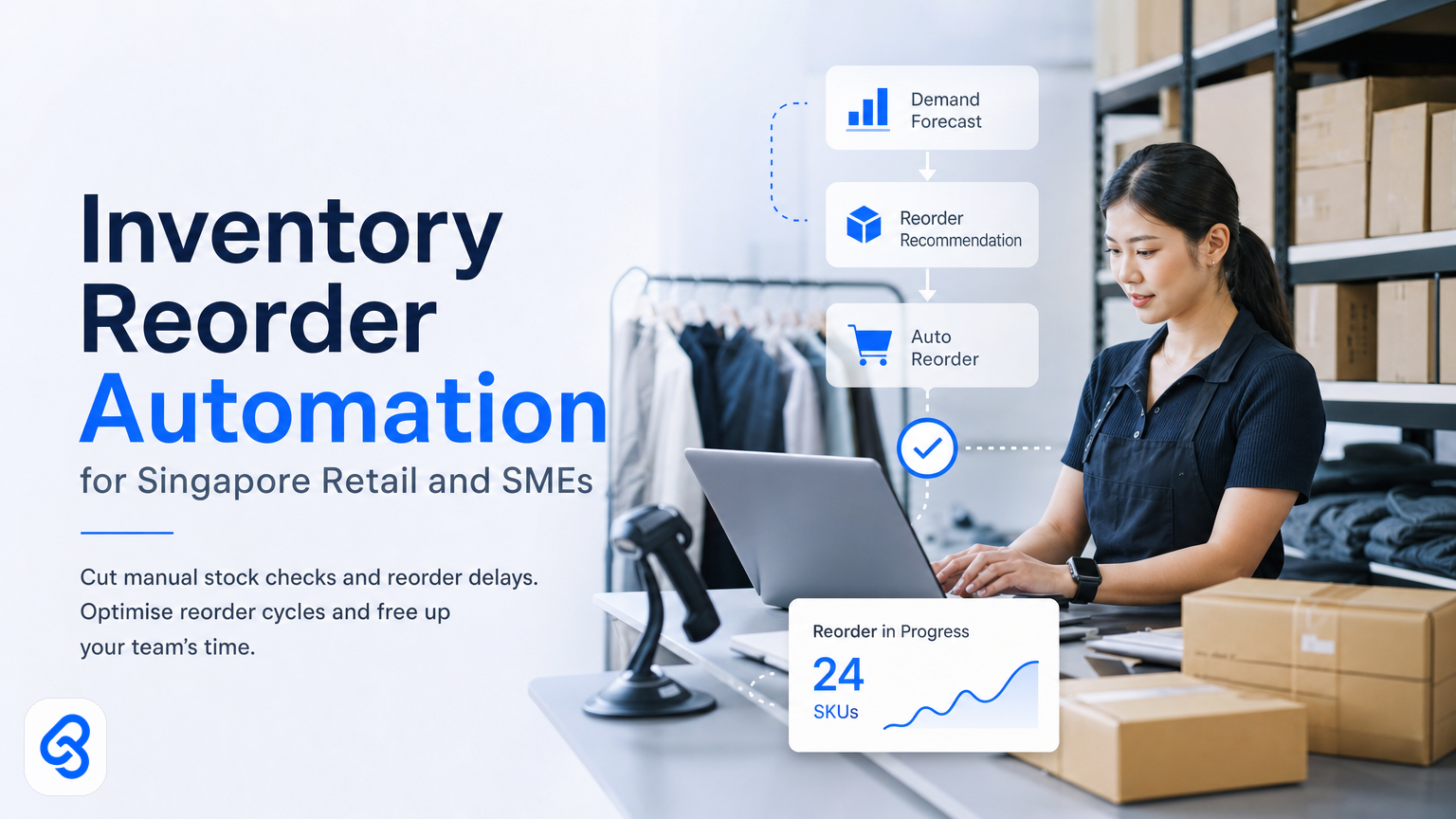
Running a retail business in Singapore means juggling tight margins, unpredictable demand, and staff stretched across too many tasks. If your team still checks stock manually, writes reorder emails, chases suppliers, and updates spreadsheets by hand, you're losing time and money every single day.
Inventory reorder automation removes that friction. Instead of your manager spending hours a week on stock counts and purchase orders, an AI-driven system tracks your inventory in real time, flags low stock automatically, and sends reorders to suppliers promptly. The result is less dead stock, fewer out-of-stock moments, and your team focusing on actual retail work instead of admin.
This guide walks you through how inventory reorder automation works, what Singapore SMEs gain from it, and how to build a system that fits your business without forcing you onto generic software you don't need.
Why Manual Inventory Reorder Kills Your Margin
Manual reorder workflows reduce margins in three clear ways. First, delays occur when staff count stock by hand, spot low inventory days late, email suppliers, and wait for confirmation, losing sales in the process. Second, guesswork leads to errors, as managers reorder based on gut feel without real-time data, causing overstocking (tying up cash and increasing waste) or understocking (lost sales and dissatisfied customers). Third, it consumes time, many retail managers spend 10 to 15 hours weekly on inventory tasks that add no direct customer value.
For a typical Singapore SME retail store with 200 to 500 SKUs, this manual cycle costs roughly one full person's productive time each week plus costs from stock errors. Automating these tasks reclaims that time and shrinks error margins to near zero.
How Inventory Reorder Automation Actually Works
Inventory reorder automation connects your point-of-sale system, stock data, and suppliers. Here is a typical workflow:
The trigger: Every time a customer buys an item, your POS or inventory system records the sale. The automation monitors that data in real time.
Stock level check: The system compares current stock against reorder points you set (for example, reorder when stock falls below 20 units). When low stock is detected, the automation triggers.
Reorder generation: The system pulls supplier details, calculates order quantities based on lead times and sales velocity, and generates purchase orders. These orders can be sent automatically via email, API, or shared portals or queued for manager approval, depending on your risk preference.
Confirmation and tracking: The automation logs the reorder, tracks delivery dates, and updates expected stock levels to avoid duplicate orders.
Stock receipt: When goods arrive, your team updates the system by scanning or manual input. The automation reconciles the delivery with the purchase order.
This entire process, which manually takes days, now happens in minutes without human error.
The tools handling these steps are often separate: your POS or inventory system supplies real-time stock data, a workflow automation platform (like Zapier or Make) monitors this data and triggers actions, communication bridges deliver orders to suppliers, and databases log the status. In a well-built system, these components integrate seamlessly, requiring minimal staff intervention.
What Singapore Retail SMEs Actually Gain from This
Singapore retail stores shifting from weekly manual counts to continuous automated monitoring enjoy benefits across time, accuracy, and cash flow:
Time savings: Store managers reduce time spent on stock and reorder admin from 12 hours weekly to 1-2 hours focused on exceptions and supplier issues. The saved time can be redirected to customer service, staff training, or strategy.
Stock accuracy: Live POS-synced reorder systems maintain accurate inventory records, reducing overstocking and dead inventory.
Service and cash flow: Timely reordering based on actual sales velocity reduces working capital tied in stock and cuts stockouts. For example, a Singapore SME reduced average inventory holding by 18% and lowered stockouts from 7% to 2% within six months.
These benefits compound. Less tied-up cash allows operational flexibility, fewer stockouts increase customer satisfaction, and reduced admin frees your team for value-adding work.
Common Inventory Reorder Pitfalls and How to Avoid Them
Pitfall 1: Reorder points not matching lead times.
If reorder points are set too low relative to supplier lead times, stockouts happen. Use the formula: reorder point = (average lead time in days × average daily sales) + safety buffer. Always verify actual delivery times, not only quoted ones.
Pitfall 2: Fixed reorder quantities despite variable demand.
Seasonal sales fluctuations mean fixed reorder quantities don't always fit. Automate reorder quantities based on sales velocity trends to adjust orders dynamically.
Pitfall 3: Ignoring supplier exceptions.
If suppliers fail to confirm orders or delay deliveries, automation alone won't catch this. Include alerts to notify your manager if an order is unconfirmed 24 hours after placement to enable follow-up or supplier switching.
Pitfall 4: Automating without a manual override.
Malfunctioning POS systems can trigger erroneous large orders. Incorporate manual approval steps for large or unusual orders and review windows for managers to pause automation when necessary.
Pitfall 5: Neglecting audits and updates.
Regularly review reorder performance monthly and update reorder points quarterly or as conditions change to keep the system accurate.
Can I Get Help Paying for This?
Singapore SMEs can access support for retail automation through several government grants and programs:
- The IMDA Industry Digital Plans initiative guides SMEs on digital adoption in retail and logistics.
- Enterprise Singapore's capability-building grants include funding for automation projects.
- The CSA Singapore resources also provide tools and guidance on digital transformation.
Grant details and eligibility vary, so consult official sources above for current information. When applying, emphasize the operational ROI such as labor reduction, faster reorder cycles, and decreased waste over simply technology acquisition.
Lynqra has helped many SMEs prepare grant applications and business cases demonstrating automation's impact. For further advice on grant eligibility and implementation, contact us.
How to Start: A Practical Checklist
Begin your inventory reorder automation journey with simple steps:
- Map current reorder workflows, identify time spent and pain points.
- Collect at least three weeks of sales data to understand daily sales velocity.
- Focus on your top 20 SKUs by sales and margin for initial automation.
- Check what data formats your POS can export (CSV, API).
- Select one high-volume supplier for pilot automation and later expand.
- Set conservative reorder points initially with safety buffers to prevent stockouts.
- Assign a team member to review reorder exceptions daily during the early phase.
- After one month, evaluate reorder timeliness, stockouts, and overstocking, then fine-tune reorder points.
Most retailers see measurable benefits within 2 to 3 weeks.
Should You Build Custom Automation or Buy Off-the-Shelf Software?
Off-the-shelf retail inventory solutions like Vend or Square come with built-in reorder features but often lock you into specific workflows and recurring fees. Custom automation using tools like Make, Zapier, or APIs offers greater flexibility with lower ongoing costs but requires initial setup and maintenance.
For Singapore SMEs with one store, 300 SKUs, and several suppliers, custom automation typically costs less annually and matches your workflow more closely. Larger businesses with multiple locations might benefit more from off-the-shelf platforms.
Choosing depends on your team's technical skills and risk preference. Outsourcing to an experienced automation partner like Lynqra can deliver customized solutions quickly without requiring in-house development.
Is Reorder Automation Right for Your Store?
Inventory reorder automation fits retailers who:
- Manage 150+ SKUs and three or more regular suppliers.
- Spend over 8 hours weekly on manual inventory tasks.
- Have suppliers with predictable lead times.
- Can access POS data via export or API.
- Want to reduce working capital tied in stock.
It's less suitable for stores with fewer SKUs, erratic demand, or informal supplier relationships. Most Singapore retail SMEs match the profile well.
Unsure if your store is ready? Start by mapping your current workflows and speak with automation experts. Lynqra offers free consultations to help retail SMEs identify bottlenecks and evaluate automation potential.
We also support other sectors, for example, see our inventory automation guide for restaurants in Singapore or our insights on appointment reminder automation for clinics.
For broader digital transformation, IMDA's Industry Digital Plans outline strategic priorities for retail enterprises.
When the pain is count mismatch, not reorder
Reorder automation keeps supply moving when on-hand truth is trusted. When cycle counts disagree with the system qty, that is a different desk: inventory stock-variance / cycle-count exception desk (count → reason → named adjust; not a twin of this reorder chapter).
FAQ
How long does it take to set up inventory reorder automation?
Simple single-supplier automations can launch in 1 to 2 weeks. More complex, multi-supplier systems with approval steps typically require 3 to 4 weeks, mostly for planning and testing.
What if my POS system doesn't support API or data export?
Many legacy POS systems lack these features. You can manually export CSV reports daily or consider upgrading your POS. Workarounds like email-based data input may also be possible. Consult your POS vendor for integration options.
Who manages the automation once live?
Typically, a manager or senior staff member oversees exceptions and supplier communication. Automation handles about 95% of routine reorders, reducing admin time from 12-15 hours to 1-2 hours weekly.
What if there is a supply chain disruption?
Automation will place orders normally, but if suppliers delay or fail to confirm orders, alert rules notify your manager after 24 hours. This enables timely follow-up or switching to backup suppliers.
Can reorder automation handle multiple locations?
Yes. Centralized reordering consolidates stock data and can lower costs but requires coordination. Alternatively, individual stores can reorder independently. Discuss your setup with your automation partner for the best approach.
---
If your team spends too much time on stock checks and reorder emails, contact us for a no-obligation consultation. Lynqra helps Singapore SMEs identify bottlenecks and build tailored automation systems that cut costs and save time without locking you into unwanted software.
Book a free discovery call at Lynqra Contact or email mark@lynqra.com. We'll map your current workflow, demonstrate reorder automation benefits, and support grant guidance, no pitch, no pressure, just practical advice.