If you run a clinic or medical practice in Singapore, you know the drill. Appointment reminders eat up staff time. You send them manually or use an expensive platform. Patients still no-show. You lose revenue. Your team spends half an hour a day chasing confirmation calls that could be automated.
Appointment reminder automation sounds technical, but it solves a real problem: turning a repetitive manual task into a workflow that runs itself, saves your staff hours each week, and reduces no-shows without forcing you onto another software subscription.
This guide walks you through what appointment reminder automation actually does, how it fits into a clinic workflow, what it costs, common objections SME clinic owners raise, and where to start.
What Appointment Reminder Automation Actually Does
Appointment reminder automation takes patient appointment data (name, date, time, phone number) and sends reminders automatically at the right moment. Instead of your receptionist manually texting or calling each patient the day before, the system does it.
A typical flow works like this:
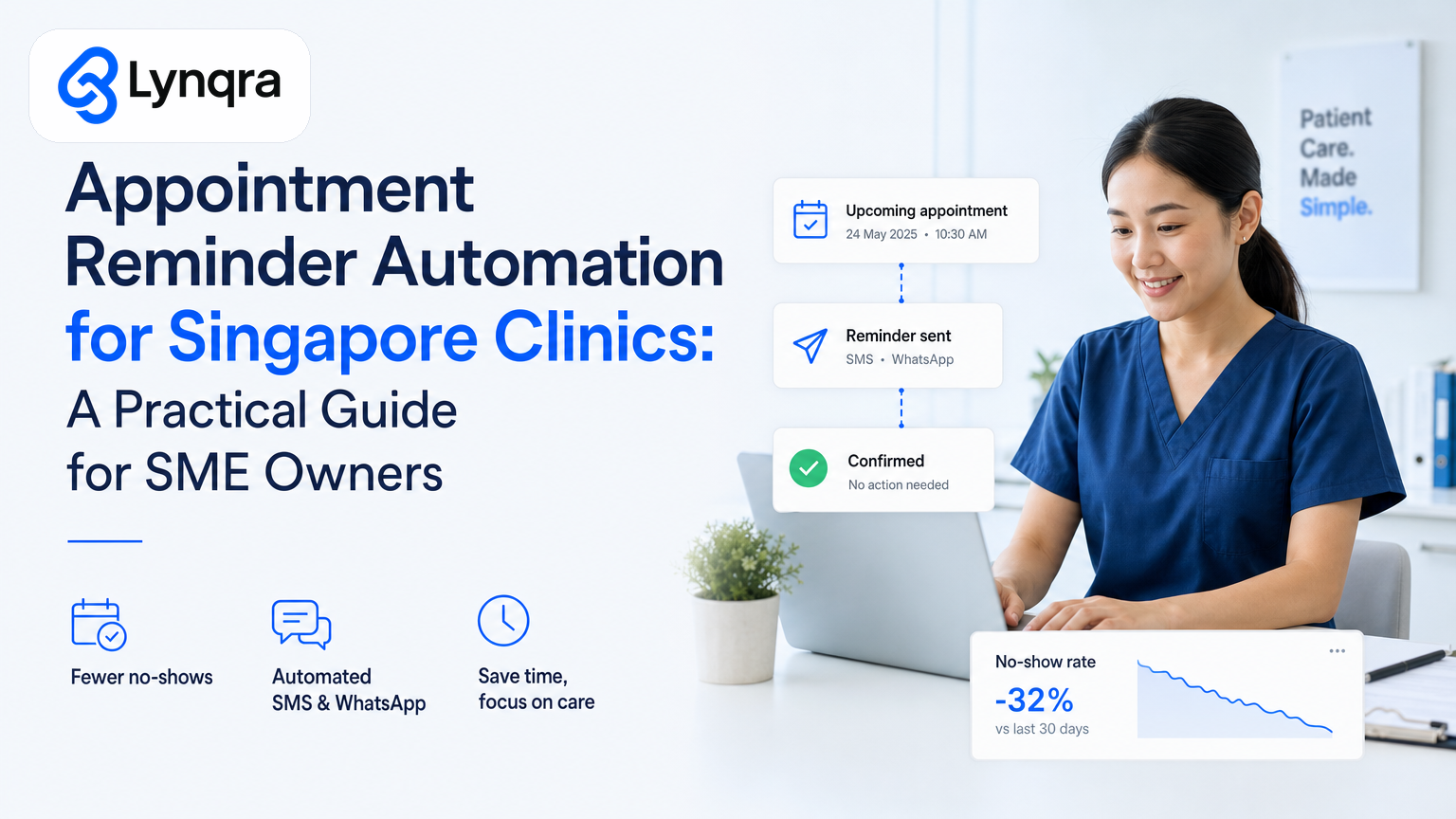
You keep patient appointments in a spreadsheet, your clinic management system, or a simple booking form. Automation reads that list daily. When an appointment is 24 hours away, the system sends an SMS or WhatsApp message. The patient confirms or reschedules. Confirmed appointments stay on the list. No-shows get flagged. Your team only steps in when something goes wrong.
That is the whole thing. No patient portal needed. No app download. No expensive clinic management platform required (though the automation can plug into one if you already use it).
The real value comes from consistency and time. Your team sends reminders the same way every time, at the right moment, without thinking about it. No forgotten reminders. No double reminders. No manual effort after the first setup.
Why SME Clinics in Singapore Actually Need This
Singapore's healthcare sector is moving fast. Private and smaller clinics are catching up with digital processes, but many still rely on manual reminder workflows.
As a clinic SME owner, you face specific pressures:
No-show rates cost real money. A 20-minute appointment slot unfilled is revenue gone. If even 3 out of 20 daily patients no-show, you lose 15% of potential income per day.
Your receptionist is your bottleneck. She spends 30 minutes to an hour each day sending manual reminders, taking confirmations, updating notes, and chasing patients. She could be handling more appointments or dealing with walk-ins.
SMS costs add up if you do this manually. Pay-per-message rates make large reminder batches expensive. Automation bundles messages and uses cheaper platforms, cutting SMS costs by 40-60%.
Patients expect it. By 2024, most Singapore patients assume they will get a reminder. Missing one creates frustration and, often, a no-show.
You cannot scale without it. If you want to grow from 50 to 150 patient appointments per week, you cannot add two more staff members just to send reminders.
How Appointment Reminder Automation Works in Practice
Let me walk through a real clinic workflow.
Your clinic uses a simple Google Sheet or your existing booking software to record appointments. Columns include patient name, phone number, appointment date, time, service type. This is data you already have.
Automation connects to that data source. It reads the list every night.
At the right trigger point (typically 24 hours before the appointment), automation sends a message. The message is friendly, includes the clinic name, appointment time, and a simple instruction: "Reply YES to confirm or call [clinic number] to reschedule."
The patient replies. Their reply goes back into your system or a simple Google Form. No confusion. No lost messages.
Your team sees a summary. A new row appears in a spreadsheet showing who confirmed, who needs a follow-up call, and who has not responded. Your receptionist works through that list in 10 minutes instead of an hour.
On the day of the appointment, a second reminder goes out to confirmed patients (optional, but reduces late no-shows). Again, fully automated.
This is not science fiction. It works with tools you already use: Google Sheets, Gmail, WhatsApp, SMS, or Telegram. No heavy software. No login training. No platform migration.
If you are already managing spreadsheets and manual processes, you may benefit from understanding how Google Sheets automation can reduce manual work across your clinic operations more broadly.
The Real Costs: Time, Money, and What You Save
Let me be specific, because SME owners care about ROI.
Setup cost: A custom automation usually takes 2-3 weeks to build, test, and deploy. Lynqra typically charges between SGD 1,500 and SGD 3,500 for a clinic automation of this scope, depending on complexity. You might also explore grant funding through IMDA's SMEs Go Digital program, which supports digital tools and automation for small enterprises. Enterprise Singapore grants can help offset 30-70% of eligible costs depending on your company profile and the scheme you apply for.
Ongoing cost: Minimal. SMS or WhatsApp charges are your only variable cost. Most clinics spend SGD 80-150 per month on reminder messages, split across 400-600 reminders.
Time saved: A receptionist spending 45 minutes per day on reminders saves 3.5 hours per week. Over a year, that is 180 hours of freed-up capacity. At an all-in cost of SGD 25 per hour, that is SGD 4,500 in annual labor savings.
No-show reduction: When automation runs correctly and reminders are consistent, no-show rates typically drop 15-30%. For a clinic with 100 appointments per week at SGD 80 average per slot, a 15% no-show reduction is SGD 1,200 per month in recovered revenue.
Payback: Setup cost of SGD 2,500 plus 12 months of SMS (SGD 1,200) equals SGD 3,700 total first-year investment. Recovery from labor savings (SGD 4,500) plus reduced no-shows (SGD 14,400 per year) equals SGD 18,900 in first-year benefit. Payback happens in month 2 or 3.
These numbers are directional, not guaranteed. Your mileage depends on current no-show rate, appointment volume, and how efficiently the automation integrates with your existing workflow.
Common Objections SME Clinic Owners Raise (and Real Answers)
"Won't patients ignore automated reminders?"
No more than manual ones. In fact, consistency wins. When patients know you always send a reminder at the same time, they start expecting it and checking for it. Automated reminders also feel more official than a solo text from someone's phone number. Response rates are typically 60-75%.
"What if a message fails or goes to the wrong number?"
Good automation includes error handling. If an SMS bounces, the system flags it for your team. If a WhatsApp message sits unread for 12 hours, a backup SMS goes out. You define the fallback rules. The system does not silently fail.
"Do I need to change my booking system?"
No. The automation reads whatever you currently use. If you use a spreadsheet, it reads the spreadsheet. If you use a clinic management system, it can integrate via API or pull data from an export. You keep your existing system. Automation wraps around it.
"What if I am worried about data privacy?"
Legitimate concern. Patient phone numbers and appointment data are personal data under the Personal Data Protection Act (PDPA). Any automation vendor should be able to show you how they handle data: where it sits, who accesses it, how long it is stored, and how it is encrypted. Lynqra builds automation inside your own systems (your Google Workspace, your clinic database) wherever possible, so data stays in your control. The PDPC provides guidance for organisations on data protection compliance, including how to manage customer and employee data securely.
"This sounds complicated. Will my team actually use it?"
The whole point is that your team does NOT need to use it. Automation runs in the background. Your team only logs into a spreadsheet or form to handle the "no response" patients. If the system sends a daily summary, they skim it in 5 minutes and act on what needs action. It is simpler than the manual process, not more complicated.
Building Appointment Reminder Automation: What to Check First
Before you commit, run through this checklist:
1. Audit your current reminder process. How many reminders do you send per week? How long does it take? Who sends them? What platform do you use (SMS, WhatsApp, email, phone)? What is your current no-show rate?
2. Check your appointment data quality. Do phone numbers always have a country code? Are dates consistently formatted? Can you pull a list of next week's appointments in 30 seconds? Poor data quality means poor automation. Spend a day cleaning it up first.
3. Define your reminder rules. When do you want reminders sent (24 hours before, 2 hours before, both)? What message tone fits your clinic? Do you want automated follow-up for no-response patients, or does your team handle that? Do you want reminders for same-day or next-day appointments only?
4. Identify your data source. Is it a Google Sheet, a booking form, an Excel file, or a clinic management system? Can you export a sample of 10 appointment records to share with an automation partner?
5. Check your messaging platform. Do you already have a WhatsApp Business Account, or will you use SMS? WhatsApp is cheaper and feels less promotional, but SMS reaches everyone. Many clinics use both.
6. Map the response workflow. When a patient replies, where does that reply go? Into an email inbox, a spreadsheet, a form? Who sees it first? Your automation should route responses to the right place without adding friction.
7. Confirm regulatory and security needs. Are you handling patient data subject to PDPA? Do you need audit trails for regulatory compliance? Do you need encryption in transit? These shape how the automation is built.
This checklist does not require external expertise. You and your team can walk through it in an afternoon.
Grant Funding for Clinic Automation in Singapore
If cost is a barrier, Singapore offers support. IMDA's SMEs Go Digital program supports digital transformation for small businesses through funding, advisory, and platforms. Clinics, including private dental and medical practices, often qualify. Grants typically cover 30-70% of eligible costs, depending on your company profile, turnover, and the grant scheme.
The application process usually requires:
A description of the problem you are solving (no-shows, manual effort, operational cost).
A quote from your automation partner that itemizes setup, testing, and integration.
A simple financial justification (labor savings, no-show recovery, ongoing cost).
Grant advisory partners can help you navigate eligibility and timing. Do not assume you qualify without checking. Ask your automation partner to help you explore whether a grant makes sense for your specific situation.
Building vs. Buying: Templates Won't Work for Your Clinic
You might search for "appointment reminder templates" or "clinic automation tools" and find dozens of off-the-shelf solutions.
Most do not work for SME clinics in Singapore because they are either too rigid (they force you onto a new booking system) or too generic (they remind patients but do not integrate with your existing data).
Templates also assume your workflow is standard. Clinics are not standard. You might send reminders only on weekdays. You might exclude reminders for certain appointment types. You might need confirmations to go to a WhatsApp group, not a form. Templates do not bend to that.
Custom automation is built for your actual workflow, not an imagined one. It reads your real data, uses your existing tools, and produces summaries your team actually works with. That is why SME clinics see real results.
How to Start: Your Next Step
You do not need a full technical understanding or a big budget to explore appointment reminder automation.
Here is what happens next:
Schedule a discovery call. You talk through your current reminder process, appointment volume, no-show patterns, and what success looks like. No sales pitch. Just an honest conversation about whether automation fits your clinic. Email mark@lynqra.com or book a time on the Lynqra contact page.
Share your appointment data. Bring a sample of 10-20 appointment records (names, dates, times, phone numbers) so we can see what you are working with.
Get a quote and timeline. Once we understand your workflow, we give you a clear cost and build plan. If a grant might apply, we point you toward it.
Iterate and launch. We build a small version first, test it with a week of appointments, adjust based on feedback, then roll it out full-scale.
Most clinics see their first week of automated reminders working within 3-4 weeks of that first call.
If you are also managing approvals, invoices, or other admin work that burns your team's time, we can audit those too. Many SME clinic owners find that once you automate one workflow, others become obvious targets. Understanding approval workflow automation can help you spot the next opportunity for efficiency gains across your clinic operations.
We have helped trading companies cut invoice processing time by 6 hours per week, recruitment agencies reduce screening time by 80%, and food production businesses drop quotation response time from 2 hours to 6 minutes. The same automation thinking applies to clinic workflows. The goal is always the same: remove repetitive manual work, keep your team focused on what matters, and measure the impact in time and money saved.
Book a call with us. Let's look at your appointment reminders and see what is actually possible.