Inventory Automation for Restaurants in Singapore: A Practical Guide for F&B Owners
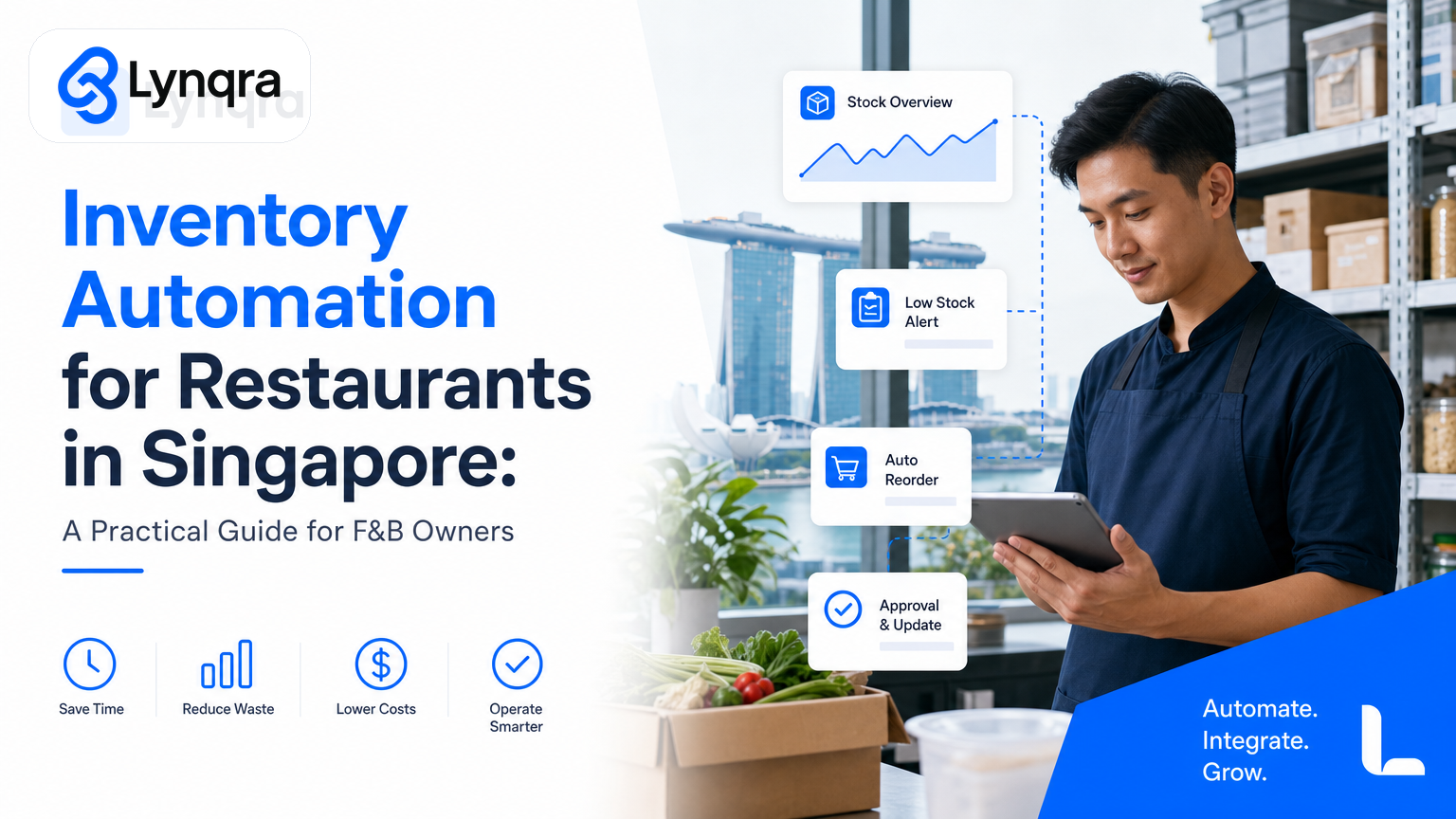
You run a restaurant, central kitchen, or multi-outlet F&B operation in Singapore. Every day, your team manually checks stock levels, calls suppliers, logs inventory in spreadsheets, handles mismatches between what you think you have and what's actually on the shelf, and chases approvals for orders that should take minutes. The result: wasted time, expired stock, overstocking, and cash tied up in inventory you don't need.
Inventory automation for restaurants in Singapore isn't about replacing your team with software. It's about removing the repetitive work that stops you from making faster, better decisions about what to order, when to order it, and how much you're actually spending.
This guide walks you through what inventory automation actually does, why generic templates and off-the-shelf software often fail in F&B, how to build a system that fits your operation, and how to fund it without breaking your budget.
Why Standard Inventory Software Doesn't Work for Singapore Restaurants
You've probably looked at Excel templates, Zoho Inventory, or other inventory platforms. They promise to "simplify product tracking" and "manage stock levels with confidence." And they do, if your operation is simple.
Most Singapore restaurants and central kitchens operate differently. You have multiple storage locations, chilled and ambient stock that expire at different rates, daily usage patterns that swing wildly based on bookings or catering orders, suppliers with inconsistent delivery schedules, portion sizes that change between menus, and approval workflows that involve the owner, head chef, and finance team all signing off on different types of orders.
A template or out-of-the-box software asks you to fit your kitchen into its logic. You end up entering the same data multiple times, updating spreadsheets manually at 11 p.m., chasing down SKU codes that don't match supplier invoices, and creating workarounds that become more complex than the problem they solve.
The real cost isn't the software subscription. It's the time your manager spends each week reconciling records, the food waste from forgotten stock, the rush orders you place at premium prices because you ran out, and the cash tied up in overstock.
How Inventory Automation Actually Works in F&B
Real inventory automation starts with understanding your actual workflow, not forcing you to adopt someone else's.
Here's what automation can do:
Automate daily stock checks and reorder prompts. Instead of a manager walking the storage with a clipboard or manually updating a spreadsheet each morning, a system pulls stock levels from your POS, flags items below reorder point, and pushes alerts to the right person (head chef, kitchen manager, owner) via email, Telegram, or WhatsApp. You see the alert, verify it makes sense for the week ahead, and approve the order with one click.
Link invoices to inventory. When a supplier delivers stock, you scan a barcode or receipt into a simple form or Telegram message. The system extracts the item, quantity, cost, and expiry date from the invoice PDF, matches it to your receiving log, and updates inventory automatically. No data entry. No mismatches. You catch invoice errors before you pay.
Calculate actual portion costs and waste. You record daily opening stock, closing stock, and portion counts from your POS. The system calculates how much you actually used, flags unusual variances (potential theft, spillage, or POS errors), and breaks down ingredient costs by dish so you know which items are eating your margins.
Approve orders in context. Instead of a spreadsheet request, the approval workflow shows the person approving exactly what's being ordered, why (stock level, upcoming catering), when it arrives, what it costs, and the budget remaining. They approve in Telegram, email, or Google Sheets. You get a full audit trail with no extra steps.
Sync multiple locations. If you run multiple outlets or a central kitchen with satellite branches, the system pulls inventory data from each location, shows you total stock across the business, and flags imbalances so you move stock between kitchens instead of ordering more.
All of this works inside tools you already use: Google Sheets, email, Telegram, WhatsApp, and your POS system. You don't force your team onto new software. You automate the work they're already doing.
Real Impact: What Restaurants Actually See
We've worked with Singapore food production teams and hospitality operations on stock and approval workflows. Here's what changes:
A quotation automation project in a food production context reduced response time from about 2 hours to 6 minutes. The team no longer manually builds each quote in Excel. A form submission triggers the system to pull customer history, current pricing, and standard terms, builds the quote, routes it for approval, and sends it back. The customer gets a faster answer. The sales team follows up more often.
Stock optimisation in a logistics operation reduced overstock by 30% by flagging slow-moving items and excess quantities before they expired. The team moved from reactive ordering (we've run out, order fast) to predictive ordering (we use this much per week, let's order for the cycle).
Approval workflows using Telegram and Google Sheets cut approval turnaround from hours or days to minutes, with a full audit trail showing who approved what and when. This matters in F&B because a head chef's approval of a menu change or supplier swap needs to be documented, and it usually happens between services when the person is not at their desk.
The common pattern: you lose time in the gaps between systems, not inside them. Automation fills those gaps.
The Real Costs of Inventory Automation: What You Actually Pay
When we talk to Singapore restaurant owners, the first question is usually: how much does this cost?
The answer depends on what you're actually automating.
If you're automating a few core workflows (daily stock checks, reorder approvals, invoice matching), you're looking at a reasonable project cost and then a modest monthly fee for the tools that run the automation (usually a combination of no-code platforms and small integrations). No large software license. No forced migration of your entire team.
The bigger cost is implementation time. You need to sit with someone who understands both your operation and how to build automation. You define the workflows, connect the tools, test the process, and train your team. This typically takes a few weeks, not months. After that, you iterate. New menu items need new stock triggers. A supplier changes their delivery day. You adjust the automation.
Here's what you don't pay for: a license for software you only partly use, a consultant who builds something and leaves, or a migration project that takes your team offline.
You also don't buy more inventory than you need to offset forecast errors. If automation cuts your overstock by 20-30%, that's cash freed up immediately.
Singapore Grants and Funding Pathways
Most Singapore restaurants and food service operators qualify for government support to fund automation projects. The two main pathways are:
Enterprise Singapore Grants. Enterprise Singapore offers grants for capability development and operational efficiency. Eligibility depends on your business structure, employment count, and whether the project improves productivity or competitiveness. You can check the full list of programs and eligibility criteria on the Enterprise Singapore grants overview.
IMDA SMEs Go Digital. If your business falls within IMDA's scope (which includes many food service and hospitality operations), you can access grants to fund digital tools and automation. The IMDA also publishes industry-specific digital plans that outline recommended priorities. Check the IMDA SMEs Go Digital program and Industry Digital Plans to see if your segment is covered.
Grant eligibility and amounts vary. You should always verify details against the official program pages, as requirements change. Many automation projects also qualify for co-funding, meaning the government covers part and you cover part. Some programs have sector-specific uplift (higher co-funding for certain industries).
The practical advantage: if you're thinking about automation anyway, grants remove a major cost barrier. Lynqra works with grant advisory partners who help you explore which programs fit your company's profile, scope, and timing. This is part of how we ensure you're building something with real ROI, not just spending money on technology for its own sake.
How to Start: A Decision Framework for F&B Owners
If you're considering inventory automation, here's a practical way to decide:
Step 1: Identify your biggest bottleneck. Is it manual daily stock checks? Invoice errors? Overstocking? Supplier delays? Approval delays? Pick one thing that costs you time or money every week. You don't need to automate everything at once.
Step 2: Measure the current state. How long does the task take per week? How often does it fail or need rework? What's the cost of that failure (waste, missed orders, salary time)? Be specific. "We waste a lot of time" is not a measurement. "Our manager spends 5 hours per week reconciling stock" is.
Step 3: Map the workflow. Write down exactly what happens now. Who does what? What tools do they use? Where does data get entered twice? Where do errors creep in? This is where most automation projects fail: people assume they understand the workflow but haven't written it down.
Step 4: Identify your constraints. Do you need the system to work with your current POS? Do you have a preference for tools (Google Sheets, email, Telegram)? Who needs to approve changes? What data must stay private or on-premises? Be honest about what you can't change. A good automation consultant works inside your constraints, not around them.
Step 5: Test a small automation first. Don't automate your entire inventory system in week one. Automate one workflow (e.g., daily stock check alerts) and run it for two weeks. Does it catch what you expected? Does your team actually use it? What would make it better? Then expand.
Step 6: Budget for iteration. Automation isn't static. Your menu changes, suppliers change, headcount changes. You need someone who stays with you and adjusts the system as you grow. That's very different from a one-time software purchase.
Why Most Automation Projects Fail (and How to Avoid It)
We see three common failure patterns:
Building in the wrong order. Companies automate data entry before they clean up the data. You end up automating garbage. Before you automate, fix your master data: SKU codes that match your supplier invoices, clear ownership of each inventory location, agreed reorder points that actually reflect your usage. This takes time but saves months later.
Choosing tools first, workflows second. Someone hears about Zapier or a new inventory platform and buys it, then tries to fit their operation into the tool's logic. Start with your workflow. Then pick tools that serve it.
Implementing without the team. If the person who will use the automation every day has no say in how it's built, they'll find reasons not to use it. The best automation projects have the chef, manager, or operations lead in the room during design.
The fix for all three: work with someone who has built automations in your industry, listens to your actual workflow, and doesn't push you toward a particular tool or template.
Approval Workflows and Multi-Location Inventory
If you run multiple outlets or a central kitchen that supplies satellite locations, approval workflows and stock transfers matter even more.
When a branch manager needs to request stock or place an order, the old way means an email, a phone call, a Sheets update, and someone manually counting. The new way means a form submission that shows available stock at other locations, current supplier terms, and budget remaining. A manager approves it. Stock moves. Finance sees the transaction. No manual steps.
We've built approval workflows for Singapore operations using Telegram and Google Sheets that shortened approval turnaround and gave everyone (owner, finance, operations) a full audit trail. The team didn't need new software. They just used the tools they already had, connected properly.
Learn more in our guide to approval workflow automation in Singapore.
Connecting Inventory to Your Broader Operations
Inventory doesn't exist in a vacuum. It connects to ordering (approval workflows), supplier payments (accounts payable), food costs (P&L), and menu decisions (which dishes actually make money).
If you're automating inventory, it makes sense to also automate invoice matching (so you catch pricing errors before you pay) and approval routing (so orders and payments move through your team without getting stuck in email).
Read about accounts payable automation to see how you can connect invoice data to your inventory system so that what you received matches what you paid for.
For a broader look at how automation fits into your operations, check our business process automation guide for Singapore SMEs.
Getting Started: Your Next Step
Inventory automation for restaurants in Singapore isn't a one-size-fits-all product. It's a project that removes the specific repetitive work that's costing you time and money.
The best automation starts with a conversation about your operation, your biggest bottleneck, and what success looks like for you.
We offer a free discovery call where we listen to how you manage inventory now, ask questions about where you lose time, and share what we think would actually help. No pressure. No product pitch. Just a practical look at what's possible for your team.
If you want to explore grants or understand the funding landscape before you commit, we can help with that too. We work with grant advisory partners and can point you toward the right programs for your business.
Book a free 30-minute discovery call with our team, or download our guide to AI automation grants in Singapore to see how government support can fund your project.