AI Training Job Singapore: Build Skills That Stick
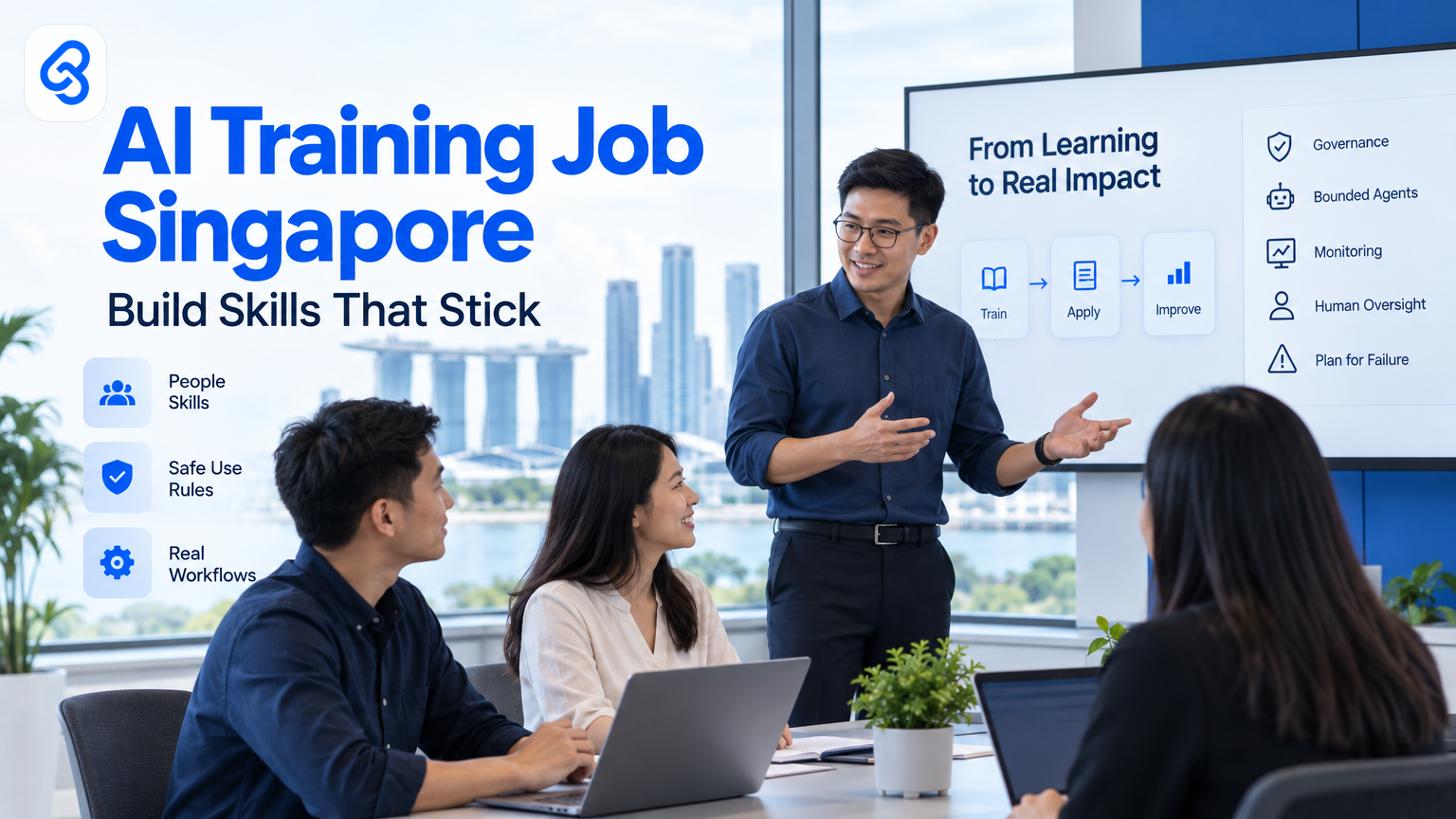
When Singapore business leaders search for an ai training job Singapore solution, they may mean training employees to use AI at work, or preparing staff for AI-related roles. Either way, a useful programme starts with the work people actually do, not a broad tour of AI tools.
For an SME, that means finding repetitive tasks where AI could help, teaching staff how to use it safely, and deciding who checks the output. Training should lead to a change in a real workflow, with a person accountable for the result.
What should an AI training programme in Singapore cover?
An AI training programme should help staff recognise suitable tasks, use approved tools, check outputs and handle sensitive information safely. It should also give managers a way to review changes to work. Match the content to job roles and local business needs, then practise on familiar tasks before changing live processes.
"AI training" can mean a short introduction to generative AI, role-specific practice, or deeper preparation for a job that builds or manages AI systems. Most SME teams need a mix: enough shared knowledge to set boundaries, followed by practical training that reflects each person's responsibilities.
For example, an operations coordinator might practise summarising a service request. A finance team member might learn to draft an explanation of a variance, then check every figure against the source records. A manager might practise reviewing AI-assisted work and escalating a case when the system cannot provide a reliable answer.
The SkillsFuture for Enterprise site covers enterprise skills and training support. Treat it as a starting point when exploring workforce development options, then check current programme details directly with the relevant provider.
Why does AI training fail to change day-to-day work?
AI training often falls short when it teaches general prompts without changing how a task gets done. Staff may leave with new vocabulary but no approved tool, no time to practise, and no rule for checking results. Link every learning activity to a specific task, an owner and a clear human review step.
A one-off session cannot settle questions such as whether staff may paste customer details into a tool, who checks an AI-written response, or what happens when the output conflicts with a company record. If leaders leave those questions unanswered, employees either avoid the tools or use them in ways the business has not approved.
Training can also miss the mark when leaders choose a use case because it looks impressive rather than because it addresses a recurring problem. A team that spends time copying information between inboxes and spreadsheets may gain more from learning how to review a structured draft than from a lesson on advanced model terminology.
Start with a task that staff recognise. Ask them to describe each step, identify where delays or repeated typing occur, and mark where a mistake could affect a customer, payment or compliance duty. That map gives the trainer a grounded example and the manager a way to judge whether practice helped.
How can you assess which employees need AI training?
Assess AI training needs by looking at tasks, decisions and risks, not by labelling employees as "AI-ready" or "not ready." For each role, identify where AI could assist, what knowledge the employee needs, and which decisions must remain with a person. Use those findings to set a practical learning path.
A simple role map can guide the discussion:
- Task: What work repeats, involves reading or drafting, or requires moving information between systems?
- AI contribution: Could an approved tool draft, summarise, classify or extract information?
- Risk: Could an error expose sensitive information, mislead a customer, affect a payment or change an employment decision?
- Human responsibility: Who checks the result and makes the final decision?
- Skill gap: Does the employee need tool practice, judgement skills, data-handling guidance or a clearer escalation route?
Use the map to separate basic awareness from job-specific practice. Everyone who may use AI needs clear rules. Employees who review AI-assisted work need stronger skills in checking facts, spotting missing context and knowing when to stop. Managers need to approve changes to a process and make sure staff have time to learn it.
For sector-specific digital planning, review IMDA's Industry Digital Plans. The plans can help businesses consider relevant digital solutions in their industry. They do not replace a review of your own workflows, risks or training needs.
How do you connect training to safe AI use?
Connect training to safe AI use by teaching staff what information they can enter, which tools the business approves, how to check outputs and when to escalate. Put those rules beside the task where people need them. A policy that employees cannot apply during a busy workday will not guide their decisions.
Build training around specific boundaries. For example, staff might use an approved tool to draft a generic customer response, but must not paste personal data into an unapproved service. They should verify names, dates, prices and commitments against the source before sending anything externally.
Set review expectations by risk. A low-risk internal summary may need a quick source check. A response that affects a customer commitment, financial record or employment decision needs a named person to review it before it moves forward. Explain who owns that review and how the reviewer records a correction.
Governance also needs an update path. When a tool, task or data type changes, give employees a way to ask for review before they adapt the workflow themselves. Lynqra's guide to the Model AI Governance Framework in Singapore explains practical governance considerations for organisations.
How this actually runs: a training follow-up workflow
A training follow-up workflow can turn staff practice into a reviewed business improvement. In this illustrative example, employees submit a small AI use case after a session. A manager reviews it before anyone changes a live process. Google Sheets records each submission, Google Apps Script handles a simple notification, and n8n can pass an approved item into a review queue.
On a Tuesday morning, the workflow could run like this:
1. Trigger: An employee adds a row to a shared Google Sheet after practising with an approved AI tool. The row records the task, current steps, proposed AI use, information involved and the person who checks the result.
2. Record and check: Google Sheets stores the submission. A simple status field starts at "Needs review." The employee does not add sensitive customer information to the row.
3. Notify the reviewer: Google Apps Script can respond to spreadsheet events and work with Google Sheets, as described in the Google Apps Script overview. In this illustrative setup, it sends the manager a notification containing the row reference and summary. That notification hands the reviewer a clear item to assess.
4. Make a decision: The manager checks the task, information type, likely error and proposed human review. The manager marks the row "Approved for a small test," "Needs changes" or "Do not proceed." That decision becomes the next step's input.
5. Route the decision: An n8n workflow can use a trigger and connect workflow steps, as described in the n8n documentation. In this illustrative setup, it checks the status and sends an approved item to the team's review queue. It passes along the task summary, owner and approval status, not sensitive case data.
6. Close the learning loop: After a supervised test, the employee records what worked, what failed and what needed correction. The manager reviews that note before deciding whether to update training or consider a wider process change.
Real workflows need to handle incomplete rows, duplicate submissions and missed reviews. Make required fields obvious, assign a manager for each queue, and give each item a status that staff can understand. If a notification fails, the spreadsheet still holds the submission and its status. The manager should have a routine for checking unresolved items rather than assuming every notification arrived.
Treat this as an illustrative design, not a prescribed system. Check the tools, permissions and data-handling rules your organisation already uses before connecting them. The important training outcome is the reviewed decision and the staff member's ability to explain why a task is or is not suitable for AI.
For a related operational example, see Lynqra's visitor and contractor induction approval workflow for Singapore SMEs. It shows why clear ownership and approval steps matter when a process involves people, records and follow-up.
How should Singapore SMEs plan training costs and support?
Singapore SMEs should plan training around business priorities, staff time, suitable digital tools and the cost of changing a workflow. Public support may help some businesses, but eligibility and terms depend on the current scheme. Check details with official channels before budgeting or making a decision based on possible support.
IMDA's SMEs Go Digital programme provides official information about digital support for SMEs. Enterprise Singapore also maintains an overview of capability-building support. These pages can help leaders investigate options, but they should confirm current requirements and grant details with the relevant official channel.
When comparing training options, ask what participants will practise, whether the material fits their job, and how the provider handles safe use and human review. Ask how managers can tell whether employees can apply the learning to a real task. Avoid choosing a course based only on broad claims about AI skills.
Include the time employees need to practise and the manager time needed to review changes. A low-cost session may still create a poor result if staff cannot use the approved tools or get feedback afterwards. Plan for the full path from learning to supervised practice, not only the session itself.
A practical decision framework for leaders
A useful AI training decision should answer five questions: which task needs attention, who performs it, what AI may do, who checks the result and what evidence will show that staff can apply the rules. If a leader cannot answer those questions, the business needs more assessment before it schedules a broad training programme.
Use this quick check before you commit:
- Choose one recurring task that staff can explain clearly.
- Name the employee who performs it and the manager who owns the process.
- State what the AI tool may do and what it must not decide.
- Identify the information the tool may receive and the approved environment for handling it.
- Define how a person checks the output and what happens when the output fails.
- Give staff a supervised way to practise, then review corrections and questions.
- Decide what evidence will show learning, such as a completed review or a correctly handled test case.
If the task involves moving information between systems, training may only solve part of the problem. The team may also need a governed workflow change or a small application that fits existing work. Explore Lynqra's AI agents and workflow automation services for Singapore SMEs to understand that broader adoption path.
Frequently asked questions
What does "AI training job Singapore" mean?
The phrase can refer to finding a job that involves AI, or to training employees for AI-related work. For business leaders, the practical question is usually how staff can use AI safely in their current roles. Start by mapping tasks and decisions, then choose training that matches each employee's responsibilities.
What should employees learn first?
Employees should first learn which tools the organisation approves, what information they can enter, and how to check the output. Then give them practice on a familiar, low-risk task. Teach them to verify important facts against source records and to stop when the tool produces an unclear or unsupported answer.
How can an SME tell whether AI training worked?
Check whether employees can complete a supervised task while following the organisation's rules. Review their source checks, handling of sensitive information and escalation decisions, not only whether they attended a session. Ask the manager to record common mistakes and use them to improve the practice or guidance.
Should an SME train everyone in the same way?
Everyone who may encounter AI needs clear, shared rules, but not everyone needs the same practice. Staff who use approved tools need task-specific training. Reviewers need to assess outputs and handle exceptions. Managers need to approve process changes and assign responsibility. Tailor learning to those different duties.
Should we train staff before choosing an AI tool?
Give staff basic safe-use guidance before they use any AI tool, but choose job-specific training once you know which tools and tasks the business will support. That order helps avoid teaching workflows employees cannot use. Check tool permissions, data handling and review responsibilities before any live process changes.
The next step is to pick one task your team already understands and decide who should assess its risks, train the people involved and review any change. Start an AI readiness conversation with Lynqra or email mark@lynqra.com.