AI Readiness Assessment for Singapore SMEs
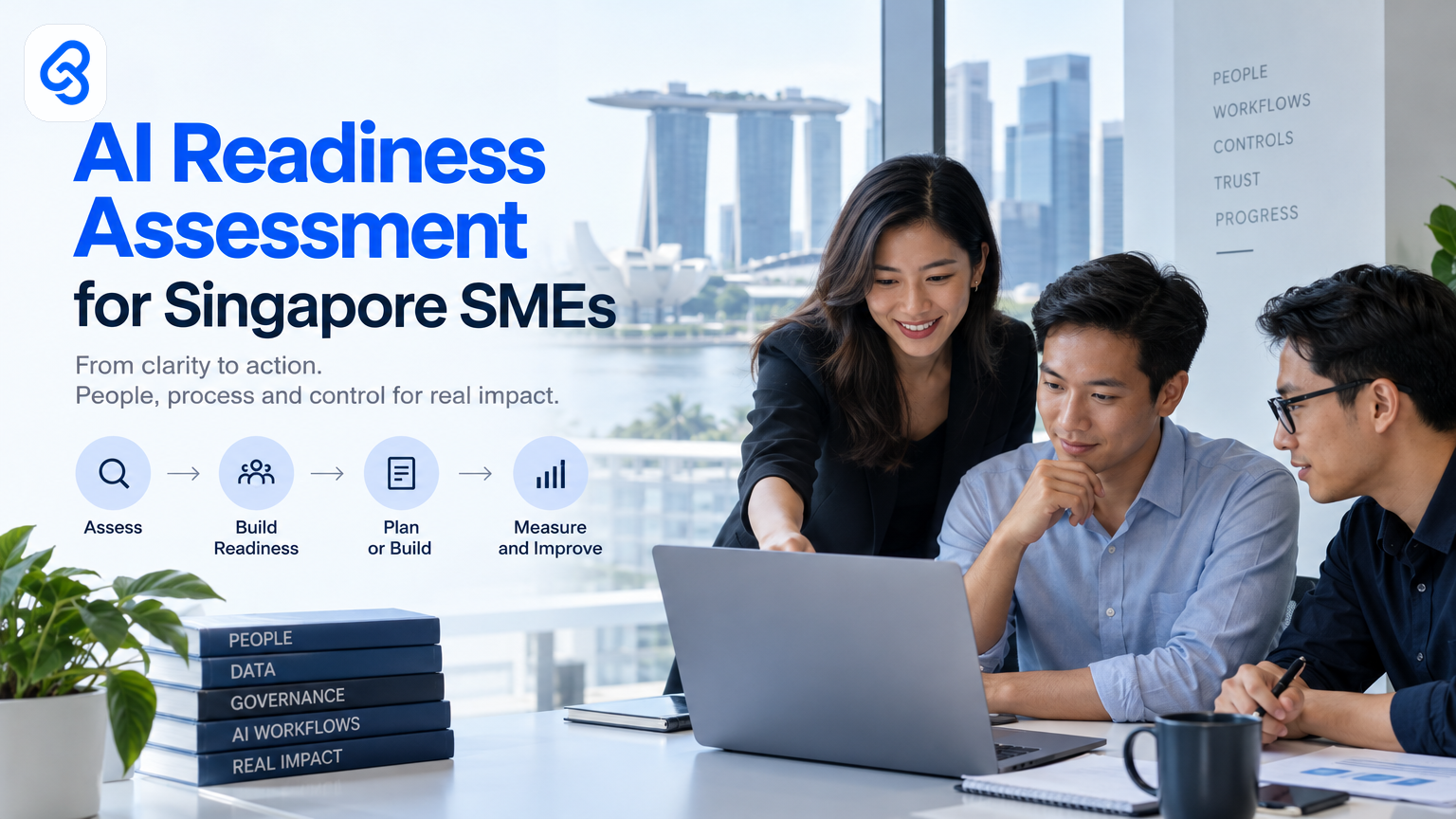
An AI readiness assessment answers two questions before you spend on a build: which work in your business is a good fit for AI, and is the company ready to put it into daily use? For a Singapore SME, that means assessing the work, the data, the people and the systems together, then choosing whether training, an AI plan or a build should come first.
No software platform can answer that on its own. A useful assessment looks at what staff do today, where decisions happen, what information the workflow uses and who will own the result.
What does an AI readiness assessment cover?
An AI readiness assessment checks whether a specific business process, its data and its owners can support a reliable AI workflow. It should clarify what the workflow needs to do, where AI might help and which systems need to connect to it. The output should guide a decision, not just describe the technology.
For a small or mid-sized business, the assessment does not need to start with a broad inventory of every system. Start with one process that has a clear owner and a recurring operational problem. Examples might include routing internal requests, sorting service enquiries or preparing a first draft of a response for staff review.
Then assess five areas:
- The task: What triggers the work? What steps do staff take? Where does it wait or get repeated?
- The decision: Does the process follow clear rules, or does it rely on context and judgement?
- The data: What information does the workflow need? Does it include customer or employee personal data?
- The system: Where does the work happen now? Which systems should the workflow connect to, and what should remain outside it?
- The owner: Who checks the output, handles exceptions and decides when the workflow needs a change?
This separates "we want AI" from a workable implementation brief. It also helps you decide whether your next move should be staff training, a plan for a few use cases or implementation of a defined workflow. Lynqra's AI consulting for Singapore SMEs can help structure that decision.
How do you decide if a workflow is ready?
A workflow is ready when staff can explain its steps, the inputs are available and a named person can check what happens when the system gets something wrong. If the process changes from case to case, its data has no clear owner or nobody can resolve exceptions, fix those gaps before adding AI.
Use this simple readiness test:
- Green: The process repeats often, the steps are clear, the data is accessible under approved rules, and a person owns the result.
- Amber: The process has value, but staff disagree about the steps, records need cleaning or exceptions have no clear route.
- Red: Nobody owns the process, the outcome depends on undocumented judgement or you cannot establish whether the data can be used.
These labels are a decision aid, not an industry benchmark. One red answer does not mean "never use AI." It means you need to address the specific gap before automating that part of the process.
For example, a company may want its service desk to route incoming requests. If staff cannot agree which team owns a request when it falls between two categories, adding AI may make the handoff faster without making it correct. First define the routing rules and the exception owner. Then test whether AI can help with classification.
An assessment should end with a recommendation for each candidate workflow: train people first, fix the process, run a controlled build or stop and revisit the idea. This practical sequencing fits Lynqra's AI services for Singapore SMEs, from planning through building and training.
What should a Singapore SME check before using AI in a workflow?
Before an AI workflow uses company information, identify what data it needs, who may access it and what staff must check. If the process includes personal data, include your organisation's data protection responsibilities in the design and review. A tool's connection to another system does not settle those questions.
The Personal Data Protection Commission's PDPA overview is a useful starting point for understanding personal data obligations. Your organisation should assess its own data and purpose, and get appropriate advice where needed.
A practical assessment should ask:
- Does the workflow need personal data, or can it work with less?
- Which staff roles should see the input and output?
- Where will information go when the workflow connects one system to another?
- What should the system do when it cannot classify a request confidently?
- Who checks an AI-generated suggestion before it affects a customer, employee or business record?
- How will staff report an error and get a human decision?
Keep the first use case narrow enough to answer those questions. If you are exploring Singapore's digital support options, IMDA's SMEs Go Digital programme provides information on digital solutions and support. Check programme and grant details against official channels before relying on eligibility or funding assumptions.
How does an AI-assisted request workflow run?
The following is an illustrative workflow, not observed client evidence. It shows one possible way to assess an internal facilities request. It uses ServiceNow as the request system because many companies already run a service desk like it; the same pattern works with another service desk or a custom app. The exact integrations and available functions depend on an organisation's systems, permissions and configuration.
Trigger: A staff member submits a facilities request through the organisation's configured ServiceNow intake. For example, the request says that a meeting-room screen is faulty. ServiceNow creates a request record with fields the organisation has approved for this workflow.
Step 1, prepare the request: The configured ServiceNow workflow checks that required fields, such as the request description and location, are present. If a required field is missing, it sends the request back for clarification rather than asking AI to fill in the gap.
Step 2, pass approved details: When the record is complete, the configured integration sends the approved fields and request reference to n8n. The workflow passes only the information needed for classification. Confirm the integration method, permissions and configuration in your own environment before relying on this design.
Step 3, suggest a category: n8n sends the request details to the organisation's chosen AI classification step. The result is a suggested category, such as "audio-visual equipment," plus a short explanation if the setup supports one. The suggestion is not treated as a final decision.
Step 4, check against routing rules: n8n checks whether the suggested category matches an agreed routing rule. If it does, the workflow passes the suggestion and request reference back to the configured ServiceNow process. If the result is unclear or does not match a rule, the workflow flags the record for a coordinator instead.
Step 5, review and route: ServiceNow displays the suggestion to the coordinator. The coordinator checks it, corrects it if needed and routes the request to the appropriate team. A person remains responsible for the routing decision.
Step 6, record exceptions: The process owner reviews the corrected requests and recurring failure points. If the business wants a separate tracking log, staff could record exception types in Google Sheets, subject to the organisation's access and data handling rules. This log is an optional design choice, not a claim that ServiceNow and Google Sheets are already connected.
The n8n workflow documentation describes workflow automation capabilities, including triggers and integrations. It does not guarantee a particular ServiceNow connection or setup.
What might break? A request may lack detail, use an unfamiliar term or fit more than one category. The workflow should send unclear cases to a person instead of forcing a guess. A connection may also fail, so decide what should happen if a request cannot reach the next step: keep the original ServiceNow record, flag it for staff and give the owner a way to retry or handle it manually.
Test ordinary requests, incomplete requests, unusual cases and integration failures. Agree who will review the workflow after launch and what evidence they will use to decide whether it works as intended.
What should your assessment produce?
A useful assessment produces a short decision record that lets a business owner choose what to do next. It names the workflow, its owner, the main risks, the systems involved and the next action. It should be specific enough for a team to estimate a build, train staff or fix a process first.
Capture these points for each candidate:
- Business problem: What repeated work or delay should change?
- Current steps: What triggers the process, who handles it and where does it pause?
- Proposed role for AI: What should AI suggest, summarise or classify? What decisions stay with staff?
- Systems and data: Which systems need to connect to the workflow? Which fields can it use?
- Controls: How will staff check outputs, handle exceptions and report problems?
- Success measure: What change would make the workflow worth keeping? Choose a measure tied to the work, such as fewer manual handoffs or less time spent preparing a response. Establish the current baseline before claiming improvement.
- Next step: Train the team, tidy the process, plan a build or implement a defined workflow.
Avoid setting a target before you know the current process. If staff cannot tell you how long a task takes today or how often it returns for correction, agree how to record that baseline first.
If your business already has an AI plan or pilot, the assessment can focus on the implementation gap: what the plan assumes about local or private models, infrastructure, integrations, staff access and ongoing ownership. A useful plan needs a route into daily work. Lynqra's AI consulting for Singapore SMEs can help established SMEs work out whether training, planning or a build should come next.
What if we are interested in AI but do not have a plan?
Start by learning enough about AI to identify real work problems, then choose one process for assessment. You do not need a full AI strategy before exploring a useful workflow. You do need a business owner, a specific task and a willingness to test the idea against actual working conditions.
A sensible path looks like this:
1. Teach the relevant staff what AI can and cannot do in their work.
2. Ask teams to identify repetitive tasks, bottlenecks and avoidable rework.
3. Select one candidate and assess its process, data, controls and ownership.
4. Decide whether to improve the process, plan a build or stop.
5. Train users on the finished workflow and agree who maintains it.
For a Singapore workforce perspective, read Lynqra's guide to Singapore AI workforce training. Training should help staff understand the tools and work practices they will actually use, not leave them with a general introduction and no next step.
Frequently asked questions
Can a software platform do the assessment for us?
No. Platforms such as ServiceNow may support a workflow, depending on your organisation's configuration and integrations, but a readiness assessment examines the business process, data, people and controls. Use the assessment to decide what role any platform should play and whether AI belongs in that workflow at all.
Do we need to choose an AI model before the assessment?
No. First decide what the workflow needs to do and what information it can use. Model choice comes later, once you understand the task, the data, the required checks and any local or private deployment requirements. A model should fit the job and its controls, not lead the assessment.
What if we already have an AI pilot?
Assess the gap between the pilot and routine use. Check how the workflow handles real requests, who owns exceptions, what integrations it needs and how staff will review outputs. If the pilot relies on assumptions about private or local models, infrastructure or system access, test those assumptions before extending it.
Should we train staff before we assess a workflow?
Training can come first when staff need help spotting suitable tasks or understanding AI's limits. If you already have a specific workflow in mind, assess it alongside staff education so the team can discuss real steps and risks. Choose the sequence that answers the main gap, rather than training by default.
If you are deciding whether to start with training, an AI plan or an implementation, explore Lynqra's AI services for Singapore SMEs. Bring one workflow you want to improve, or the AI plan or pilot you need help putting into daily use.