Singapore AI Workforce Training
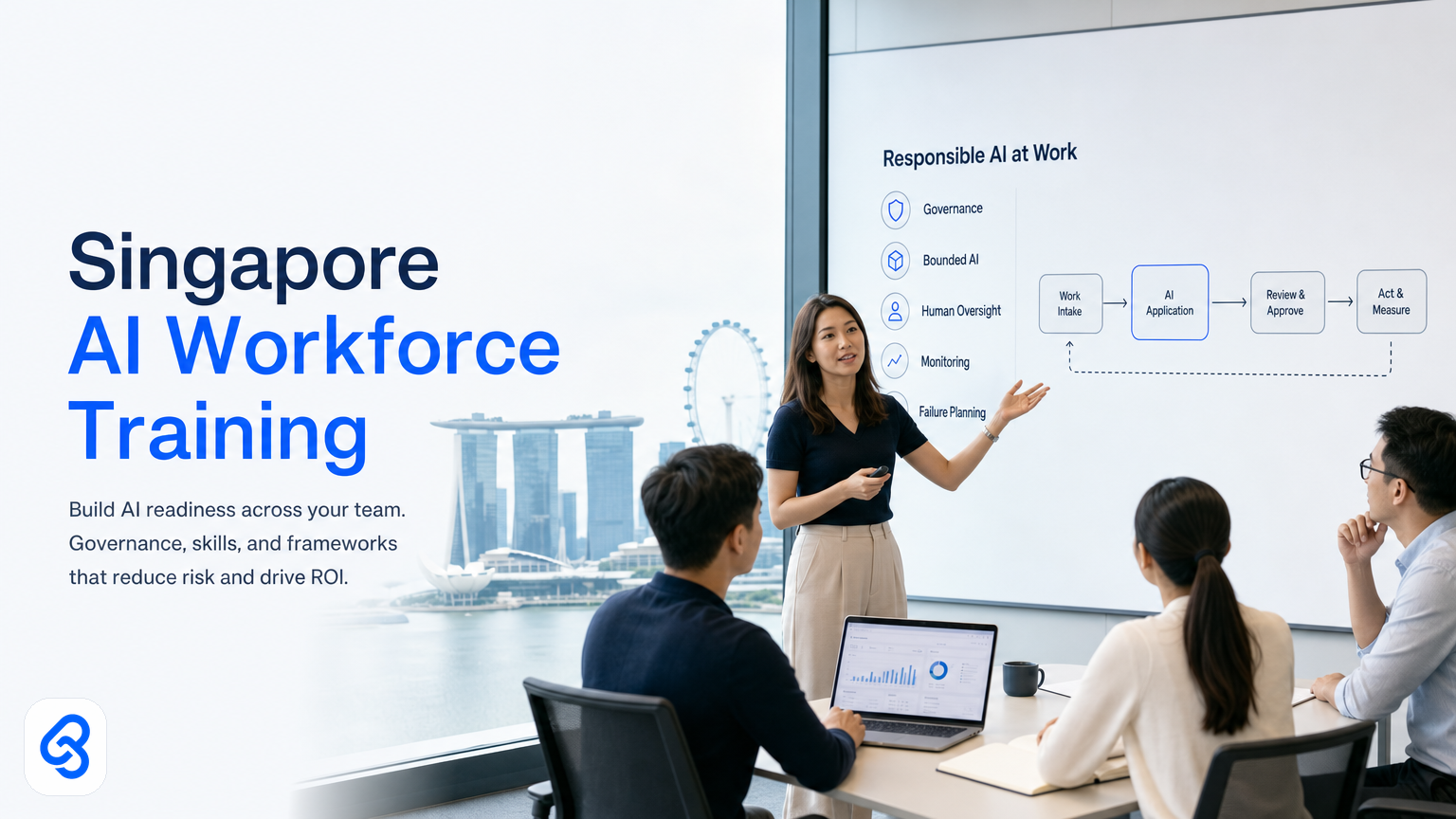
Your operations team spent three weeks on a manual forecasting process last month. A competitor in your sector just announced an AI rollout. Your CFO asks whether you should train people or replace them.
This is the question every Singapore business leader faces right now. It's not really about technology. It's about whether your workforce can work alongside AI safely, whether your governance keeps pace with capability, and whether the money you spend on training actually moves the needle on productivity and risk.
Singapore AI workforce training is not a compliance checkbox or a one-off course. It's a deliberate capability-building programme that sits inside your operational strategy. Done well, it cuts repetitive work, speeds decision-making, and keeps your team in control. Done poorly, it wastes budget and leaves people frustrated.
This guide walks you through what Singapore business leaders need to know: how to assess your team's readiness, what skills matter most, how governance shapes training design, and how to measure whether the investment pays off.
Why Singapore businesses struggle with AI workforce training
Many Singapore SMEs and mid-market firms treat AI training as HR's job. They send people to courses. Nothing changes in the actual workflow. Six months later, the AI tools sit unused and the training spend disappears into the annual review.
The block is rarely lack of intelligence or willingness. It's usually one of four things:
People don't see their own workflow clearly enough to imagine where AI fits. If you haven't mapped what your finance team actually does every week, you can't tell them how AI changes it. You can't teach them to partner with it.
Training doesn't match the tools you actually use. Generic AI literacy courses sound solid in a proposal. They teach ChatGPT basics to someone whose real job uses Xero, Google Sheets, and Telegram. That gap kills adoption.
Governance arrives after training. Someone builds a chatbot. It works. Then compliance asks questions you didn't plan for. Teams revert to the old way. Trust in AI drops.
There's no clear ROI link. Training consumes budget. Managers see cost. They don't see time saved or errors prevented, so they don't fund the next round. The programme stalls.
Singapore's official digital strategy, including IMDA's SMEs Go Digital programme, recognises that skills are foundational to automation adoption. But the gap between official guidance and real operational change remains real. Your workforce training needs to close that gap.
How to assess your team's actual AI readiness
Before you design training, you need to know where your team stands. This is not a survey. It's a map of what people do, what they understand, and what blocks real adoption.
Run a capability audit across three dimensions:
Workflow clarity. Can your team members describe their actual work in one paragraph? Can they list the repetitive tasks? If not, they're not ready to imagine an AI-assisted version of that work. Start there. Map the workflow before you teach the technology.
Tool familiarity. What systems does your team already use daily? Spreadsheets, CRM, accounting software, communication platforms. AI training should extend those tools, not introduce entirely new ones. A team comfortable with Google Sheets can learn to run automations through Google Apps Script. A team struggling with Xero shouldn't also learn a new system.
Risk awareness. Ask people what worries them about AI: data leaks, wrong decisions, job security, compliance failure. Don't dismiss these. They're real and they shape adoption. Your governance and training must address them directly.
Decision-making patterns. Where does your team currently make judgment calls? Finance staff approve expense reports. Operations staff adjust resource plans based on unexpected demand. Sales staff qualify leads. These are the places AI adds most value, but only if your people understand how to verify AI output and catch errors.
From this audit, you'll identify your real starting point. One team might be workflow-ready but nervous about data. Another might lack basic tool skills. Your training design should target the actual constraint, not the generic one.
What specific skills actually matter for your team
Singapore businesses often ask for "AI training" as if it's one thing. It's not. The skills a finance administrator needs differ sharply from what an operations manager needs.
For administrative and operational roles: Focus on prompt engineering, output verification, and workflow integration. Can they ask an AI tool to do something useful? Can they spot when the answer is wrong? Can they feed the output into their next step? These matter far more than theory.
For management and decision-making roles: Build skills in interpreting AI recommendations, understanding limitations and bias, and asking the right clarifying questions. A manager approving a resource plan needs to know what data the AI saw and what it didn't. She needs to know when to override it and when to trust it.
For governance and compliance roles: Train on risk identification, audit trails, data residency, and policy design. Your compliance officer needs to know what happens when data flows through an automation and where Singapore regulations (like data protection under PDPA or employment law under MOM) create boundaries.
For technical staff: Depth in tool configuration, integration, troubleshooting, and escalation. If someone builds the workflow, they need to understand where it fails and how to fix it.
Don't try to teach everyone everything. Target the role and the task. SkillsFuture's enterprise digital learning resources can supplement your programme, but your training should speak directly to your operations and risk profile.
How governance shapes what you train (and when)
This is where many programmes derail. You train people on capability. Then governance catches up and says, "Wait, can we do that safely?"
Flip that sequence. Your governance framework should inform your training design from day one. Here's why:
If you train people to use AI for customer data analysis without first deciding which data can flow where, you create a compliance risk and then blame training for the problem. If you teach automation without clarifying who approves what, you create decision ambiguity and then wonder why people don't use it.
Before training launches, establish:
Data boundaries. Which data can your automations touch? Customer information, financial data, operational metrics, internal comms, all of the above? Singapore's Personal Data Protection Act sets obligations around how you handle personal data. Your internal policy should clarify what AI workflows can do with it. CSA Singapore's resources cover governance frameworks for AI use.
Approval chains. Some AI outputs require human sign-off. Finance approvals, customer-facing changes, strategic decisions. Who checks, and what do they verify? Make this explicit in the workflow design and in training.
Escalation paths. What happens when an automation fails or produces a suspicious result? Your team needs to know how to recognize a problem, who to notify, and what they do next. A trained team that knows how to escalate is safer than an untrained team trying to hide a mistake.
Audit and logging. Can you trace what an automation did? Which data it touched, when, for what purpose? Make this a training requirement, not a surprise audit finding later.
Singapore's National AI Council's direction emphasises responsible AI adoption. Your training must align with that commitment. People learn faster when they understand the boundaries and the why behind them.
How this actually runs: a quotation approval workflow
Let's walk through a specific automation to see what workforce training looks like in practice. This is a real operational problem many Singapore SMEs face.
The situation. Your sales team uses Google Sheets to track quotation requests. A customer asks for a quote. Sales staff manually create a quote document in Word, email it to finance for approval, wait for feedback, revise, and send it to the customer. This takes 2 to 5 days. Customers get frustrated. You lose deals to faster competitors.
The workflow. You automate the approval step using three tools working together:
1. Google Sheets receives a new quote request (the trigger). A form submission creates a new row with customer name, product code, quantity, and requestor name.
2. Google Apps Script (a no-code automation layer built into Google Sheets) reads that row, calculates price based on the product code and quantity, and checks it against approval thresholds you've set. Under 5,000 SGD, it auto-approves. Between 5,000 and 20,000 SGD, it routes to senior sales. Above 20,000 SGD, it routes to the finance director.
3. The workflow sends an approval request via Telegram to the right person (you choose Telegram because your team already uses it for daily updates). The approval message includes quote details and a simple "Approve" or "Reject" button.
4. When approved, the script updates the Google Sheet, triggers a document template to populate with quote details, and emails the PDF directly to the customer.
5. If rejected, it notifies the sales requestor with the reason, and the quote enters a review cycle.
What your team needs to know. This is not a "how to build this" question. It's what your sales staff and finance team actually do differently:
Sales staff learn:
- How quotation requests now trigger immediately (they don't wait for email to be noticed)
- What thresholds matter (under 5K is instant)
- Where to find an approval request (in Telegram, not email)
- What to do if they need to change the quote mid-approval (they flag it in the chat, someone escalates back to the sheet)
- What data is recorded (every approval, requestor, timestamp, approver)
Finance staff and the finance director learn:
- Which quotes reach their desk (only the high-value ones, not every 2,000 SGD order)
- What information they see (quote amount, customer history if you've linked it, requestor notes)
- How they approve (one-click in Telegram, with an optional comment)
- What happens after (they see the confirmation that the quote went out)
- What to do if something looks wrong (they reject with a reason, which triggers a notification and holds the quote)
What breaks and how you handle it:
- A product code gets entered wrong. The script pulls the wrong price. You handle this by training people to double-check the product code before submitting. You also add a data validation rule in the sheet to reject unknown codes.
- A customer gets the quote but needs a revision. You handle this by keeping the Google Sheet as the source of truth. A new version can flow through the same workflow.
- The finance director is in a meeting and can't approve a time-sensitive quote. You handle this by allowing the sales manager to escalate to a second approver (which you set up in your Telegram notification logic).
- Telegram gets a new message that looks like an approval button but isn't. You handle this by using Telegram's specific button format, not just keywords.
The training implication. Your team doesn't need to understand Google Apps Script syntax. They need to understand the flow, where their decision point sits, what data they see, and what to do when something doesn't look right. You train the process, not the code. You train the judgment, not the mechanism.
This is concrete. It's not "learn to use AI tools". It's "here's what your Tuesday morning looks like now, and here's what you check".
Building a training plan that actually sticks
A one-day workshop won't land this. Here's what a durable plan looks like:
Phase 1: Foundation (weeks 1-2). Map workflows. Show your team where AI currently sits in what they do. Start small, maybe one process. Let them see it work.
Phase 2: Skills and governance (weeks 3-5). Role-specific training. Finance staff learn verification and data handling. Operations staff learn to read automation logs. Management learns to interpret recommendations. Compliance reviews key scenarios.
Phase 3: Live use (week 6 onwards). The team uses the automation in production. You monitor for problems. You support escalations. You build confidence.
Phase 4: Measurement (ongoing). Track time saved, error rates, approval cycle time. Tie these to the training. Show people that what they learned moved the needle.
Phase 5: Expansion. Once this workflow runs smoothly, you replicate the approach to the next one. Your team now knows the pattern.
This doesn't require fancy platforms. Google Sheets, Telegram, and email can carry a lot of this. What matters is that each phase has a clear outcome and your team knows what success looks like.
Aligning training with Singapore's digital strategy
Singapore's approach to digital adoption includes IMDA's Industry Digital Plans, which recognise that automation readiness is a skills issue, not just a technology issue.
Enterprise Singapore also offers support through its Boost Capabilities programme, which can co-fund capability-building initiatives. If you're designing a structured workforce training programme, check whether your industry qualifies. Details vary by sector and change regularly, so verify against the official channels before planning your budget.
The underlying message across both initiatives is consistent: digital adoption succeeds when your team understands it. Training is not a cost centre. It's the difference between a tool that sits unused and one that saves time and reduces errors.
What about managing change and resistance?
Training alone doesn't move people. You also need to address the human side of change.
Some of your team might worry that AI means job losses. Others might doubt it will actually work. Some might just prefer the old way because they've mastered it.
Here's what helps:
Be specific about what changes and what doesn't. AI might eliminate a 4-hour weekly task. It doesn't eliminate the person. It changes what they do with the time. Show them the new version of their role. Make it appealing or at least clear.
Celebrate early wins loudly. When the quotation workflow cuts approval time from 3 days to 2 hours, tell the team. When finance staff finish their monthly reconciliation a day earlier, say it publicly. Resistance fades when people see benefits in their own work.
Make adoption easy. Friction kills adoption. If using the new workflow requires six extra steps, people will avoid it. If it saves time and works smoothly, people use it.
Listen to concerns and fix them. Someone worries about data security. Address it. Someone finds the Telegram interface clunky. Explore alternatives. You're not dismissing concerns; you're solving them.
Your training programme should include time for this. It's not soft skills; it's operational necessity.
Measuring the return on your training investment
Budget holders ask this question: "What did we get for the training spend?"
Here's what good measurement looks like:
Quantitative metrics:
- Hours saved per week in specific tasks (before and after time-tracking)
- Error rate reduction (especially in approval or data entry processes)
- Cycle time improvement (approval time, delivery time, processing time)
- Tool adoption rate (percentage of team actively using the automation)
Qualitative feedback:
- Team confidence in AI workflows (measured through simple pulse surveys)
- Manager assessment of team capability (can they handle the next automation)
- Customer impact if relevant (faster turnaround, fewer errors)
Financial link:
- Hours saved times hourly loaded cost equals annual productivity gain
- Error reduction times cost-per-error equals risk savings
- Compare this to training and automation build cost
For the quotation workflow example above, you might measure:
- Average approval cycle time (before: 3 days, after: 4 hours) saves 50-60 hours per month for sales and finance staff
- Quote turnaround time improvement (before: 4 business days, after: same business day for 80% of quotes)
- Approval accuracy (reduced back-and-forth revisions due to clearer data and checkpoints)
Lynqra's approach focuses on this kind of ROI measurement because it forces you to ask: "Did this training actually change how work happens?" If the metrics don't shift, you have a problem to solve. Maybe the training missed something. Maybe the automation has a flaw. Maybe adoption needs support. Measurement tells you which.
FAQ
Q: How long should AI workforce training take?
A: Depends on scope and role. Foundation training for a team using one automation might take 2-3 weeks total. A broader capability programme across multiple teams could run 3-4 months. Don't rush it. Rushed training leads to misuse and abandonment.
Q: Can we train staff without building an automation yet?
A: You can teach general AI literacy and concepts. But it won't stick. People learn when they have a concrete problem to solve. Build one automation first. Then train around it. Then expand.
Q: Does Singapore require certifications for AI use?
A: No specific mandatory certification. But your governance framework should be clear. Review requirements against MOM employment law, PDPA if personal data is involved, and IRAS guidelines if there are tax implications. Your training should reflect these boundaries.
Q: What if our team is resistant to change?
A: Resistance is normal. Address it by being clear about what changes and why, showing early wins, making adoption easy, and listening to concerns. Training that ignores resistance will fail. Training that addresses it will land.
Q: Should we hire new people with AI skills or train existing staff?
A: Train existing staff first. They understand your business and workflows. You're adding a new capability, not replacing people. A team member with domain knowledge plus new AI skills is more valuable than a skilled AI person learning your business from scratch.
Next steps
Building a durable AI workforce training programme doesn't happen by accident. It needs clarity on what you're automating, what your team needs to know, what governance boundaries matter, and how you'll measure success.
If you're moving from considering AI to building your first automation and training programme around it