Employee Onboarding Automation Singapore SME Examples
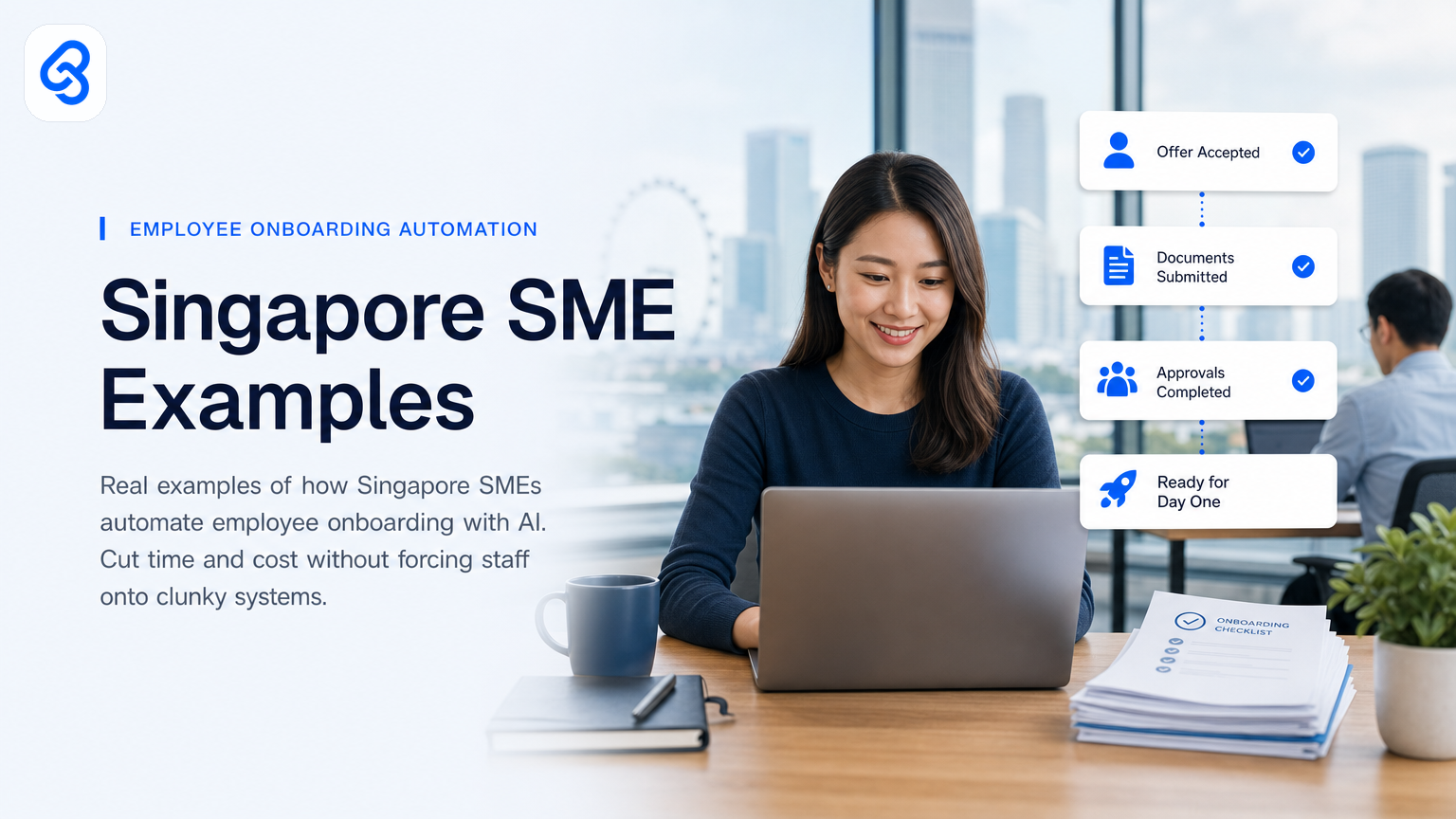
Your HR person spends Monday morning manually filling in the same fields across five different systems. New hire information lands in email, gets typed into Google Sheets, then copied into your payroll tool, then your access control system, then your learning management platform. By the time the employee arrives on their first day, someone has already spent four hours on work that should take forty minutes.
This is the problem employee onboarding automation solves for Singapore SMEs, and it directly affects your bottom line. When you remove the manual data entry, double-checking, and system juggling, you save time. When you automate the compliance checks and document collection, you reduce risk. When new hires spend their first day working instead of waiting for their laptop, they start delivering value faster.
This article walks through real automation patterns that Singapore SMEs are using today, shows you how one complete workflow actually works, and helps you figure out whether automation makes sense for your business.
Why Singapore SMEs need onboarding automation now
Your business is growing. You hired three people last quarter and you're hiring three more this month. Your HR process still runs on manual spreadsheets, email, and shouted reminders across the office. You're not big enough to justify an enterprise HR platform that costs five figures and requires a dedicated admin. You're also not small enough to ignore the problem.
Singapore's SME sector makes up the majority of our business landscape, and operational efficiency has become non-negotiable as wages rise and talent competition intensifies. Government support through programs like the SMEs Go Digital initiative recognizes this gap. The cost of a botched onboarding extends beyond wasted hours: compliance delays can trigger Ministry of Manpower issues, slow system access frustrates new hires before they start, and missing documentation creates audit headaches later.
Onboarding automation handles the jobs that don't require judgment. It pulls data from one source, checks it, pushes it to another system, and logs what happened. When you stop doing this manually, your HR person does what they should actually be doing: welcoming the new hire, clarifying role expectations, and getting them integrated into the team.
What parts of onboarding can actually be automated?
Not all of onboarding is data. Some of it is human connection, and you don't want to automate that. But most onboarding workflows include several repeatable, rule-based steps that automation handles cleanly.
Data collection and verification: When a new hire submits their details (name, address, banking info, tax filing status), automation pulls those details from your form or email, checks for completeness, and flags missing fields before anyone else sees them. This prevents the common problem where the payroll team discovers three weeks in that you never captured the employee's correct residential address, which matters for tax and CPF purposes under MOM employment practices.
System access provisioning: Once the hire is confirmed, automation creates user accounts in the tools they need (Google Workspace, Microsoft 365, project management apps), sets them up in security groups, and sends login credentials to the right place. Different departments need different access. Automation applies the right rules based on the role without anyone manually clicking through admin panels.
Document generation and distribution: Offer letters, employment contracts, handbook acknowledgments, and regulatory forms get generated from templates, populated with the new hire's details, routed for signature, and filed. In Singapore, where you have employment contract requirements and mandatory disclosures, this automation ensures nothing slips.
Compliance checklist tracking: Background checks, health screenings, insurance enrollments, and course certifications all need to happen in a specific order and within specific timeframes. Automation maintains the checklist, sends reminders to the right person at the right time, and tracks completion. When something is overdue, the system surfaces it rather than hiding in someone's inbox.
First-day logistics: Desk assignment, equipment ordering, parking codes, building access, and team introductions can be coordinated through automation. When the new hire arrives, their workspace is ready, their laptop is waiting, and their team knows who's coming and what they do.
How this actually runs: a complete example workflow
Let's walk through a real automation that a Singapore F&B group with four outlets recently built. When they hire a new front-of-house team member, the process now works like this.
The trigger: The manager posts a new hire notification in Slack (their central communication tool). The message includes the hire's name, start date, role, outlet location, and expected hours.
Step one: Data capture and enrichment: An automation tool (using n8n, which is open-source and suitable for SME budgets) monitors that Slack channel. When it spots the pattern of a new hire post, it creates a structured entry in a Google Sheet that serves as the source of truth. The sheet captures the key details and creates a unique hire ID. This sheet entry becomes the single place where all downstream systems reference this person. No email chains, no separate spreadsheets, no copy-paste errors.
Step two: Document generation: The same automation pulls the hire's name, role, start date, and outlet location from the Google Sheet and feeds them into a Google Docs template (which can be connected via Zapier or n8n). The tool generates a personalized offer letter, employment contract (with relevant Singapore statutory clauses), and handbook acknowledgment form. These documents are saved to a dedicated Google Drive folder named with the hire's ID. A notification goes to the manager asking them to print and collect signatures.
Step three: System access setup: Parallel to document generation, the automation sends a webhook to their Google Workspace admin API. It creates a new user account with a standard naming convention (firstname.lastname@company.sg), assigns the user to security groups based on role (all outlet staff get access to POS inventory tools, managers get reporting access), and resets the initial password to a temporary value. That password is delivered only to the hiring manager via email, not stored anywhere.
Step four: Compliance and logistics checklist: The automation creates a row in a second Google Sheet (the "onboarding tracker") with the hire's name, start date, and a checklist of tasks: background check initiated, uniform ordered, locker assigned, induction video watched, tax form filed with IRAS. Each task has a due date. The automation sends an email to the operations manager with the checklist and tells them to mark items complete as they happen.
Step five: First-day coordination: On the day before the new hire starts, the automation sends a Slack notification to the outlet manager listing the new hire's name, role, and time of arrival. It also sends a note to the facilities person (in a separate Slack channel) asking them to confirm that the locker is assigned and the uniform is ready.
What breaks in practice and how the system handles it:
The hiring manager sometimes forgets to post the new hire notification. Solution: the HR person sends a direct Slack reminder on hire confirmation day.
Documents get lost or not signed. Solution: the automation includes a follow-up email three days after document creation asking for signed copies back. The email links to the Google Drive folder so the manager can upload them directly.
Compliance items slip. Solution: the automation sends a daily summary email listing all overdue checklist items, so the operations manager sees at a glance what's stuck. If something is overdue by five days, the email flags it in bold.
An employee leaves before their first day. Solution: the automation has a "cancel hire" button in the tracking sheet. When clicked, it disables the newly created user account, removes them from Slack, and marks the checklist closed.
System downtime: if Google Sheets is unavailable when an automation step runs, n8n logs the error and retries automatically every five minutes for two hours. If it still fails, it sends an alert email to the HR person so they know something is broken.
This workflow takes ninety minutes to set up in n8n once, and then it runs on its own. Each hire saves the HR and operations team approximately three to four hours. In a business hiring twenty people a year, that's sixty to eighty hours reclaimed. At typical SME HR and operations wages in Singapore, that's a clear cost saving even before counting the reduced errors and faster time-to-productivity.
What tools do Singapore SMEs actually use?
You don't need an expensive enterprise system to build onboarding automation. The most common stack for Singapore SMEs includes:
Google Workspace or Microsoft 365: Your email and basic collaboration platform likely already lives here. Both integrate with automation platforms and hold your employee directory.
Google Sheets or Airtable: Acts as your source of truth for hire data and checklists. It's free (or very cheap), everyone can edit it, and it connects to almost everything.
Automation platforms: n8n is open-source and runs on your own server or a small cloud instance, so you're not paying monthly per automation. Microsoft Power Automate integrates tightly with Microsoft 365 if that's your primary platform. Zapier is popular but has per-task pricing that adds up.
Signature and document tools: Google Docs, or if you need compliance-grade e-signatures, DocuSign or HelloSign (now part of Dropbox Sign). For Singapore employment contracts, you want signatures that hold legal weight.
Slack or Teams: If you use either for communication, they can send and receive data from your automation, making status visible without opening separate apps.
Payroll platform: Whether you use local tools like CPF.sg integration or platforms like Xero, Guidepoint, or Greyhair, your automation needs to sync hire data here. Most have API access for SME integrations.
The key is choosing tools that already talk to each other. If your payroll platform has an API, your automation can write to it directly. If your HR system doesn't have an API, your automation can write to a shared Google Sheet that your payroll person monitors.
Which SMEs see the biggest ROI from onboarding automation?
The businesses that save the most time are those doing the most hiring. If you hire one person every two years, building an automation might not pay off. If you hire twelve people a year, it clearly does.
You also get more value if your team is geographically spread. One F&B group with outlets in different parts of Singapore can't rely on one person knowing all the local logistics (parking, equipment delivery addresses, outlet-specific access). Automation ensures that the right information reaches the right manager at each location, and nothing gets skipped because someone forgot to call them.
Regulated industries benefit more too. If you're in healthcare, financial services, or education, you have background checks, certifications, and compliance documentation that must happen in a specific order and be provable. Automation maintains that audit trail and makes sure nothing expires without notice.
How to start: a practical decision framework
Before you build anything, ask yourself these questions:
1. How many people do you hire in a typical year? If it's fewer than eight, a partial manual process is probably fine. If it's more than eight, automation saves meaningful time.
2. How many systems does hire data currently touch? If it touches three or more (payroll, access control, learning management, benefits platform), you have a strong case for automation.
3. Which part of onboarding takes the most time right now? Is it data entry, document generation, compliance tracking, or logistics coordination? Start by automating whichever part your team spends the most time on.
4. Do you have someone who can set up the automation? This doesn't mean hiring a developer. Tools like n8n have visual workflow builders. Your office manager or a technical HR person can usually handle it. If not, you'd bring in help.
5. What breaks most often in your current process? If you keep forgetting to order uniforms before the hire starts, or if documents get lost, that's a good candidate for automation.
SME grants and support for automation in Singapore
Singapore offers support for SMEs looking to improve their operational efficiency. The IMDA SMEs Go Digital program and Enterprise Singapore's Boost Capabilities grant both support digital investments. Grant details, eligibility, and current funding amounts change regularly, so you should check the official channels for current terms and deadlines.
The point is that Singapore recognizes automation as a legitimate business improvement. If you're considering it, check what subsidies currently apply to your industry or business size. You might cover part of the build cost through public funding.
Real examples from Singapore SMEs
We've worked with a logistics and warehousing company that automated the entire new hire onboarding for their warehouse team. Before automation, they spent forty minutes per hire on data entry alone. The process involved printed forms, manual entry into their inventory system, and a spreadsheet sent via email to accounting. After automation, the information flows directly from an intake form into their warehouse management system and their payroll platform. They hire twenty people per quarter, so that's roughly 800 minutes (thirteen hours) per quarter saved.
A co-working space operator automated document generation and desk assignment. Previously, every new member went through a manual intake form, and the office manager would manually email them their access codes, desk number, and parking pass. Now, when someone signs up online, the system generates their membership agreement, sends their unique access code, and assigns them a desk from available inventory. It also notifies the facilities team so they can prepare. The operator went from manually handling each intake (about fifteen minutes) to having the system do it automatically while they focus on welcoming the member in person.
Another example comes from a recruitment consultancy that was spending hours on administrative tasks around placing candidates. When a candidate was placed at a client company, that consultancy had to manage the candidate's onboarding to the client's systems while the client's HR team was also doing their own onboarding. We worked with them to build a workflow where the consultancy's placement data synced to a shared checklist, reducing duplicate effort and ensuring nothing was missed.
These aren't hypothetical scenarios. They're the kinds of workflows that work when you apply automation to the specific problems your business faces, not to some generic ideal of how onboarding should work.
Can automation fit into your existing systems?
Most SMEs worry that automation requires ripping out their current setup and replacing it with something new. That's not true. The best automation fits into what you already have.
If you use a local payroll provider, can they export data to Google Sheets or accept CSV uploads? If you use a property management system for access control, does it have a user provisioning API? If you use Google Workspace, you already have APIs available. The automation connects your existing systems by moving data between them, checking the data, and notifying the right person when something needs human attention.
You don't need to replace your payroll tool, your access control system, or your learning management platform. You just need them to talk to each other, and automation is the translator.
Where to go from here
For the full operator hire-pack runbook (offer → docs → Day One, leave cover, PDPA — not a second examples list): employee onboarding paperwork runbook.
If this sounds useful, the next step is specific. Look at your onboarding process exactly as it runs today. Where does the most time disappear? What mistakes happen most often? What compliance gaps worry you most? Write those down.
Then, reach out. We help Singapore SMEs identify which parts of onboarding automation will actually move the needle for your business, and we build systems that run on the tools you already use. There's no point in building automation that sounds clever but doesn't save you actual time or money.
If you want to explore whether automation makes sense for your hiring and onboarding process, book a free discovery call or email mark@lynqra.com. We'll look at your process, ask questions about your hiring volume and current pain points, and tell you straight whether automation is worth pursuing right now.
You can also read more about specific onboarding workflows and how they work, or get a deeper look at what a complete onboarding automation consultant does.
---
FAQ
How much does it cost to build an onboarding automation?
It depends on complexity and which tools you use. A basic workflow connecting Google Sheets to Google Workspace and your payroll tool might take eight to twelve hours to build and cost between SGD 1,200 and 2,400. A more complex system touching five or six platforms might run 20-30 hours and cost SGD 2,500 to 5,000. These are one-time setup costs; the automation runs on its own after that. Simpler setups using free tools (n8n, Google Workspace APIs) cost less to maintain.
What if our payroll system doesn't have an API?
Then your automation writes to an intermediate system (like Google Sheets) that your payroll provider can read from. Your payroll person might import that data manually once a month, or they might have someone on their team set up a simple import tool. It's not ideal, but it's still better than having your HR person type hire data into the system manually.
How long does it take to set up?
A straightforward workflow usually takes one to two weeks from initial discovery to going live. That includes time to understand your current systems, design the automation, build and test it, and train your team. More complex setups involving multiple systems or compliance requirements might take three to four weeks.
Can we start small and add more later?
Yes. Most teams start by automating one part of onboarding (data entry, or document generation) and add more pieces as they get comfortable. The tools integrate, so you can expand the automation as you see what works.
Do we need an IT person to run this?
Not necessarily. Tools like n8n have visual workflow builders that non-technical people can use. If something breaks, you might need someone who can troubleshoot or call in help, but day-to-day operation should be simple. For teams uncomfortable with technical tools, a business process consultant can handle ongoing maintenance.
---
##