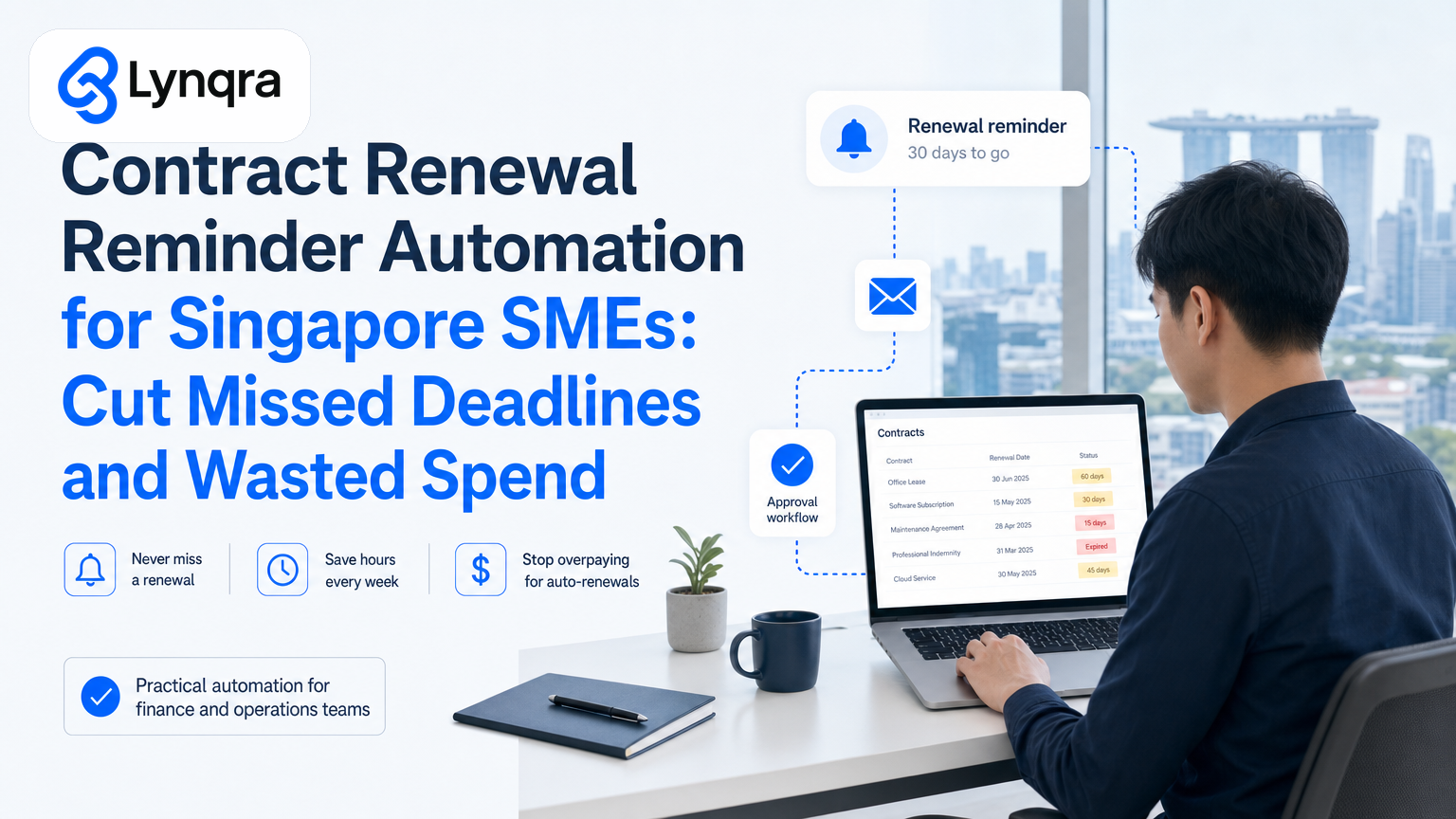
If you run a Singapore SME, you know the feeling. A vendor contract auto-renews at the last minute. A lease reminder lands in someone's inbox and disappears. Suddenly you've paid for another year of software you no longer use, or you've let a critical supplier agreement lapse without renegotiating terms.
Contract renewal reminder automation solves this. Instead of manually chasing dates across email, spreadsheets, and sticky notes, you set up a system that watches renewal dates, alerts the right people at the right time, and routes approvals through one place. The result: zero missed deadlines, lower compliance risk, and cash back in your pocket.
This guide walks you through what contract renewal automation actually does, how it works for Singapore SMEs, what to watch out for, and how to start without upending your existing tools.
Why Contract Renewals Matter for SME Cash Flow?
Most SMEs don't think about renewals until they're urgent. Then the cost hits hard.
Auto-renewal penalties can be steep. A SaaS subscription, insurance policy, or lease that renews unexpectedly locks you in for another year. If your team didn't review terms or spot price increases in time, you've just committed to more spend without a choice. For a small team, that's money that could have gone to payroll, stock, or growth.
Worse, missed renewal deadlines create operational gaps. A service contract expires before anyone notices. A supplier agreement lapses during a critical order. You lose negotiating power because you're now in an emergency, not a planned renewal cycle.
The manual alternative costs time. You assign someone to keep a spreadsheet of renewal dates. They send reminder emails. People miss them. You chase follow-ups. By the time the renewal is approved, you're already near the deadline, and the vendor knows it.
Singapore SMEs operate lean. You cannot afford to lose hours to renewal admin or thousands to missed deadlines. That's why automation here delivers real ROI.
How Contract Renewal Reminder Automation Works
The core idea is simple: a system watches your contract dates, sends reminders to the right people at the right time, and routes approvals through a structured workflow instead of loose email threads.
Here's what actually happens:
Contract data sits in one place. You keep a record of all contracts: vendor name, renewal date, approval owner, terms, and cost. This can live in Google Sheets, a simple database, or even a spreadsheet already in your finance system. The key is that one version is the source of truth.
The automation watches dates. A reminder system scans your contract list on a schedule (weekly, daily, or custom). When a renewal date approaches (say, 60 days, 30 days, or 14 days before), it triggers an alert.
Alerts go to the right people. Instead of a message that gets lost in inbox noise, the system sends a structured reminder to the contract owner, finance lead, or manager. It can go via email, Telegram, WhatsApp, or even a Slack-style notification, depending on how your team works.
Approvals follow a defined route. Instead of back-and-forth emails, the renewal request enters a simple approval workflow. The manager reviews terms and cost, flags any changes, approves, and passes it to procurement or a signing authority. The full audit trail is captured, so you know who approved what and when.
Action is tracked. Once approved, the contract is marked as renewed. If it needs renegotiation, that task is escalated. Nothing falls through cracks.
The result is that renewals happen on schedule, with full visibility and control. Your team spends minutes on each renewal, not hours.
Common Renewal Workflows That Automation Fixes
Vendor and supplier contracts. Maintenance agreements, equipment leases, raw material supply deals. These often renew annually with price adjustments. Automation catches them before they auto-renew at higher rates, giving you time to renegotiate or switch.
Software and SaaS subscriptions. If you run a trading, distribution, or logistics business, you likely have multiple SaaS tools: accounting software, inventory management, CRM. Each has a renewal date. Missing one means you're locked in for another year, sometimes without realizing the cost has increased.
Insurance policies. Professional indemnity, public liability, business interruption. These renew on fixed dates. You need approval from a director or finance lead before renewal. Automation ensures that doesn't slip.
Leases and premises agreements. Office, warehouse, or retail space. Renewal or termination must happen within a notice window, or you're locked in again. A missed notice deadline can cost months.
Employment and staffing contracts. Fixed-term contractor agreements, freelancer renewals, or employee benefits plans. These need review before renewal to check performance or cost.
Licensing and compliance. Industry certifications, business licenses, director's insurance. Missing a renewal can halt operations or incur penalties.
Each of these normally triggers its own email chain. Automation consolidates them into one system.
The Real-World Impact for Singapore SMEs
When SMEs across distribution, recruitment, food production, and logistics implement contract automation alongside approval workflow automation, the results are consistent.
A typical trading SME implements a contract and approval workflow for vendor agreements. Instead of checking a shared spreadsheet and sending reminder emails, the system flags renewals 30 days ahead, routes approvals in 24 hours, and sends a final notice to procurement when approval is done. The outcome: zero missed renewals over a period, and approval turnaround drops from 3-5 days to under 24 hours. The finance lead recovers roughly 3-4 hours per week.
The time saving is real, but the compliance and cash flow benefit matters more. A single missed software renewal can cost hundreds of dollars. A missed lease notice can lock you in for another year. Automation removes that risk entirely.
What to Check Before You Automate Renewals
Not every renewal automation setup is the same. Before you start, run through this decision framework:
Do you have a clear list of what needs renewing? Walk through your vendor list, subscriptions, leases, and contracts. Write down renewal dates and who owns each decision. If you cannot name 10-15 items, you may not have a big enough problem to automate yet. But if you have 20+, automation saves real time.
Who makes renewal decisions? In a small team, one person might approve all renewals. In a larger SME, it might be split by category: finance approves SaaS, ops approves vendor contracts, HR approves staffing. Know the route before you build the automation.
How much lead time do you need? Some contracts have 60-day notice-to-cancel windows. Others auto-renew and give you 30 days to object. Check your terms and set reminder windows that match. A 30-day reminder is standard, but you might need 60 or 90 days for high-value agreements.
What's your current approval process? Do people use email, Slack, or in-person meetings? Build the automation around how your team already works. If your ops team lives in Telegram or WhatsApp, send reminders there, not to an email inbox that might get missed.
Where is your contract data now? Some SMEs keep contracts in a filing cabinet. Some have a shared Google Drive. Some use email attachments. Before you automate, centralize the data. This is usually a one-time effort and the hardest part of the job. You cannot automate what you cannot track.
Do you have document storage and approval trails for compliance? If your business is regulated (financial services, healthcare, logistics), you may need to log every renewal decision and store signed copies. Plan for this. Google Sheets automation can feed into document management or audit logs.
What's your budget? Renewal automation can cost nothing (if you use Google Sheets and free email tools), or it can cost a few hundred dollars a month (if you use a specialized contract management platform). For SMEs, starting lean inside your existing tools is almost always the right move.
Building Contract Renewal Automation Without Replacing Your Whole Setup
Many SMEs worry that automation means buying expensive software or migrating away from tools they already use and understand.
That's not how effective SME automation works. Instead, you build renewal reminders inside tools you already have: Google Sheets, email, and approval workflows.
Here's a practical approach:
Start with a Google Sheets contract register. Create columns for vendor name, contract type, renewal date, annual cost, approval owner, and status. This takes an hour. Add every contract, SaaS, and agreement you've got. Update it monthly so it stays current.
Set up an automated reminder script. A simple Google Apps Script or Zapier workflow checks the sheet every Monday morning. If any renewal date is within 60 days and hasn't been marked as renewed, it sends an email or Slack message to the owner. The reminder includes the vendor name, renewal date, cost, and a link to the sheet.
Create a simple approval flow in email or a shared tool. The owner reviews the reminder, checks if terms have changed, and replies with approval or escalation. For higher-value renewals (say, over SGD 5,000), add a second approval step from the finance lead or director.
Use a checklist to confirm renewal. Before you pay the renewal invoice, check: approval is logged, terms are unchanged (or new terms are documented), and cost is as expected. Then mark it as renewed in the sheet. This creates an audit trail without needing a separate system.
Keep signed contracts in one folder. Google Drive or a shared folder. Organize by year and vendor. When you renew, save the new agreement there dated.
This entire setup runs on tools you already pay for. No new login, no new vendor, no migration. It takes a weekend to build and hours per quarter to maintain.
If you want to go deeper (approval routing with full audit logs, integration with accounting software, automated invoice matching), you can layer in more tools. For more advanced workflows, read our guide on approval workflow automation in Singapore to understand how routing works and when you need it. You'll also find practical patterns for contract renewals in our Google Sheets automation guide for Singapore SMEs.
Data Security and Compliance for Renewal Automation
When you automate contract renewals, you're handling sensitive information: vendor names, costs, contract terms, and approval trails.
In Singapore, the Personal Data Protection Act (PDPA) covers how you handle personal data in contracts. If your contracts include employee or customer information, you need to protect it. The key steps are simple: limit access to people who need it, store data securely (Google Sheets meets this if you use proper sharing), and keep a log of who accessed what.
If your contracts are confidential (supplier terms, pricing agreements), make sure your automation tools don't log content in ways that expose it. Google Sheets and email are fine because they're within your organization. If you use a third-party tool, check where data is stored (Singapore or cloud) and what logs they keep.
For a clear starting point on data protection basics in Singapore, check the PDPC guidance on data protection officer practices. If your SME handles customer or employee data in contracts, reading that guide takes 20 minutes and gives you the right framework.
For cyber hygiene around your automation tools, the Cyber Security Agency of Singapore provides security resources on secure practices and self-assessment tools.
Funding Your Automation: Grant Options for Singapore SMEs
If automation is a priority but budget is tight, Singapore offers grants to help SMEs digitize.
IMDA's SMEs Go Digital program supports automation projects with funding up to a percentage of costs. The EDGE program and other industry digital plans also cover process automation. For an overview of current grants available, check the Enterprise Singapore financial assistance and grants page.
Eligibility and the exact funding available depend on your company size, industry, and the scope of the automation. When applying, be specific about the problem you're solving (missed contract renewals costing you time and money) and the outcome you expect (zero missed deadlines, X hours saved per month).
For more detailed guidance on grants and automation funding, read our AI automation grants guide for Singapore SMEs, which covers EDGE and other available funding paths aligned with renewal automation projects.
Common Objections and How to Handle Them
"It's too much work to list all our contracts." Start with the biggest ones: top 10 vendors by spend, critical SaaS tools, leases, and insurance. That's usually 15-20 items. Add the rest over the next quarter. You don't need perfection on day one.
"Our contracts are all different, so I can't standardize them." You don't need to. The automation just tracks dates and flags owners. The contract terms stay exactly as they are. Standardization is optional and can come later.
"We're too small for this kind of system." If you have more than five active contracts and one person chasing renewals, you're already paying the cost of manual tracking. Automation pays for itself in saved hours within weeks.
"What if something goes wrong and we miss a renewal even with the automation?" The automation eliminates the most common failure point: reminders that get lost in email or spreadsheets people forget to check. You still need a responsible person to review the reminder and approve the renewal, but the system makes sure that person is actually notified. For extra safety, set two reminder dates (60 days and 30 days out) so nothing slips through.
Next Steps: Start Small, Measure Results
The best automation project for SMEs is one you can run, test, and improve without a big upfront commitment. Contract renewal automation follows this pattern perfectly.
Here's how to start:
1. List your contracts. Spend an hour. Include vendor name, renewal date, cost, and owner. If you have 15+, you have a real problem to solve.
2. Pick a reminder method. Start with email or a tool your team already uses. No new logins.
3. Define the approval route. Usually: owner reviews (1 day), finance sign-off (1 day), marked as renewed. Done.
4. Run the first cycle. Let the automation handle 2-3 renewals. Watch what works and what needs tweaking.
5. Measure the result. How many hours did you save? Did you catch any renewals you would have missed? Did approval take less time?
Once you see that this works and your team trusts it, you can expand to more contracts, add second-level approvals, or integrate with your accounting system.
If you're ready to explore automation for renewals or want to see how it fits with other operational bottlenecks in your business (invoices, approvals, quotations, stock tracking), we can help. Lynqra works with Singapore SMEs to build automation inside the tools you already use. We start with a conversation about your biggest time and cost drains, then design an automation that delivers measurable ROI.
You don't need to know exactly what you want. We listen, diagnose, and build. No vendor lock-in, no long-term contracts with us, just a practical partner who stays with you as your business evolves.
For more practical automation ideas that work inside your existing setup, read our guides on Google Sheets automation for Singapore SMEs and business process automation in Singapore. If you're thinking about grants, we've also written a detailed guide to AI automation grants in Singapore that covers EDGE and other funding paths.