WhatsApp Business API Automation for Singapore SMEs: Setup, Costs, and ROI
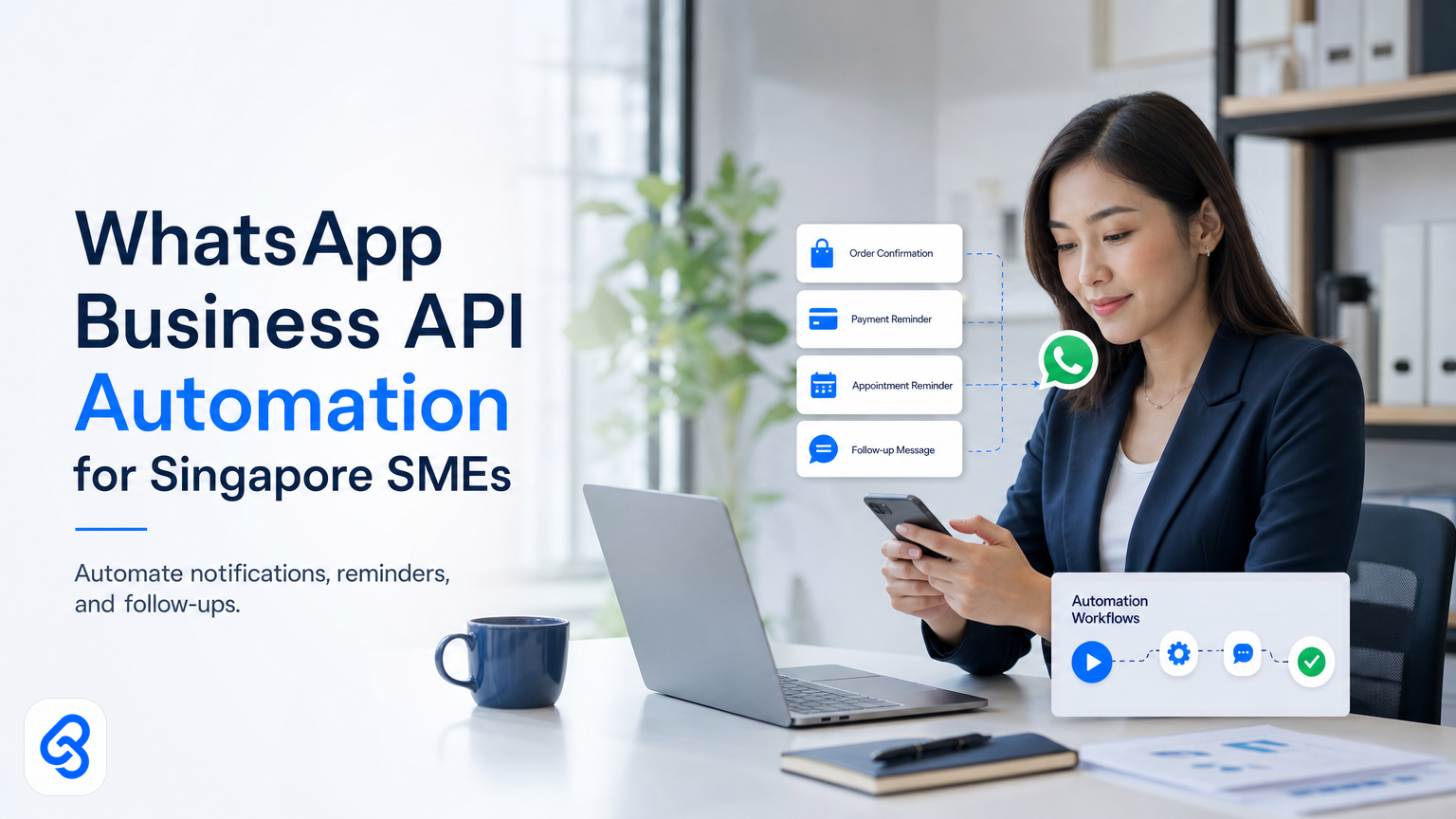
Your customers message you on WhatsApp. Your team replies manually. Hours disappear into repetitive "Thank you for your order," "Your invoice is attached," and "When can you collect?" messages every week.
WhatsApp Business API automation removes that friction. Instead of your team typing the same response dozens of times, a workflow sends it automatically when a trigger fires: order placed, payment received, shipment dispatched, appointment booked.
This guide explains what the WhatsApp Business API is, when it makes financial sense for your SME, how to build your first automation template, and what to check before you choose a platform.
What is the WhatsApp Business API?
The WhatsApp Business API is Meta's tool for sending automated, templated messages at scale. Unlike WhatsApp Web (where you type manually), the API lets you trigger messages from your business systems: your invoicing software, your booking platform, your inventory tool.
You don't need the API for one-to-one customer chats. WhatsApp Web or the WhatsApp Business app works fine for that. You need it when your team sends the same message category dozens of times a week, or when you want messages to fire automatically based on a business event (payment confirmed, shipment tracking, appointment reminder).
For Singapore SMEs, this distinction matters because your message volume determines whether automation saves time or adds complexity. If you send 100 notifications a month, automation may not be worth the setup. If you send 500 or more per month, time and cost savings become measurable.
Cost breakdown: Meta fees and platform provider costs
WhatsApp Business API pricing has two layers: Meta's per-message charges and your platform provider's software fee.
Meta's fees start at SGD 0.0055 per outbound message in the Singapore region. Inbound messages (customer replies) are free. A notification that costs you nothing to send via email costs a fraction of a cent via WhatsApp. For example, 1,000 notifications per month cost roughly SGD 5.50 to Meta alone.
Platform costs vary by provider. You cannot connect the API directly to your systems without significant engineering. You must use a Business Service Provider (BSP) that handles the inbox, automation builder, template management, integrations with your accounting software, and support. Monthly fees typically range from SGD 50 to SGD 500 depending on message volume and required features.
A worked example: A home services SME sending 2,000 appointment reminders and booking confirmations per month pays Meta roughly SGD 11 per month, plus SGD 150 for their BSP platform. Total cost: SGD 161 per month, or SGD 1,932 per year. If one team member spends 4 hours per week typing messages, that's 16 hours per month. At SGD 20 per hour (loaded cost including benefits), automating saves SGD 320 per month, or SGD 3,840 per year.
Calculate your own math with three variables: how many messages you send monthly, how many hours your team currently spends on them, and your team's hourly cost.
What you can automate: real use cases
The WhatsApp Business API works best for high-volume, templated messages where the core information changes but the format stays the same.
Order confirmations and invoices. Customer places order, your system triggers a template: "Thank you. Your order #12345 is confirmed. Invoice attached. Payment due by Friday." Only the order number and due date change per message.
Appointment reminders and confirmations. Clinic, salon, or service business sends "Hi Sarah, your appointment is tomorrow at 2 PM. Reply CONFIRM or RESCHEDULE." High WhatsApp open rates mean customers actually see it, reducing no-shows.
Shipment tracking updates. "Your parcel is out for delivery today. Tracking: [link]. Reply with questions." Customers stop calling to ask where the package is.
Payment follow-ups. "Invoice #5678 is now overdue. Please pay by [date]. Reply PAID when done or QUERY for help." Automating the first reminder cuts manual chasing time significantly.
Lead qualification and booking. A prospect inquires about your service. A workflow asks qualifying questions and passes warm leads to your sales team with context already gathered.
Stock and reorder alerts. "Low stock alert: Widget A has 5 units left. Reorder by Friday." Sent to relevant team members automatically.
The pattern is clear: use WhatsApp for messages you send often, where timeliness matters, where the customer is more likely to see it than email, and where the content follows a template. Don't use it for long-form, bespoke, or legally sensitive messages.
How to build a WhatsApp automation template: step-by-step
Let's walk through automating an invoice notification for a Singapore consulting or services SME.
Step 1: Identify the trigger. Your invoicing system generates a PDF and marks the invoice as "sent." This fires the automation.
Step 2: Design the template message. Write it once: "Hi [ClientName], Invoice [InvoiceNum] is now due. Amount: SGD [Amount]. Due date: [DueDate]. Download: [InvoiceLink]. Reply PAID when complete or QUERY for help."
WhatsApp templates must be pre-approved by Meta. They can include placeholders that pull from your system. Keep templates concise, 160–1,024 characters.
Step 3: Connect your invoicing system to your BSP. Your accounting software (Xero, Zoho, Wave, or MYOB) connects via API to your WhatsApp platform provider. When the invoice is marked sent, the system pulls the invoice data (phone number, invoice number, amount, due date) and feeds it into the template.
Step 4: Set conditions and limits. Only send if the client has WhatsApp enabled, avoid weekends, don't send if an invoice was already sent that month. Your BSP builder lets you set these rules.
Step 5: Test. Send the template to your own number first. Check that placeholders pull correctly and the tone feels right. Test with a small batch (10–20 real customers) before scaling.
Step 6: Monitor and refine. Track open rates, reply rates, and conversion (did they pay?). If replies are high but conversions low, the message may be confusing. Update and retest.
Common pitfalls:
- Overloading the template. Long invoices don't fit in one message. Send the key detail and link to the full document.
- Sending at the wrong time. Set send time windows (9 AM to 5 PM) based on your customer type.
- Not checking consent. You must have customer permission to message them on WhatsApp. Add a checkbox at checkout or in your contract.
- Ignoring replies. If your template says "Reply PAID when done," someone will. Your team needs a system to handle inbound messages so they don't get lost.
- Not testing the link. If your invoice link expires or returns an error, the automation fails. Check that links stay valid for at least 30 days.
Choosing a WhatsApp Business API platform
Selecting a BSP is not just about price. A poor choice creates technical debt. Evaluate on these criteria:
Integration capability. Does it connect to your existing software? Test the integration in a sandbox before signing a contract.
Template approval speed. Meta's approval usually takes a few hours, but it can take days if the template triggers filters. Ask the BSP how quickly they guide you through resubmission if Meta rejects a template.
Reply handling and routing. Where do customer replies go? Can they route to specific people based on content? Poor reply routing causes messages to get lost.
Compliance and data residency. Your customer phone numbers and chat history are sensitive. Check your BSP's privacy policy: where do they store data, how long do they retain it, and do they comply with local data protection standards? Singapore's Personal Data Protection Act governs how you handle customer contact information, and your BSP should follow these guidelines.
Support and onboarding. Is support fast? Do they offer onboarding calls? Poor support becomes a frustration.
Transparent pricing. Avoid hidden charges or surprise per-message costs beyond Meta's fees. Get a full quote in writing, including setup, monthly fees, and costs at your expected volume.
Exit clause. Can you leave if the platform doesn't work? Prefer month-to-month terms so you can pivot if needed.
Measuring ROI on WhatsApp automation
ROI is measurable because inputs and outputs are concrete.
Time saved. Measure how many hours per week your team currently spends sending notifications. Multiply by hourly cost (including benefits and overhead). This is your baseline. After automating, measure actual time spent. The difference is your time ROI.
Cost per message. Compare WhatsApp cost (Meta fee plus platform software) to alternatives. Email costs near-zero but gets opened 20% of the time. SMS costs SGD 0.02 per message. WhatsApp costs SGD 0.0055 but gets opened 60% or more of the time. Lower absolute cost plus higher engagement often means better ROI.
Conversion uplift. For notification campaigns (appointment reminders, payment requests, reorder alerts), measure conversion before and after. If you sent 100 payment reminders via email and got 40 responses, then automated via WhatsApp and got 55 responses, that's a 37% uplift. Apply this to your average transaction value to see revenue impact.
Avoided chasing. Customers who receive timely updates are less likely to call or email asking for status. Track the time your team spends answering "Where is my order?" before and after automation. The time saved is real ROI.
Example: A Singapore retail SME with 500 monthly online orders automated order confirmation and shipment notifications. Before: one team member spent 8 hours per week managing WhatsApp inquiries asking for status. Cost: 8 hours × SGD 25/hour = SGD 200/week. Platform cost: SGD 180/month. WhatsApp messages: 500/month at SGD 0.0055 each = SGD 2.75/month. After: the same team member spends 3 hours per week answering inbound replies (useful ones, not status spam). Savings: 5 hours × SGD 25 = SGD 125/week, or SGD 6,500 per year. Platform cost: SGD 2,160/year. Message cost: SGD 33/year. Net ROI: SGD 6,500 − SGD 2,160 − SGD 33 = SGD 4,307 per year.
Your numbers will differ, but the method is the same: measure time saved, add revenue uplift if any, subtract platform and message costs.
Compliance and data protection considerations
You must have customer permission to message them on WhatsApp. This aligns with Singapore's Personal Data Protection Act. Store consent records (checkbox at checkout, email opt-in, or phone verification) in case of disputes.
Customer phone numbers and chat history are sensitive data. For guidance on selecting a compliant WhatsApp Business API platform, refer to the SMEs Go Digital Programme resources to evaluate vendor data protection practices and compliance standards.
Frequently asked questions
Can I use WhatsApp Business API for marketing or promotional messages?
No. WhatsApp's policies prohibit unsolicited marketing via the Business API. You can only send messages within a 24-hour reply window after a customer initiates contact, or send templated notifications for transactional events (orders, payments, appointments). Breaking this rule can flag or ban your number.
What happens if Meta rejects my template?
Meta's system flags templates that look like spam, ads, or requests for sensitive data. Common rejections: asking for payment card details, making exaggerated health claims, or suspicious language. If rejected, you receive a reason code and can rewrite and resubmit. Most rejections resolve on the second try. Work with your BSP support to refine language.
Do I need a business phone number or can I use a personal number?
You must use a dedicated business phone number registered to your company. You cannot use a personal mobile number. This number must receive SMS verification and be actively monitored. Some SMEs register the number on a simple feature phone or tablet in the office; others use a virtual number via their BSP.
How long do WhatsApp message templates stay valid?
Once Meta approves a template, it stays valid indefinitely unless you edit it. If you edit a template (change text, add placeholders, alter the call-to-action), it goes back to Meta for re-approval, which can take hours or days. Avoid frequent edits; plan them carefully and batch when possible.
What is the difference between a WhatsApp template and a free-form message?
Templates are pre-written, pre-approved, and sent at scale with dynamic placeholders. Free-form messages are typed manually by a human and sent one-to-one. Use templates for notifications and high volume. Use free-form for personal replies and customer service conversations. Most SMEs need both.
Next steps: Moving from planning to implementation
WhatsApp Business API automation is mature technology, affordable for SMEs, and ROI-positive if your message volume justifies it. The barrier is not cost or complexity; it is clarity about which workflows save you the most time and money.
Most SME owners have three or four high-value use cases within reach: invoice reminders, appointment notifications, order tracking, or approval workflows. Any of these automate cleanly and pay for themselves within months.
If you are unsure where to start, or you want help building your first template correctly, Lynqra offers a free discovery call. We analyze your workflows, identify the highest-ROI automation opportunities, and build templates that work with your team and systems. No pitch. No long contract. Just practical help.
Email mark@lynqra.com or visit our contact page to schedule a conversation.