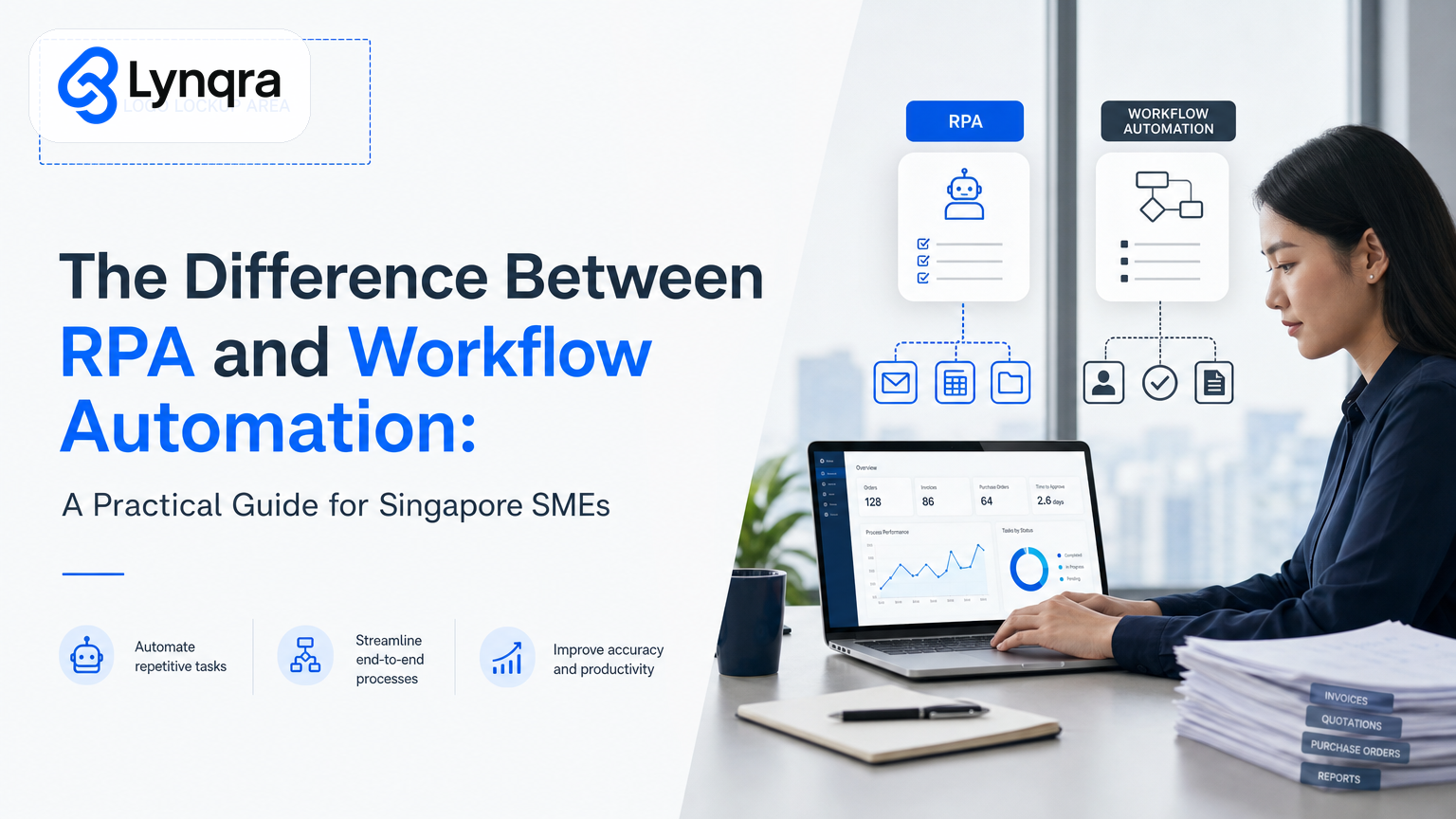
If you run a Singapore SME, you have probably searched for the difference between RPA and workflow automation because both terms get thrown around in digitalisation conversations. RPA (robotic process automation) and workflow automation sound similar. They both promise to save time and cut manual work. But they work in completely different ways, solve different problems, and cost different amounts to build and maintain.
The confusion matters because picking the wrong one wastes money and frustration. A tool built for one job will not work well for another. This guide breaks down what each one actually does, when to use it, and how to tell which one your business needs right now.
What Is Robotic Process Automation (RPA)?
RPA stands for robotic process automation. Think of an RPA bot as a person sitting at a computer, following a script. It clicks buttons, copies data from one screen to another, fills in forms, reads text from PDFs, and hits enter. It does exactly what you tell it to do, in the exact order you tell it to do it.
RPA works best for structured, high-volume tasks like data entry. Singapore's IMDA Industry Digital Plans provide useful context by organising digital solutions by sector and workflow, not by buzzword. Examples include extracting invoice numbers from a folder of PDFs, typing vendor details into an accounting system, copying order data from an email into a spreadsheet, or pulling stock levels from one system and pushing them into another.
The bot does not think or decide. It does not send approvals or wait for someone to approve something. It just executes the steps you have programmed. If the steps change even a little, the bot breaks. This limitation is important to understand before investing in RPA for your SME.
What Is Workflow Automation?
Workflow automation is different. It coordinates work across tools, people, and approvals. It moves information between systems you already use. It sends a form to person A, waits for them to fill it in, then routes it to person B for approval. If person B rejects it, it goes back to person A with a note. If they approve it, it triggers something else: an email, a database record, a spreadsheet update, or a notification.
Workflow automation gives you more flexibility because it can coordinate people, rules, and systems instead of only repeating clicks. The point is to adopt digital solutions that fit real business processes, not to buy automation for its own sake. It can pause and wait for a human. It integrates with the tools you already have such as email, Google Sheets, Telegram, WhatsApp, Slack, accounting software, or a CRM. You do not need new platforms or heavy software.
Workflow automation is flexible. You can change the rules, add new approval steps, or redirect work without breaking anything. For SMEs operating in regulated industries, this flexibility also supports compliance requirements because every action is logged and traceable.
What Are the Key Differences Between RPA and Workflow Automation?
- RPA focuses on repetitive data tasks with no variation. A bot reads screen A, extracts data, and writes it to screen B. The same steps, every time. No judgment calls.
- Workflow automation focuses on process coordination and human decisions. A request flows from person to person, tool to tool, with built-in approvals and conditional routing.
- RPA works best inside legacy systems or systems without APIs. It automates clicks and typing, allowing systems without integration capabilities to be automated.
- Workflow automation requires integrations. It moves information between connected systems. If your tools do not have APIs or connectors, you need workarounds.
- RPA is brittle. Small changes to screen layouts, button positions, or data formats can break the bot and require maintenance.
- Workflow automation is flexible. You can change the workflow logic without rewiring underlying operations.
- RPA scales horizontally. Running more bots for the same task increases cost proportionally.
- Workflow automation scales with complexity. Adding decision points and integrations can increase cost depending on the process complexity, not volume.
These differences are critical for Singapore SMEs to consider when planning digital transformation projects. Understanding where each tool excels helps you avoid costly mistakes and maximise your automation budget.
When Should Singapore SMEs Use RPA or Workflow Automation?
Do You Need RPA or Workflow Automation?
You need RPA when:
- You have repetitive data entry tasks with no variation
- Your legacy system has no API and cannot be changed
- You process high volumes of structured data (thousands of invoices, orders, or applications per month)
- The task is purely mechanical with no approvals or exceptions
- The cost of a bot is less than employing a person
You need workflow automation when:
- Work moves between people or tools
- Approvals or quality gates are involved
- Rules change or exceptions occur frequently
- You want a full audit trail of activities
- You process lower volumes but handle higher complexity such as conditional routing or multiple approval layers
Most workflows combine both. For example, RPA automates repetitive invoice data entry, while workflow automation handles approval routing and exception management.
How Do Implementation Costs Compare?
RPA typically requires upfront licensing costs for bot software, plus ongoing maintenance as screen layouts and system updates occur. Workflow automation often operates on a subscription or per-execution model, making budgeting more predictable for SMEs.
For compliance and cybersecurity considerations when implementing automation, refer to CSA Singapore resources to ensure your automation solution meets local data protection standards.
Many Singapore SMEs benefit from combining both approaches. Our guide on Approval Workflow Automation Singapore: Fix Manual Approval Delays shows how workflow automation handles the people-facing parts while RPA handles the mechanical repetition behind the scenes.
Frequently Asked Questions
What is the biggest benefit of workflow automation for SMEs?
Workflow automation streamlines coordination between people and tools, enabling flexible approvals and auditability with minimal disruption to existing systems.
Is RPA suitable for small SMEs with low data volume?
RPA is generally less cost-effective for low volume or highly variable tasks because bot licenses and maintenance costs can outweigh the benefits of manual labour savings.
Can RPA and workflow automation be used together?
Yes, combining RPA for mechanical data tasks and workflow automation for approvals and decision making creates a robust automation solution that leverages the strengths of both technologies.
What should SMEs consider before choosing automation?
Evaluate your process volume, system capabilities, approval complexity, and budget. Low-volume, variable processes often suit workflow automation. High-volume, repetitive, structured tasks often suit RPA.
Choosing the Right Path for Your Singapore SME
Understanding the difference between RPA and workflow automation is key to making the right investment for your business. RPA excels at automating repetitive data tasks in legacy systems, while workflow automation coordinates complex processes with approvals and routing, often integrating with tools your team already uses. Both have unique strengths and costs.
For detailed automation case studies and best practices, explore our resource on Customer Onboarding Automation for Singapore SMEs: Stop Manual Processes, Start Saving Hours. This guide demonstrates how workflow and RPA principles apply to real SME workflows.
Choosing based on your volume, complexity, and system capabilities will maximise ROI and reduce frustration. Many Singapore SMEs find that a hybrid approach, supported by government initiatives like the IMDA Industry Digital Plans, provides the fastest path to measurable efficiency gains.
If you want professional advice tailored to your business, Lynqra offers a free discovery call to map your bottlenecks and recommend the ideal automation approach. We help Singapore SMEs navigate the difference between RPA and workflow automation and implement solutions that actually work for your team and budget. Make informed automation choices that save your Singapore SME time and money now.