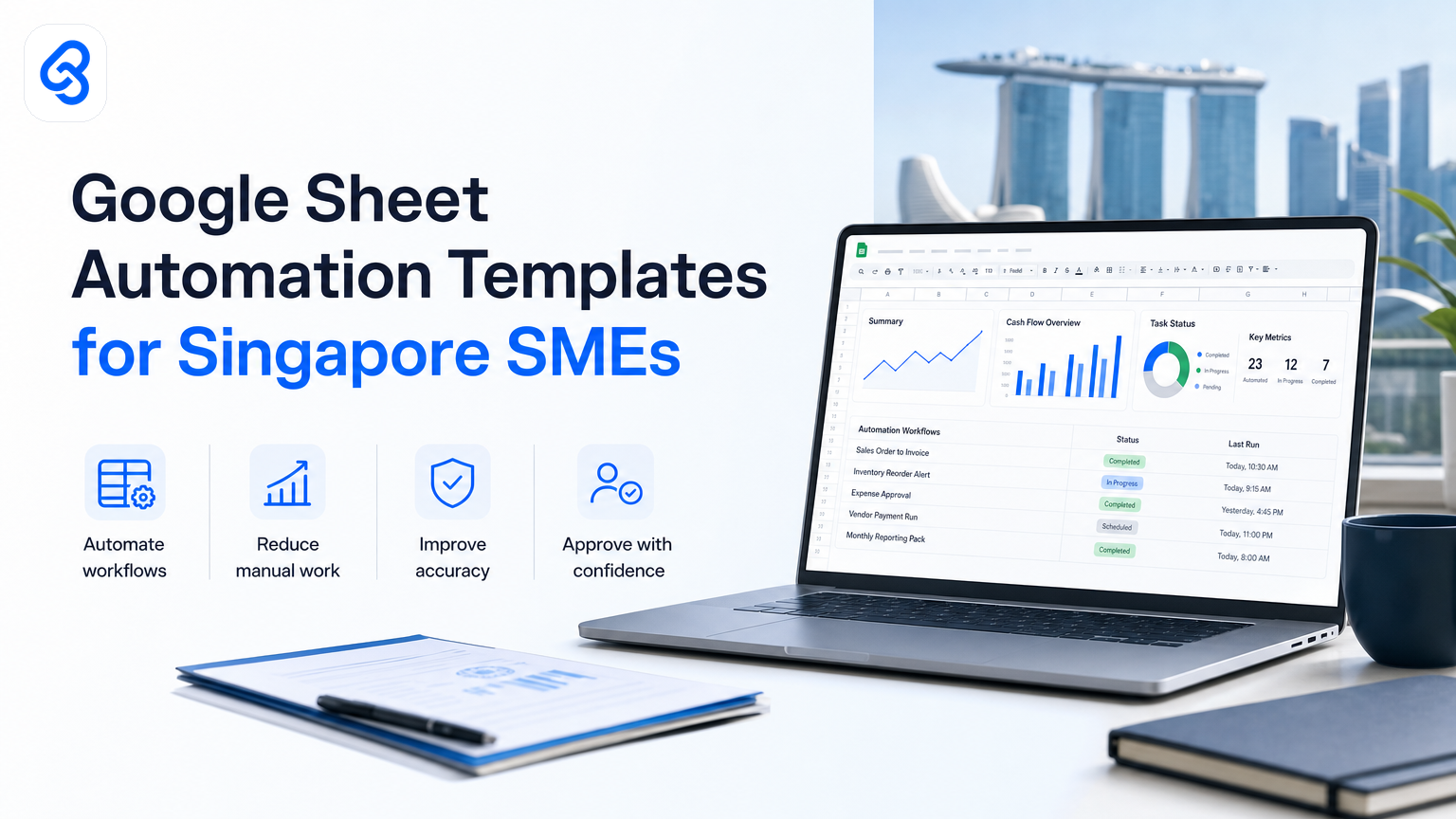
When you search for "Google Sheet automation template," you find thousands of free templates promising to solve your problem. Most sit unused in a folder three weeks later.
The real issue is not the template. It's that templates are built for generic workflows, not your actual business. Your invoices flow differently than your competitor's. Your approval process has quirks. Your reporting combines data from three different sources in ways no template could predict.
For external context, IMDA Industry Digital Plans and CSA Singapore resources are useful references when planning this workflow in Singapore.
This guide walks you through why templates alone fail for Singapore SMEs, what actually works, how to build the right automation without abandoning Google Sheets, and how to qualify for automation funding if your business matches the criteria.
Why Google Sheet Templates Don't Stick (And What To Do Instead)?
A template is a starting point. It gives you structure, but it forces you to fit your workflow into someone else's shape. You end up deleting half the columns, rewiring formulas, and eventually just pasting data in by hand anyway.
The problem compounds when you have team dependencies. Your accounts team works in Sheets. Your operations team uses email. Your approvers check WhatsApp. A template built for Sheets alone ignores how work actually moves through your business.
Research shows that manual reporting alone consumes around 12.4 hours per week in small teams, and most SMEs under 50 staff still rely entirely on spreadsheets for core workflows. The gap is not a missing template. It's the absence of a system that connects your Sheets to the tools your team actually uses.
Automation that works for Singapore SMEs bridges that gap. Instead of copying a template, you build a lightweight workflow that pulls data from your Gmail, forms, or ERP, processes it once, and routes the result to whoever needs it next. Google Sheets stays as your interface, but the heavy lifting happens behind the scenes.
What Makes a Google Sheets Automation Template Actually Work
Effective Sheets automation has three ingredients: it solves a real bottleneck in your workflow, it connects Sheets to the tools your team already uses, and it removes manual work at the point where it slows you down most.
Consider a trading company processing supplier invoices. The template approach gives you a spreadsheet with columns for supplier name, amount, date, and status. You still copy invoice PDFs manually, extract numbers by hand, and check totals in your head. The template looks professional, but you gain nothing.
The working approach extracts invoice data automatically from email attachments, populates Sheets, flags discrepancies, routes approvals through a simple messaging workflow, and marks paid invoices automatically when bank confirmation arrives. Same Sheets interface. Zero manual extraction.
Or a recruitment agency screening candidates. A template gives you columns for name, experience, score, notes. You still read every cover letter manually. The working approach routes inbound applications through an AI screener, which reads the full profile, flags fit against your job spec, and scores the shortlist. Your team sees only the strong candidates in Sheets, ready to call.
These are not templates. They are automations built into your existing workflow. Google Sheets becomes your control centre, not your workaround.
Types of Google Sheets Automation: Pick The Right Fit For Your Bottleneck
Automations fall into three levels of complexity. Knowing your level helps you decide whether to DIY, hire a developer, or call a specialist like us.
Built-in formulas and native Sheets features. If your workflow is simple (sum a column, format by condition, pull data from one other sheet), Google's native tools handle it. SUMIF, VLOOKUP, FILTER, and data validation cover most small reporting tasks. These require no coding. A team member with basic Sheets experience can build them. Cost is zero. Risk is low. Use this if your bottleneck is a repeated calculation or a simple lookup.
Google Apps Script and macros. Google Apps Script lets you write custom code inside Sheets to automate multi-step tasks. You can loop through rows, call external APIs, trigger actions on a schedule, or listen for events in the sheet. This approach works when your workflow has logic that formulas cannot express: "if cell A is true AND cell B is greater than 100, then send an email to the owner and mark this row as pending." Apps Script is free, but it demands coding skill. It runs inside Google's infrastructure, so no new tool to learn. Use this if you have a developer on staff or want to invest in one.
According to research from Coursera on Google Sheets automation, you can choose from available automation options including built-in formulas, macros, and custom Google Apps Scripts depending on your technical background and coding experience. The key is picking the right technique to streamline your workflow based on your team's skill level and the complexity of your process.
Integrated automation platforms and connectors. Tools like Zapier, Make, or native Google Workspace integrations connect Sheets to your email, CRM, payment system, or approval queue. These platforms handle the glue: when a new row arrives in Sheets, send a notification; when someone approves in email, update the Sheets status; when a payment clears, mark the invoice paid. You configure these with a visual interface, no code required. Cost ranges from free tier (limited runs) to $20-50 per month for small teams. Speed to working automation is fast. Use this if your bottleneck involves moving data between tools your team already uses.
Custom AI automation built for your workflow. This is what Lynqra builds. We analyse your workflow, identify where manual work breaks the process, and build a custom automation that works inside your existing tools. We handle invoice extraction, candidate screening, approval routing, stock reporting, or document processing. We move it from "Sheets looks nice but I still do the work" to "Sheets shows results; the work is done." This approach costs more upfront because we build bespoke solutions, not templates. It qualifies for AI automation funding through EDGE and other grant pathways. Use this if your bottleneck is complex, involves multiple teams, affects ROI materially, or requires handling sensitive data.
Practical Automation Targets For Singapore SMEs
The most common bottlenecks in Singapore SMEs are worth automating because they either eat time or create errors that cost money.
Invoice and accounts payable. You receive invoices in email, enter them in Sheets, check them against POs, route them for approval, record them in your accounting system, and mark them paid later. This process involves four to five manual touches and takes hours each week. Automating invoice intake and data extraction can save 5 to 6 hours weekly per person. We've seen this work in trading, logistics, and services. Read our detailed guide on accounts payable automation for how to build this safely with audit trails.
Quotations and proposals. Your sales team spends 2 hours creating a quote from a customer request, manually entering product specs and prices into a template. Automation pulls customer and product data from Sheets, fills a quote template, and emails it back. Response time drops from 2 hours to 6 minutes. Your food production, manufacturing, or distribution team can build this without touching your CRM.
Candidate screening and hiring. You receive 40 applications. You read all 40 cover letters and CVs manually, write notes, and shortlist 5. An AI screener reads the full application, scores fit against your job spec, and surfaces only the strong matches. You get a shortlist in Sheets, ranked. manual screening time fell and shortlists became easier to review. Your recruitment or growth team moves from gating to evaluating.
Approval routing and sign-off. A team member submits a requisition in a form or Sheets row. It needs three approvals: manager, finance, and director. Right now, you send an email to each, chase them individually, and update the status manually. Automation routes the request to each approver in sequence, records their decision, and marks the row approved or rejected. approval time drops and you have a full audit trail. This works for leave requests, expense claims, new vendor approvals, and purchase orders.
Stock and inventory tracking. You count stock manually each week, enter it in Sheets, and calculate reorder points by hand. Automation pulls daily stock from your POS or inventory system, updates Sheets automatically, flags items below reorder point, and sends alerts to your purchasing team. Overstock drops and you stop running out of fast-movers. Logistics and retail teams see the biggest wins here.
Reporting and dashboards. Your manager sits for 45 minutes each Monday, copying numbers from five different Sheets into one master report, then building a chart. Automation pulls the raw data from each source, aggregates it, and updates a master Sheets dashboard on schedule. The report is ready Monday morning. Your ops, finance, or sales team gets visibility without the manual glue work.
Each of these has a clear ROI: time saved per week multiplied by team size and hourly cost. That ROI justifies the cost of automation and often qualifies for co-funding.
How To Decide: Template, DIY Script, Or Specialist Build
Use this framework to choose your approach.
Can you describe the workflow in five steps or fewer? If yes, and all steps happen in Sheets or one other tool, a formula, macro, or simple Zapier zap handles it. Start there.
Does the workflow cross three or more tools (email, Sheets, approval queue, CRM, payment system)? If yes, a connector or custom build saves more time than a template. A template will leave gaps.
Does the bottleneck cost your business money each week? Missed payment deadlines, wrong order quantities, slow hiring, or duplicate work. If yes, calculate the weekly cost. If cost exceeds the build investment in 8 to 12 weeks, a custom automation pays for itself. This is when grant funding becomes relevant. Singapore's EDGE and SME ROI programs co-fund automation builds that show measurable savings.
Do you have a developer in-house or budget to hire one? If yes and the workflow is stable, a custom Apps Script solution is cost-effective long-term. If no, specialist automation firms like Lynqra handle the build, manage the dependency, and iterate as your workflow evolves.
Is the workflow complex or involves sensitive data (invoices, payroll, personal details)? If yes, avoid free templates and DIY platforms. You need proper access controls, audit trails, and compliance alignment. Specialist builds add those from day one.
Building Your First Automation: A Checklist
Before you pick a template or call in help, walk through this checklist to clarify what you actually need.
1. Identify the bottleneck. Write down one workflow that eats time or causes errors. Be specific. "Invoicing is slow" is too broad. "Data entry from PDF invoices into Sheets takes 4 hours per week and we miss payment dates" is actionable.
2. Map the current steps. Who does what. Which tools are involved. Where do you lose time or make mistakes.
3. Identify the manual hand-offs. Where does someone wait for someone else. Where do you duplicate work. Where do you re-enter data.
4. Estimate the impact. How many hours per week does this consume. What does that cost in salary. What does an error cost (missed deadline, duplicate payment, slow hire).
5. Define the desired end state. What does a successful automation look like. What does your team do differently. What decision or data is always available.
6. Check tool compatibility. Is your workflow solvable using Google Sheets plus your existing tools (email, forms, CRM, ERP). If it requires a new platform adoption, cost and friction rise.
7. Test with a small batch. Don't automate your whole process on day one. Automate 10 invoices or 20 applications. See what breaks. Iterate. Scale.
8. Audit and compliance. If the workflow involves money, people data, or customer info, confirm that your automation logs who did what and when. Most SMEs need basic audit trails for tax or operational reasons.
Automation Funding For Singapore SMEs
If you're building an automation that directly reduces cost or time in your operations, check if you qualify for co-funding.
Singapore's EDGE programme includes grants for productivity and digital initiatives. The IMDA SMEs Go Digital program also provides support for digital initiatives, including automation, depending on your industry and business profile. These programs help SMEs adopt digital tools and automation as part of Singapore's digital economy growth strategy.
Grant eligibility depends on your company size, sector, and the scope of your automation. A specialist can help you map your build to the right program. Do not assume you qualify: grant details change and eligibility is specific. Always check the official Enterprise Singapore website or contact IMDA directly to confirm current programs and criteria.
This is where a partner matters. We work with grant advisory specialists who help Singapore SMEs explore EDGE and other pathways suitable for each company's profile and timing. Grant funding does not happen overnight, and approval is not guaranteed. But if your automation shows clear ROI, the co-funding often makes the investment straightforward.
Why Templates Fail And Specialists Succeed
A template is a time-saver for someone building the same workflow you are. It is not a solution for your workflow. The difference between a template and a working automation is the difference between a recipe and a meal cooked in your kitchen by someone who knows your taste.
Here's what we see in practice. A Singapore SME owner finds a free invoicing template, downloads it, fills it in for their first 20 invoices, then stops using it because their invoices do not match the template structure or because the team still has to enter data manually. The template failed not because it was poorly designed but because no template anticipated their supplier naming convention, their multi-currency flow, or the fact that their approver checks messages on WhatsApp, not email.
That same owner calls a specialist, describes the bottleneck (4 hours per week on manual invoice entry), and within two weeks, they have an automation that extracts data from their inbox, populates Sheets, routes approvals through their preferred channel, and marks records paid. The automation works because it was built for their workflow, not a generic one.
The cost difference is real. A free template is zero. A custom automation is a few thousand dollars upfront. But if it saves 4 hours weekly for one person, the ROI in salary cost alone justifies the spend in 6 to 8 weeks. Add grant co-funding, and the real cost to the business drops materially.
How To Start: Next Steps
If your bottleneck is straightforward (a repeated calculation, a simple data pull, a weekly copy-paste), start with a formula or a Zapier zap. Cost is minimal. You learn what an automation feels like.
If your bottleneck spans multiple tools or involves team approvals, a specialist automation makes sense. We help Singapore SMEs identify their biggest operational bottlenecks, build custom automations that solve them specifically, and iterate as the business evolves. We are not a template vendor. We do not charge per month for platform access. We solve the problem and stay with you to evolve the automation as your business grows.
If you're unsure whether your workflow is worth automating or where to start, book a free discovery call. We'll walk through your workflow, identify where manual work is costing you most, sketch what an automation could look like, and discuss funding options. No pitch. No pressure. Just a conversation about what's actually solvable for your team.
Book a free discovery call or email mark@lynqra.com.
For more context on building Sheets automation specifically, read our guide on Google Sheets automation for Singapore SMEs. If your bottleneck is data entry across multiple sources, our guide on data entry automation walks through how to eliminate manual keying. And if you're interested in understanding funding options, check out our breakdown of AI automation grants available to Singapore SMEs.