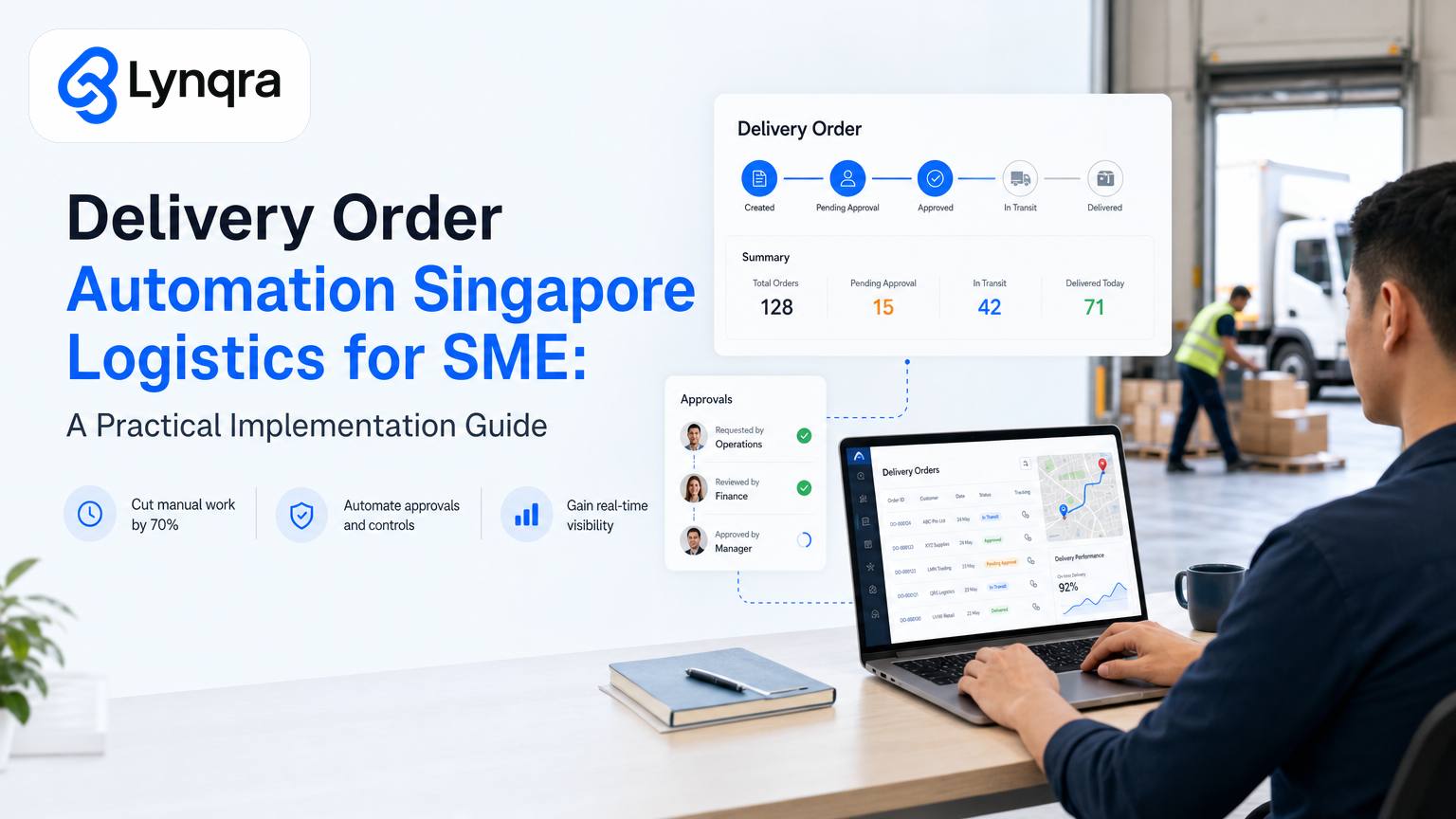
Your delivery and logistics team spends hours each day on repetitive work. Order entry. Invoice matching. Approval routing. Stock updates. Follow-ups with drivers or customers. These tasks pile up, slow response times, and create room for missed shipments or payment errors.
If you run a small to medium logistics operation in Singapore, you already know the cost. A trading company processing 50 orders a day might lose 6 to 8 hours per week just moving data between email, spreadsheets, and your invoicing system. A last-mile delivery outfit might spend half its admin time confirming stock levels before promising delivery slots. A food production SME might take 2 hours to turn a quotation request into a formal offer.
The question is not whether you should automate. It is whether you can automate smartly, without forcing your team onto yet another software platform, without large upfront capital, and without losing visibility into what is happening.
This guide walks you through delivery order automation for Singapore SMEs: what it actually does, how to assess whether you need it, how to implement it without breaking your budget or workflow, and how to fund it using official grant pathways.
Why Delivery Order Automation Matters for Singapore SMEs?
Logistics and delivery operations in Singapore operate on thin margins. Fuel costs rise. Labour is tight. Competition from larger carriers and tech-enabled platforms intensifies. The Singapore government actively encourages SMEs to adopt robust technological solutions to operate lean and efficiently. Enterprise Singapore's guidance on logistics grants specifically recommends automation and innovative supply chain applications as ways to improve performance and develop your workforce while growing your business.
Automation does not replace people. It removes the friction that keeps people doing clerical work instead of problem-solving work.
Here is what that looks like in practice:
Order processing: Instead of manually typing an order from email into a spreadsheet or ERP, an AI reads the email, extracts the customer name, delivery address, item codes, quantities, and due dates, then posts the data into your system. No typos. No re-entry. One person handles 3x the volume.
Invoice matching and approval: Orders generate invoices. Invoices need approval before payment. An automation routes each invoice to the right approver based on order value or customer category, attaches the supporting delivery proof, and flags discrepancies (price mismatch, missing documentation, missing signature). Approvers see one consolidated message instead of hunting through email.
Stock and capacity checks: Before confirming a delivery slot or quotation, your team checks available stock and vehicle capacity. An automation pulls live stock levels from your system, calculates remaining vehicle space based on pending orders, and flags if a new order will breach capacity. Sales confirms delivery dates faster. Operations has no surprises.
Delivery tracking and follow-up: After an order ships, follow-ups land in email, SMS, WhatsApp, or Telegram. An automation monitors delivery status, sends customer alerts at the right moment, and flags late deliveries to your operations manager.
Reporting and reconciliation: Finance and operations need daily or weekly visibility into orders shipped, revenue by customer, on-time delivery rate, and payment status. An automation builds this snapshot from your live data and posts it to Telegram, email, or a simple dashboard. No manual report-building.
The result: fewer errors, faster response times, less manual overhead, and clearer operational visibility. And because these automations live inside the tools you already use (email, Google Sheets, Telegram, WhatsApp, your existing invoicing software), you do not need IT infrastructure work or retraining your entire team.
The Real Costs of Manual Delivery Order Workflows
Before you decide to automate, be honest about what manual processes are costing you.
Time burden: A trading SME with 40 to 60 orders per day spends 1.5 to 2 hours per person per day on data entry, invoice matching, and status updates. That is 7 to 10 hours per week per person. For a team of 2, that is 14 to 20 hours per week. Over a year, that is 700 to 1,000 hours of clerical work that could be checking quality, managing customer relationships, or solving operational problems.
Error rate: Manual entry carries a measurable error rate in most SME environments. For a company doing 2,000 orders per month, errors compound. Some are caught before shipment. Some are caught after payment. Some become customer complaints. Each error costs time to resolve and damages trust.
Approval bottleneck: If invoices wait for approval email to land in the right inbox, and that person is in meetings or on leave, payment delays. A finance team might hold 30 to 50 invoices in pending status at any time. That ties up cash flow and strains supplier relationships.
Missed insights: Without easy reporting, you do not know which customers are slow to pay, which product lines are repeating orders, which delivery routes have the highest failure rate, or whether your quoted delivery times are realistic. You operate blind. That means you cannot optimise pricing, route planning, or inventory based on real data.
Automation does not eliminate these costs overnight. But it can cut time spent on data entry significantly, reduce invoice approval time from days to hours, and give you daily visibility into what is actually happening in your operation.
How Delivery Order Automation Works: Three Common Approaches
Not all automation is the same. Understanding the differences helps you choose the right approach for your business.
Email-to-system automation: An AI reads incoming order emails, extracts key fields (customer, items, delivery address, date), and posts the data into your ERP, spreadsheet, or fulfillment system. This works well if your customers email orders, and you need one source of truth. It cuts manual data entry and gives you a clean audit trail. Risks include orders that arrive in non-standard formats (handwritten notes forwarded by a salesman, images, PDFs without clear structure) and the need for a human to review edge cases before the order goes live.
Form-based submission: You give customers a simple Google Form or web form to submit orders. The form feeds into Google Sheets, which triggers downstream automations: stock check, approval routing, customer confirmation email, driver notification. This approach is clean and standardised, but requires your customers to change their behaviour. Some customers will complain or ignore the form.
Spreadsheet-centric automation: Your orders live in Google Sheets. An automation monitors a "New Orders" sheet, runs validations and lookups (stock levels, pricing, approver assignment), and updates other sheets (Pending Approval, Ready to Ship, Shipped). This approach works well if your team already uses Sheets and you do not have a formal ERP. It is also cheaper and faster to build than ERP integration.
Most Singapore SMEs start with email-to-sheet or form-to-sheet automation and later integrate with their ERP as they scale. This keeps initial cost low and lets you test ideas quickly.
Implementation Checklist: What to Assess Before You Start
Automating delivery orders is straightforward, but you need to ask the right questions first.
What is the order entry method? Email, web form, phone call, customer portal, or a mix? If it is mostly email, email-based automation is easiest. If it is phone calls, you need a form or a data-entry AI that works with voice notes. If it is a customer portal, you need API integration.
What system does the order data go into? Google Sheets, Xero, QuickBooks, a custom ERP, or multiple systems? If Google Sheets, automation is simple and cheap. If a legacy ERP with poor API support, integration takes longer.
How many orders per day? 5, 50, 500? Volume affects which tools make sense. Very low volume (fewer than 10 per day) may not justify automation. High volume (200+) means you need robust error handling and monitoring.
What is the approval process? Does every order need approval? Only orders above a certain value? Does approval depend on customer category or delivery region? Clear rules make automation straightforward. Vague or manual rules make automation harder.
Who approves, and how do they prefer to be notified? Email, Telegram, WhatsApp, a dashboard? If they prefer Telegram, routing approvals to Telegram is faster than email.
What data do you need to check before promising a delivery? Stock levels, vehicle capacity, driver availability, delivery zone restrictions, payment terms? Each check adds complexity but catches issues early.
What happens after an order is confirmed? Does it auto-populate an invoice? Does it notify the warehouse or driver? Does it trigger a customer confirmation email? These downstream steps are where automation saves the most time.
What reports does your team need? Daily shipment summary, revenue by customer, on-time delivery rate, payment status? Automations that feed these reports directly reduce manual report-building.
Start by answering these questions honestly. Your answers shape which automation makes sense and where to focus first.
Building Delivery Order Automation: Step-by-Step
Here is how to move from idea to working automation.
Step 1: Map your current workflow on paper. Do not map what you think should happen. Map what actually happens. Where does an order arrive? Who touches it first? What checks happen before it is "real"? Where does it get stuck? Who enters it into your system? How is approval decided? Who tells the driver or warehouse? Where do errors slip through? Spend an afternoon documenting this. Take screenshots of your current email templates, spreadsheets, and approval processes.
Step 2: Identify the biggest bottleneck. You cannot automate everything at once. You can automate the step that takes the most time or creates the most errors. Is it data entry? Approval routing? Invoice matching? Stock checking? Pick one. Automate it well. Then move to the next.
Step 3: Choose your tools. If your data lives in Google Sheets and you use Gmail, Telegram, and WhatsApp for internal comms, you do not need new software. Automation tools like Make, Zapier, or custom Python scripts integrate these tools cheaply. If your order data lives in a legacy ERP, you may need an integration specialist or an ERP with better API support. Do not pick a tool first. Pick based on where your data already is. For document-heavy workflows, AI document processing can extract data from PDFs and forms automatically, saving additional manual steps.
Step 4: Build and test. Start with 10 to 20 test orders. Run them through the automated workflow. Check for errors, missing fields, and edge cases. Have someone manually verify the automated output matches what would have happened before. Once you are confident, run 100 live orders and monitor for a week. Do not go fully live until you have caught and fixed the obvious issues.
Step 5: Monitor and refine. Automations are not set-and-forget. After 2 to 4 weeks, review what worked and what did not. Are there order types the automation does not handle well? Are approvers missing messages? Is the automation triggering alerts too often or not often enough? Fix these issues. Small refinements compound.
This timeline typically takes 4 to 12 weeks from idea to stable operation, depending on complexity and how much custom logic you need.
Common Pitfalls to Avoid
Trying to automate before you understand the workflow. Do not let a vendor tell you how to run your business. Automate the process you actually have, with small improvements. Once the automation is stable, then improve the process.
Choosing a tool before you know what you need. If a salesman tells you that you need their platform to automate delivery orders, pause. Most SMEs can automate orders using tools they already own: email, spreadsheets, and a simple integration layer. You do not need new software.
Automating a process that is fundamentally broken. If your approval process is chaotic, automating it just makes the chaos faster. Fix the process first (clear rules, defined approvers, clear escalation), then automate it.
Forgetting the human loop. Not every order is routine. Some arrive in formats the AI cannot parse. Some have conflicts (stock mismatch, delivery address issues, payment problems). Always build in a human review step before the order is marked "confirmed". The automation should flag these exceptions, not crash.
Not checking compliance. Order data includes customer addresses, delivery notes, and payment records. Singapore's Personal Data Protection Act (PDPA) requires you to protect this data. When implementing automation, ensure your workflow and any third-party tools you use comply with PDPA requirements. The Personal Data Protection Commission provides guidance on data protection officer responsibilities, which outlines key steps to protect your customers' and employees' data while building trust and ensuring compliance with Singapore's data protection regulations.
Underestimating change management. Your team has been doing this work for years. An automation changes their job. Some will like it. Some will resist. Involve them early. Show them how the automation makes their job easier, not how it makes them obsolete. Celebrate early wins. Train them hands-on.
How SME Grants and Funding Can Offset Automation Costs
Automation has an upfront cost. Tools, integration work, testing, training, and ongoing monitoring add up. But Singapore offers official pathways to fund this.
Enterprise Singapore provides grants for SMEs adopting technology to improve operations. The broad idea is that productivity-enhancing automation qualifies, and the government often co-funds a portion of approved costs.
IMDA's SMEs Go Digital programme includes funding for digital capability building, including workflow automation and integration. IMDA helps SMEs go digital by providing support with tools and resources to drive growth in Singapore's digital economy. You can also explore IMDA's industry-specific digital plans to understand sector-tailored initiatives for logistics and supply chain automation.
Many of these grants require you to work with an approved vendor or consultant. Lynqra is grant-aware and works with clients to explore funding eligibility based on their business scope, timing, and automation goals. We discuss what you might qualify for and plan accordingly.
The application process typically takes 2 to 4 weeks. Allow budget and timeline for this. Do not assume you will receive a grant. Instead, assume you might, plan the automation anyway, and view a grant as an outcome that improves ROI.
Real Examples of Delivery Order Automation in Singapore
To make this concrete, here are real automations built for logistics and delivery SMEs.
Trading and distribution SME: This company processes 40 to 50 orders per day across email and phone. Invoices were entered manually into Xero. Approval routing was chaotic. A finance person spent significant time re-entering data and chasing approvals. An automation was built that reads incoming order emails, extracts customer and line-item data, posts to a Google Sheet for quick review, and then triggers an approval workflow in Telegram based on order value. Finance approves in one click. The invoice auto-populates Xero. Result: significant time savings per week, clearer payment visibility after launch because the approval process became visible and predictable.
Food production company: The sales team quoted delivery slots manually. A quotation took about 2 hours from request to email. The company was losing orders because responses were slow. An automation was built that takes a customer request (items, delivery date, quantity), looks up current stock, checks vehicle capacity based on pending orders, and generates a price and delivery confirmation in minutes. Sales now confirms slots the same day. Orders that would have gone to competitors are now captured.
Last-mile delivery operator: Drivers are in the field. Operations needs to track which orders are shipped, which are delayed, and which customers need follow-up. An automation was built using WhatsApp. Drivers send a simple message (customer name, order ID, status) to a WhatsApp Business account. The message triggers a database update in Google Sheets, which calculates on-time performance and flags late orders to the operations manager. No new app. No new login. Just a chat message that drives the backend. If you handle customer interactions across multiple channels, explore how WhatsApp automation can streamline order communication alongside your order management system.
These are live automations that cut time and cost for Singapore SMEs. Your business will have different details, but the pattern is the same: identify the manual bottleneck, build an automation that removes the friction, test it thoroughly, and monitor it.
Transport Management and Real-Time Visibility
Many Singapore delivery operations rely on transport management systems (TMS) to track vehicles and orders in real time. A good TMS integrates with your order automation, pulling shipment data and feeding it back to your customers. Key features include real-time tracking, route optimization, ePOD (electronic proof of delivery), and seamless integration with your inventory and billing systems. When choosing a TMS or building automation that feeds into one, prioritise systems with strong analytics and integration capabilities so that your delivery automation connects smoothly to the broader logistics workflow.
If your workflow involves significant document processing, consider pairing your delivery order automation with accounts payable automation to handle invoices, delivery receipts, and payment reconciliation end-to-end.
Where to Start: A Simple Three-Step Decision Framework
You do not need a consultant to decide if automation is worth pursuing. Ask yourself these three questions.
1. How much time does your team spend on manual order-related work each week? If it is fewer than 5 hours, automation may not be worth it yet. If it is 15+ hours, it almost certainly is. If it is 5 to 15 hours, automation makes sense if errors are common or if response time is hurting your sales.
2. What is the annual cost of that time? Multiply hours per week by your blended hourly cost (salary plus benefits plus any lost revenue from slow response). If it is less than SGD 10,000 per year, automation is a small bet. If it is SGD 30,000 or more, automation is a business case you should pursue.
3. Can you see one clear bottleneck that causes 50 percent of the time and errors? If yes, automate that bottleneck first. If no, the process is too scattered. Map it, tighten it, then automate.
If you answer "yes" to question 1 or 2, and you see a clear bottleneck, you should talk to an automation specialist. Not because you need to buy something, but because a specialist can tell you in 30 minutes whether your specific situation is a good fit for automation and what the realistic timeline and cost are. For complex automation strategies that span multiple business functions, understanding how AI agents can orchestrate workflows may help you think about bigger operational integration over time.