Workflow Automation Services in Singapore: How SMEs Should Choose What to Automate
Workflow automation services in Singapore: how SMEs should choose what to automate
Workflow automation services help a business map repetitive work, connect the tools it already uses, and route tasks or exceptions to the right people. For a Singapore SME, the best first project is usually a specific, recurring process—such as handling supplier invoices, routing enquiries or tracking approvals—not a wholesale software replacement.
A useful service should clarify the process before recommending technology, keep people responsible for consequential decisions, and leave the business able to operate and maintain the result. This guide explains how to identify a suitable workflow, compare DIY tools with a service, and assess privacy, handover and success measures.
What are workflow automation services?
The phrase can describe three different things:
- Workflow software: A product you configure, such as an automation platform or a feature inside accounting or HR software. It is a good fit when your process already matches the product's assumptions.
- Implementation services: A provider maps your actual process, connects or configures tools, handles exceptions and supports the handover. You are paying for process analysis and implementation as well as technical setup.
- Manual use of AI tools: Staff copy information into a chatbot and transfer the result elsewhere. This may help with an individual task, but it is not a dependable workflow unless responsibilities, data handling and review are designed around it.
Automation is most useful when a process repeats, its rules can be described, and staff spend time on predictable handling or follow-up. It is a poor starting point when nobody agrees on the process, exceptions require substantial judgement, or a wrong action could have serious consequences.
Common SME workflows to assess
Rather than starting with a department-wide transformation, trace one specific process from its trigger to its completion. These are examples to investigate, not claims that every business needs automation.
Supplier invoices
A typical process may involve receiving an invoice, recording key details, checking it against a purchase order or internal rules, getting approval and entering it into accounting software. Automation could help file documents, prepare a review queue or flag missing information. A designated finance approver should retain control over payment and exceptions.
Before automating, identify which invoice fields are required, what counts as a mismatch, who resolves an exception and where the approved record belongs. Test with varied examples, not just clean documents.
Recruitment administration
A workflow might collect applications, keep records organised, confirm receipt and help a hiring team track review status. If tools extract information from CVs, a human should check it. Do not let an automated score silently reject applicants or substitute for a hiring decision. Define how personal data is accessed, retained and deleted before connecting systems.
Quotes and approvals
A business may route a quote or purchase request to a named approver, remind an authorised backup when necessary and record the decision. The workflow can make status visible and reduce reliance on a single person's inbox or chat history. It should not release a customer quote, commit spend or approve payment unless the business has explicitly designed and authorised that action.
Enquiries and follow-ups
A form or shared mailbox can create a record, notify the responsible team and set a follow-up reminder. Keep the automated step narrow: routing and reminders are different from deciding how to respond to a customer.
Decide whether to build it yourself or hire a service
A no-code automation or built-in software feature may be enough when the trigger is clear, the action is low-risk, one person understands the process and the business can maintain the setup. Examples include labelling incoming messages, saving attachments to a shared folder or notifying a team about a new form response.
Consider a specialist service when the workflow crosses several systems, inputs are inconsistent, exceptions are common, or mistakes have financial, employment or customer consequences. A provider should help document the process and test its edge cases—not just demonstrate a connector or an AI feature.
A practical rule: automate the predictable handling first; keep judgement and consequential approvals with named people. If staff cannot agree who owns the work or what happens when the usual owner is away, resolve that operational question before buying technology.
A checklist for choosing a provider
Before asking for a proposal, write down:
1. The process: What starts the work, what steps follow and what counts as complete?
2. Volume and effort: Roughly how often does it happen, and where does staff time go?
3. Current tools: List the actual systems, inboxes and shared files involved.
4. Exceptions: What regularly falls outside the standard path, and who handles it?
5. Decision owners: Who approves spending, hiring, customer commitments or other consequential actions?
6. Data: What personal or confidential information is involved, where may it be processed and who needs access?
7. Success test: What observable change would make the workflow useful to its owner?
Ask prospective providers to explain their proposed process map, exception handling, access controls, testing approach, documentation, support arrangements and handover. Clarify which services or software accounts the business will own, what ongoing maintenance costs, and what happens if an integration stops working.
A credible proposal should identify assumptions and limits. Be cautious of guarantees based on an untested demo, a generic accuracy claim or a promised return that has not been measured against your process.
Privacy and governance matter
Workflows can handle personal data such as candidate details, employee records or customer contact information. Singapore's Personal Data Protection Act governs the collection, use, disclosure and care of personal data. Businesses should understand their responsibilities before sending information to an automation provider or AI tool. See the PDPC's overview of the [Personal Data Protection Act and personal data responsibilities].
In practice, determine what information is necessary, where it will be stored or processed, who can access it, how long it is retained and how it can be deleted. Review the provider's subcontractors and security arrangements, and avoid putting personal or confidential records into public tools without an approved basis and safeguards.
Governance is not a final sign-off added after implementation. Define human review, escalation and accountability as part of the workflow. Lynqra's [AI governance guidance] offers a starting point for thinking about oversight and responsible use.
What a responsible implementation should include
A sound engagement usually follows a straightforward sequence:
1. Understand the real work. Review how staff handle routine cases and exceptions, rather than relying only on an old procedure document.
2. Set boundaries. Decide which steps can be automated, which can be assisted and which remain human decisions.
3. Design and test. Use representative examples, including incomplete or unusual cases. Confirm what happens when data is missing, a connection fails or an approval is delayed.
4. Run a controlled trial. Compare the new workflow with the existing process before relying on it for consequential actions. Record defects and revise the rules.
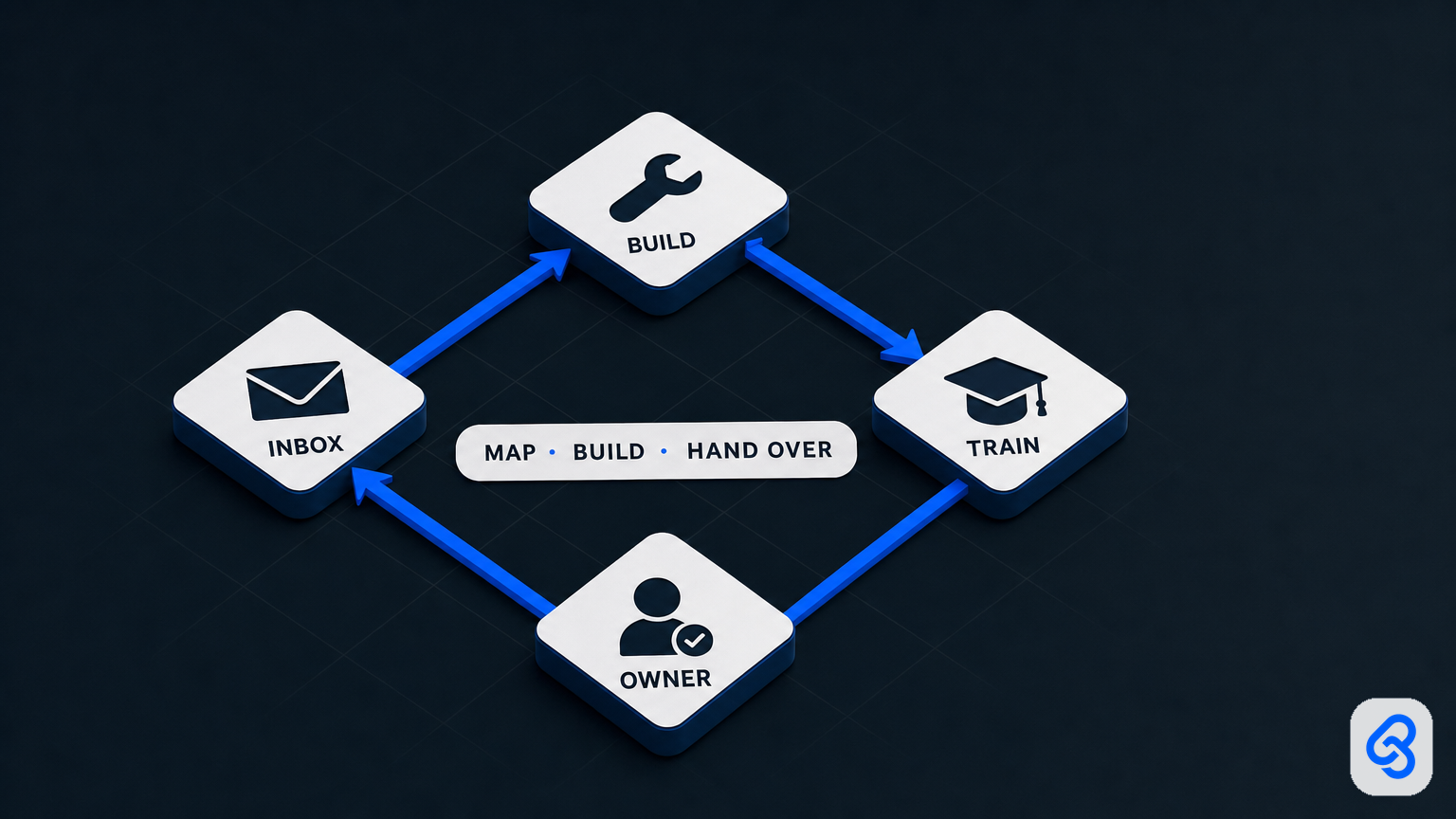
5. Train and hand over. The process owner should know how to review the queue, correct errors, manage access and escalate failures. Keep usable documentation with the business.
6. Review after launch. Check that the workflow remains accurate and useful as tools and business rules change. Agree who handles maintenance and support.
For Singapore businesses planning broader digital change, IMDA's [Industry Digital Plans for SMEs] provide step-by-step guidance by industry. Use that as a planning resource, not as a promise of funding or a substitute for checking whether a particular solution fits your operation.
Measure the workflow, not the sales demo
Set a baseline before implementation. Depending on the process, useful measures may include time from receipt to review, number of items awaiting approval, frequency of missing information, rework, or the share of cases needing manual intervention. Choose measures the process owner can actually observe.
After launch, compare like with like and account for changes in volume, staffing and process rules. A shorter processing time is not a success if errors, unresolved exceptions or staff workload increase. Do not treat a vendor estimate or an automated dashboard as proof of savings without checking what it measures.
A practical next step
Choose one recurring workflow and write a one-page brief: the trigger, current steps, tools, exceptions, decision owner, data involved and a visible success test. Use it to compare a built-in feature, a DIY automation and an implementation service. Start small enough that staff can review the result and keep consequential decisions accountable.
If you are weighing a focused workflow against a wider change programme, explore Lynqra's [business transformation services]. To discuss one process and its constraints, [contact Lynqra about a workflow consultation].