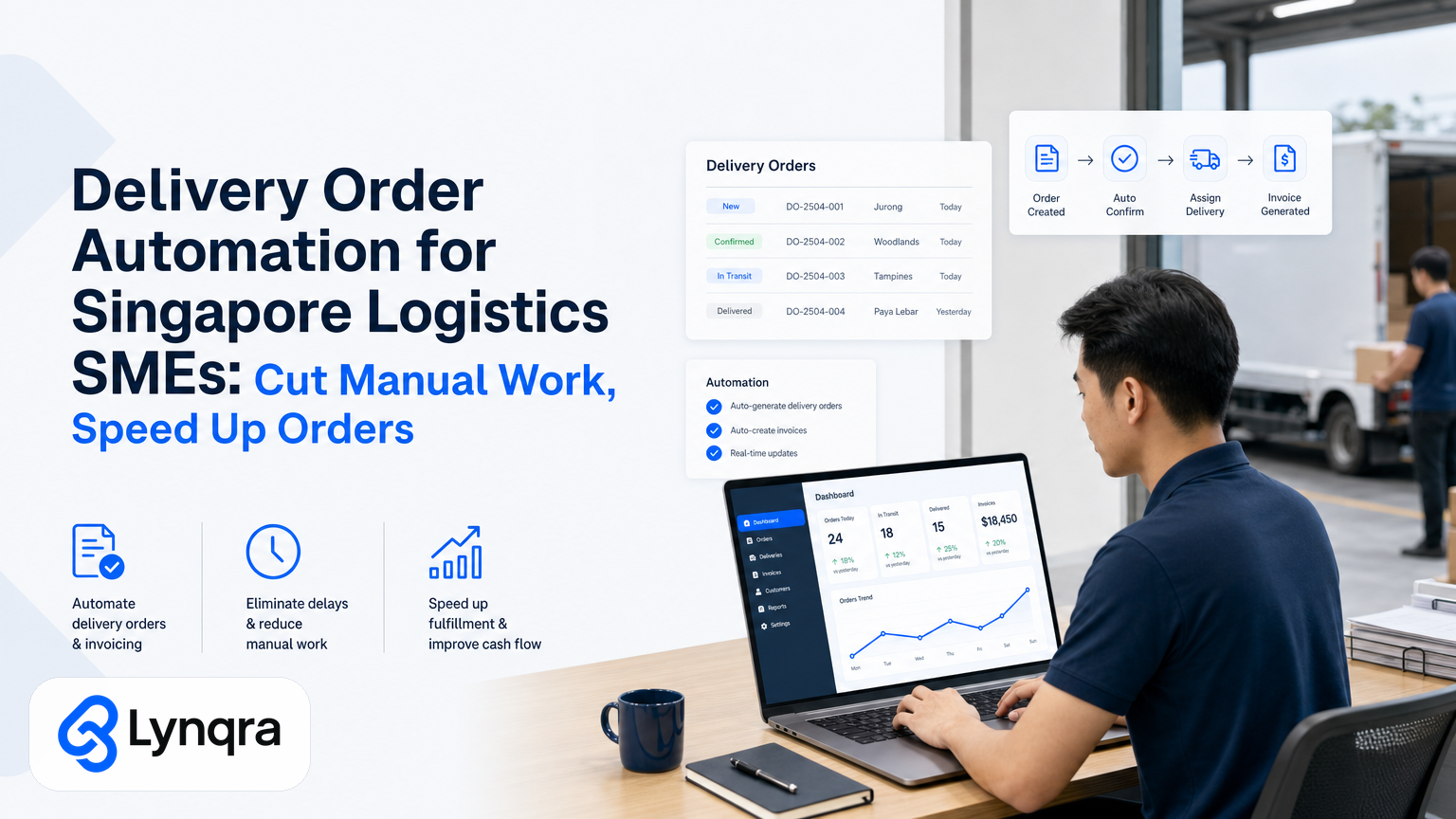
If you run a logistics or delivery operation in Singapore, you know the pattern: orders arrive, someone manually enters them into a system, another person picks stock, a third approves the shipment, and a fourth sends the invoice. Each step is a chance for delays, typos, and missed deadlines. For many SMEs, this manual chain eats hours every week and costs real money in customer satisfaction.
Delivery order automation removes the repetitive handoffs that slow you down. Instead of people copying information between tools, automation moves orders through your workflow automatically, with data flowing from email or a form directly into your picking system, approval queue, and invoicing platform. You keep the tools your team already uses. There's no forced migration to expensive enterprise software. You just add automation where your current process breaks.
This guide walks through how delivery order automation works in practice, what it actually saves, and how to start without blowing your budget.
Why Do Manual Delivery Orders Cost More Than You Think?
Your team processes orders differently from how another logistics business does. But the bottleneck pattern is almost always the same: information enters your system one way, moves through your workflow another way, and exits into your customer communication channel a third way. Each transition is a manual step.
A typical manual cycle looks like this: Customer sends an order by email or phone. Someone reads it and enters it into a spreadsheet or system. They check stock availability or send it to warehouse staff. A manager approves the shipment or quote. The office person creates an invoice. The warehouse person prints a packing slip. Delivery is scheduled. Customer gets a text or email. If something changes, the whole chain reverses, and someone updates every record by hand.
In that chain, delays happen because:
- Data entry errors create back-and-forth corrections.
- Orders wait in an approval queue because the manager checks email twice a day.
- Invoices are created after delivery, not before, so payment collection slows down.
- Stock information is outdated, so pickers grab the wrong item.
- There's no single source of truth, so multiple versions of the same order exist in different tools.
For SMEs with 10-50 staff, this overhead often means one full-time person managing order administration, or several people spending 20-30% of their day on order processing alone. That person could instead be managing exceptions, improving customer relationships, or planning capacity.
What Delivery Order Automation Actually Does
Automation doesn't replace your team. It removes the parts of their job that a system can do faster and more reliably. Here's what changes:
Orders enter your system automatically. When a customer sends an order via email, WhatsApp, a web form, or even a phone call logged into a system, automation reads it. AI extracts the key details: customer name, delivery address, item codes, quantities, special instructions. No typing. No manual data entry. The order lands in your fulfillment system in seconds, not minutes.
Stock is checked in real time. Your automation connects to your inventory system or spreadsheet and checks if items are available. If stock is low, it flags the order or offers an alternative. No guesswork. No "I think we have it" conversations.
Approvals happen fast. Instead of orders sitting in an email inbox waiting for a manager to review, they flow into an approval system. The manager gets a notification on Telegram, WhatsApp, or email with all the relevant details. They approve or reject in one tap. The workflow moves forward without delay.
Invoices and documents generate on time. Once an order is approved, your system creates the invoice, packing slip, or delivery note automatically. All details are correct because they came from a single source. Delivery staff print and go. Customers get invoiced immediately, so payment collection starts sooner.
Customers get updates automatically. As the order moves through your workflow, the customer hears about it. They get a confirmation when you receive their order. They get a shipment notification when it leaves your warehouse. No one on your team has to send these messages manually.
Exceptions get escalated to humans. If something is unusual, an order is out of stock, or a delivery address is incomplete, automation flags it for your team to handle. You see the problem immediately instead of discovering it when a driver is already at the address.
Real Examples from Singapore Operations
These examples come from logistics and delivery businesses in Singapore that have implemented delivery order automation. They show what changes when you automate:
A food distribution company was spending 6 hours per week just on invoicing. Orders came from multiple channels. Staff entered them into a system, checked them, created invoices, then checked those invoices again. After automation, the company moved order data into a system once. Invoices were created automatically. The company cut invoice time by 90%. More importantly, they started sending invoices on the same day orders were fulfilled, so cash collection improved and customers stopped calling to ask for invoices.
A logistics SME managing stock had a 30% overstock problem. Orders were entered manually. Stock levels in the spreadsheet were often wrong. Pickers grabbed items based on outdated information. After automation, stock levels updated in real time. When an order arrived, the system checked actual inventory before the order was confirmed. Overstock fell by 30% within two months. Capital tied up in excess stock came free.
A same-day delivery operator was manually scheduling all deliveries. A person would read each order, check the driver's capacity, and assign deliveries by hand. If a customer called to reschedule, the whole schedule broke. They went back to manual re-assignment. After automation, orders flowed into a scheduling system. The system assigned deliveries based on driver location, vehicle capacity, and delivery window. When a customer changed their delivery time, the system re-optimized the route automatically. They cut order-to-dispatch time from 2 hours to 20 minutes.
These are not fantasy numbers. They come from real SME workflows. But your results will depend on how many orders you process, how much data entry you do now, and how broken your current approval process is.
How to Start: A Practical Framework
You don't need to automate your entire operation at once. Start with the single biggest bottleneck. Use this framework to find it:
Step 1: Map your current order-to-delivery flow. Write down every step from the moment an order arrives to the moment it ships. Include all the people involved and all the tools used. Set a timer and track how long each step takes. Do this for 5-10 typical orders. You will see where time disappears.
Step 2: Count the manual data entry points. Every time someone types information into a tool that already exists elsewhere, that's a candidate for automation. If orders come in by email and someone types them into a system, that's a manual step. If stock levels are updated in a spreadsheet but pickers look at a different system, that's a broken handoff. These are your biggest time sinks.
Step 3: Identify your approval bottleneck. Where do orders wait longest? Is it because a manager approves them slowly? Is it because they're checking email only twice a day? Is it because the approval system is so clunky that people avoid it? Fixing approval speed often cuts total cycle time more than anything else.
Step 4: Pick one problem to solve first. Don't try to automate everything. Start with the step that eats the most time and causes the most errors. This becomes your first automation project. It will show results quickly and build confidence.
Step 5: Build the automation inside your existing tools. You probably use Google Sheets, email, WhatsApp, Telegram, or a basic order management system. Automation works inside these tools. You don't switch platforms. Your team doesn't need new login credentials. The workflow looks familiar, just faster.
What to Check Before You Start
Before you commit to an automation project, ask these questions:
Is your data clean enough? If your customer list, product codes, or addresses are messy (inconsistent spelling, duplicate entries, missing fields), automation will amplify those problems. You don't need perfect data, but you need accurate customer names, valid addresses, and consistent product codes. If that's not in place, spend a week cleaning data first.
Do you have a single source of truth for key information? If customer data lives in three different spreadsheets, automation will get confused about which version to use. Before automating, consolidate your customer list, inventory, and pricing into one tool. Then automation can read from it reliably.
Is your approval process clear? Automation can't make a decision for you. It can route an order to the right person and give them the information they need. But someone has to actually approve it. If your approval rules are fuzzy ("the manager approves if the amount is under SGD 5,000, unless it's a repeat customer, unless it's Friday"), write those rules down explicitly. Then automation can enforce them.
Can your payment and accounting system accept automated invoices? If your accountant insists on seeing every invoice before it's sent, automation won't speed up cash collection. But if your invoices are already structured, and your accountant just needs to reconcile them monthly, automation works fine. Check with your accountant first.
Do you have someone who can maintain the automation? Automation isn't set-and-forget. When you add a new product, when you change a delivery zone, when you hire a new approver, someone needs to update the automation. That person doesn't need to be technical. They just need to be comfortable with basic spreadsheet logic and willing to learn a no-code tool. Do you have someone on your team who can do that?
If you answer "not yet" to any of these questions, that's not a blocker. It just means you have a short prep phase before the automation goes live.
Integration: How Automation Fits Your Existing Tools
You probably use some combination of email, WhatsApp, Google Sheets, a basic CRM, or an accounting system. Automation layers on top of these tools. It doesn't replace them.
Orders from email or forms. When a customer sends an order by email or fills out a web form, automation reads it. AI extracts the key details: customer name, address, items, quantities, delivery window. The data flows into your system automatically.
Approvals through messaging apps. Instead of forwarding emails around your team, you can send approval requests through WhatsApp or Telegram. The approver sees the order details in a simple message, taps "Approve" or "Reject", and the workflow moves forward. Learn more about how this works in practice in our WhatsApp Automation Singapore SME - A Practical Implementation Guide.
Data stored in Google Sheets. Many SMEs use Google Sheets as their operational hub. Stock levels, customer lists, delivery routes, and pending orders all live there. Automation connects to these spreadsheets and updates them in real time. When an order is approved, the sheet updates automatically. When stock is low, the automation flags it.
Documents and invoices generated automatically. Instead of creating PDFs by hand, automation generates them based on template and order data. Packing slips, delivery notes, and invoices all come from a single source. No copy-paste errors. Learn more about automating documents in our guide to AI Document Processing in Singapore: Automating PDFs, Forms, and Manual Data Entry.
Escalation for exceptions. Not every order is straightforward. If an address is incomplete, a customer wants a modification, or stock is unavailable, automation flags it for your team to handle. Exceptions go to the right person immediately, so they don't get lost in a general inbox.
The key insight: you don't switch tools. Your team keeps using what they already know. Automation just makes those tools talk to each other and removes the manual steps between them.
Grant Support and Digital Transformation for SMEs
Singapore offers several funding pathways to help SMEs implement digital solutions, including automation. Your project might qualify for support depending on your company profile, scope, and timing.
IMDA's Industry Digital Plans provide dedicated support pathways for specific sectors, including logistics. Depending on your logistics operation's size and structure, you may qualify for support with technology adoption, training, or consulting costs. The programme helps SMEs drive growth through digital tools and innovation.
The specifics of eligibility, funding amounts, and application timelines change regularly. Before you plan a budget, check the official website above or speak with a grant advisory partner who understands your business type and can confirm what you qualify for. Many automation consultants work with grant advisors who can help you explore funding pathways based on your exact situation.
The important point: don't assume you can't afford automation because of the upfront cost. Many Singapore SMEs have used grants to offset consulting and implementation costs. It's worth investigating.
Data Protection and Security Compliance
When you implement order automation, customer data moves through multiple systems. That data needs to be handled correctly. Singapore's Personal Data Protection Act (PDPA) sets the standard for how you collect, use, and store customer information. Before you deploy automation, make sure you understand your obligations.
For broader cybersecurity guidance, the Cyber Security Agency of Singapore publishes resources to help enterprises adopt integrated cyber hygiene practices and protect their digital operations.
When you talk to an automation partner, ask about their data handling practices, audit trails, and how they comply with Singapore's data protection standards. A good partner can walk you through exactly how your customer data is stored, encrypted, and accessed.
FAQ: Common Questions About Delivery Order Automation
Q: Will my team accept a new system?
You're not introducing a new system. You're making the tools they already use work together. If your team uses Google Sheets, they'll still use Google Sheets. If they approve via email, they can approve via WhatsApp instead, which is faster. The interface stays familiar.
Q: What if the automation breaks?
Automation is code, and code can have bugs. That's why you need a partner who stays with you after launch, monitors the automation, and fixes problems quickly. A one-time vendor hands you a system and disappears. A long-term partner monitors it, updates it when your workflow changes, and iterates as your business grows.
Q: I'm worried about data security. How do I know my customer information is safe?
That's a smart concern. You should vet your partner's security practices. Make sure they follow Singapore's data protection standards. Many SMEs ask about PDPA compliance and audit trails. A good partner can show you how they handle these.
Q: Will automation cost more than the time it saves?
Not usually, especially for SMEs processing more than 50 orders per week. If one staff member spends 6+ hours per week on manual order processing, that person costs your business money. If automation cuts that to 1 hour per week, the ROI is clear within 2-3 months. Beyond that, it's pure time savings and fewer errors.
Q: What if my workflow is too unique for automation?
Workflows are often unique in detail but similar in structure. Orders arrive. They're validated. They're approved. They're fulfilled. Invoiced. That's the same across most businesses. The automation adapts to your specific rules: your approval thresholds, your customer groups, your product categories, your delivery zones. You don't fit your workflow to the tool. The tool adapts to your workflow.
Starting Your First Automation Project
Here's what a real first project looks like:
1. You identify that invoice creation takes 3 hours per week and causes payment delays.
2. You map out how invoices are currently created: order is received, stock is confirmed, invoice is typed up manually in a spreadsheet, then sent to the customer.
3. You talk to a partner who specializes in SME automation. They ask questions about your current process, your tools, and your constraints.
4. They propose a simple automation: when an order is marked as "dispatched" in your system, an invoice is generated automatically using a template. The invoice is emailed to the customer and saved to a folder for your accountant.
5. You run a pilot with 20 orders. It works. You see that invoices are now sent the same day as dispatch instead of 2 days later.
6. You roll it out to all orders.
7. Your partner monitors it for a month, fixes any edge cases, and trains your team on how to update the template if you change your invoice format.
This entire process takes 3-4 weeks from first conversation to full rollout. The cost is a fraction of what you'd pay for a new software license or an in-house developer.
And that's just the first project. Once that's running smoothly, you can tackle approval bottlenecks, stock management, or customer communication. Each automation gets faster because you've already learned how to work with a partner and how automation fits your operations. Explore how others in Singapore are using automation by reading our guide on Shopify Order Automation for Singapore SMEs: A Practical Guide to Cutting Manual Work.
Next Steps
If this resonates with your business, start by mapping your current order flow. Set a timer. Track how long each step takes. Find the single biggest bottleneck. Write down the answer.
Then reach out. You can book a free discovery call where we'll ask you about your operation, find out exactly where time is being wasted, and walk through what a first automation project might look like for your business.
You don't need to commit to anything big. You just need to have a conversation about what's slowing you down and whether it's worth fixing. Many SMEs find that a single focused automation pays for itself within weeks. Explore our Delivery Order Automation for Singapore Logistics SMEs: Cut Manual Work, Speed Up Orders for more detailed implementation insights.
Talk to us or book a time to discuss your delivery order automation needs.