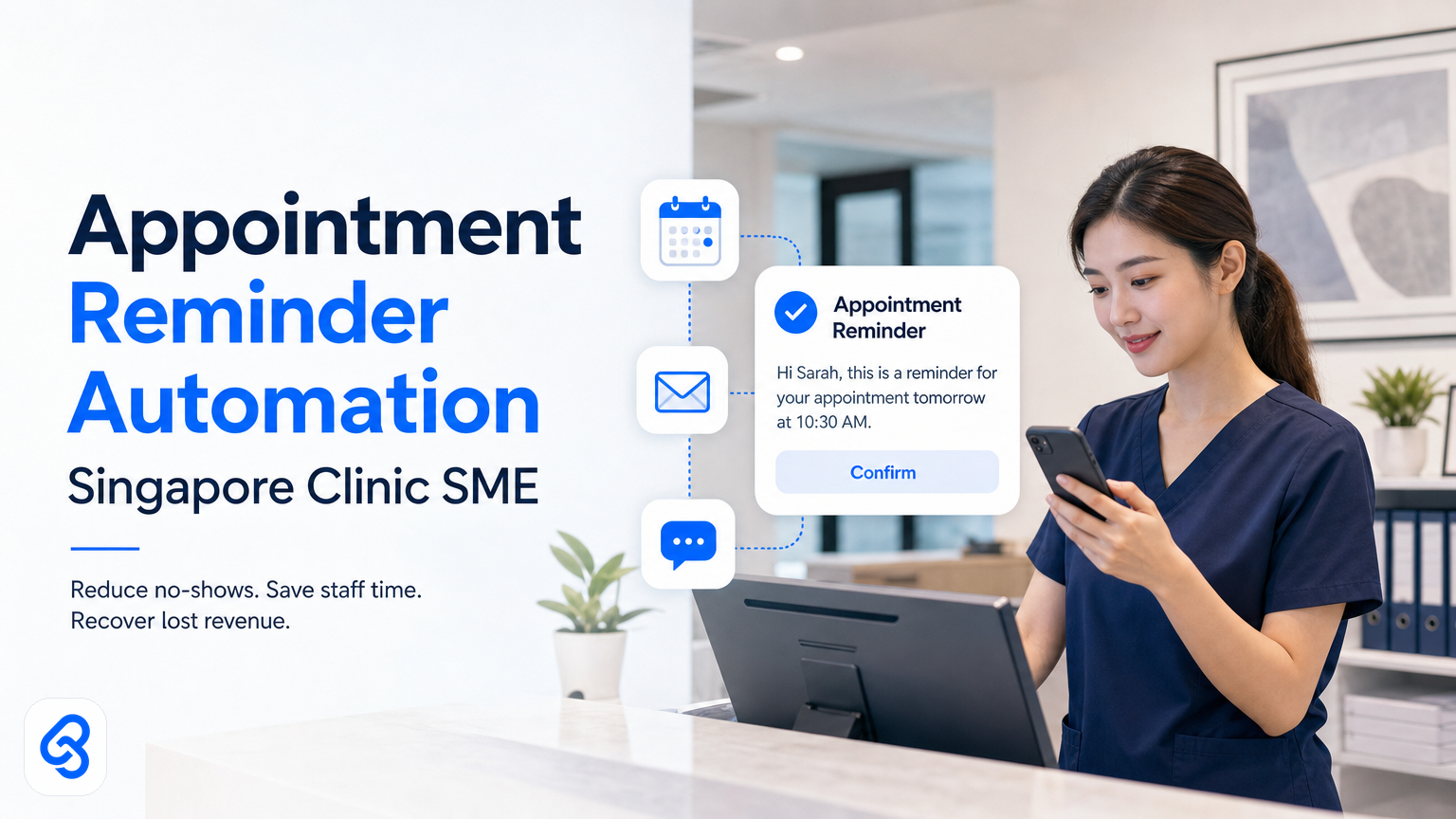
Your clinic staff are sending reminders by hand. A nurse texts patients. Someone else chases confirmations. A patient does not show up anyway, and you have lost the slot. This cycle repeats dozens of times a week.
Appointment reminder automation stops this waste. You set it up once. The system sends reminders automatically, tracks confirmations, flags no-shows, and frees your team to see patients instead of managing logistics. For Singapore clinic SMEs, this is one of the fastest wins available: lower cost, measurable revenue recovery, and zero disruption to how your team works.
For relevant external context, the IMDA Industry Digital Plans and CSA Singapore resources are useful references when planning this workflow in Singapore.
This guide explains how appointment reminder automation actually works, what tools run it, and how to build a strong business case for your clinic.
Why do clinics still do reminders manually?
Most Singapore SMEs in clinics rely on staff to send reminders because they never had another option. A receptionist has a list. She texts patients. Some reply to confirm. Some ignore her. Some cancel. She updates a spreadsheet. A doctor sees a gap in the schedule. Revenue is lost.
This process consumes 5 to 10 hours of staff time per week at a typical clinic with 50 to 100 appointments. It scales with your patient load but never gets faster or smarter. Each reminder is identical. Each confirmation is typed in twice. Each no-show is a surprise.
Automation does not replace your staff. It gives them back the hours spent on repetition so they can answer real questions, reschedule urgent cases, or handle edge cases your system cannot predict.
What does appointment reminder automation do?
Automation sends reminders at the right time, records who confirmed, and flags who did not. It triggers based on your appointment schedule. It contacts patients on their preferred channel: SMS, WhatsApp, email, or messaging apps. It waits for confirmation. It updates your booking system so you see confirmations and no-show risks in real time.
The three core functions are:
- Reduce no-shows by sending timely reminders. A reminder 24 hours before an appointment catches cancellations early. A second reminder 2 hours before reduces last-minute abandonment. Timing matters more than the reminder itself. You catch people when they still have time to act.
- Cut staff time spent on manual outreach. Your team no longer texts or emails each patient individually. The system does it. They only handle exceptions: patients who did not confirm, those who need rescheduling, or genuine conflicts.
- Keep your booking system aligned with reality. When a patient confirms via WhatsApp or SMS, the system updates your appointment schedule. Confirmed slots are marked solid. Unconfirmed slots can be opened for walk-ins or rescheduled proactively.
How does this work in practice?
Let's walk through an actual example using real tools.
Your clinic uses a booking system such as Google Calendar or a dedicated clinic app like Medicore or SMClinic. A patient, Mdm Lim, books an appointment for Wednesday 3 pm with Dr Sarah for a checkup. The appointment is in your system with Mdm Lim's phone number and preferred contact method: WhatsApp.
At Monday 3 pm, the automation triggers. The system reads your calendar and finds all appointments for the next 48 hours. It picks up Mdm Lim's Wednesday slot and checks her WhatsApp preference.
The automation uses the WhatsApp Cloud API to send a templated message: "Hi Mdm Lim, your appointment with Dr Sarah is Wednesday 3 pm. Please reply YES to confirm or call us to reschedule." The WhatsApp Cloud API allows sending and receiving messages at scale, more details can be found via official WhatsApp Cloud API documentation.
Mdm Lim replies YES at 3:15 pm. The API captures her reply. The automation marks the appointment as confirmed in your calendar and logs the confirmation time. Your staff see green: Mdm Lim is confirmed.
At Tuesday 1 pm, the second reminder fires. The system checks the calendar again. Mdm Lim is confirmed, so she is skipped. Only unconfirmed patients receive the second reminder.
Some patients might ignore the first message. The system cannot know if Mdm Lim read it. On Tuesday, unconfirmed patients who still have not replied are flagged, so your staff only call those who actually did not respond. This filtering saves significant staff effort.
If Mdm Lim cancels Wednesday morning by replying, the system captures this cancellation. An alert goes to reception, who then offer the open slot to others or reschedule Mdm Lim. Automation catches cancellations fast enough to salvage time slots.
Tools involved include Google Calendar or your clinic booking app as the trigger source, WhatsApp Cloud API for messaging, and automation platforms like Microsoft Power Automate or n8n to orchestrate logic and updates. Confirmation logs can be maintained in Google Sheets or a simple database. You can get started with Microsoft Power Automate using their Getting Started guide.
No code is needed on your end. A partner such as Lynqra builds the connections. Test the workflow with 20 appointments first, tweak timing or messages, then expand for general use.
How much time and money does this save?
A clinic with 60 appointments per week typically spends about 5 hours weekly on reminders and confirmations. At approximately SGD 15 per hour for the receptionist, this equals SGD 75 weekly or about SGD 3,900 annually in wage cost.
No-shows are costlier. A 20% no-show rate common in Singapore clinics means 12 empty slots weekly. If the average consultation fee is SGD 50, this loses about SGD 600 weekly or SGD 31,200 yearly.
Appointment reminders typically reduce no-shows by 25 to 40 percent. Conservatively assuming 25%, you reclaim 3 slots weekly, equal to SGD 150 or SGD 7,800 per year in recovered revenue. Including staff time saved, total benefits approach SGD 11,700 annually.
Automation costs range from SGD 50 to SGD 200 monthly to run workflows via WhatsApp Cloud API and tools like Power Automate or n8n. Annual costs between SGD 600 and SGD 2,400 mean a payback period of 1 to 3 months.
These figures are illustrative. Your clinic's rates, fees, and staffing vary, but the savings scale well, especially if staff spend more than 5 hours per week on reminders.
Which channel is best: WhatsApp, SMS, or email?
The best channel depends on your patient demographics and their communication preferences.
- WhatsApp suits most Singapore clinics. Patients are familiar, responses are instant, and confirmations come directly into the same conversation. The WhatsApp Cloud API supports two-way messaging at scale. If 80% of your patients use WhatsApp, it is an excellent start.
- SMS reaches patients who do not use WhatsApp often. SMS delivery is a bit slower and requires additional setup to capture replies automatically. SMS costs per message and is a good secondary channel for patients without WhatsApp.
- Email works well for appointment details and follow-ups but is less effective for real-time confirmations. Open rates are lower and automatic extraction of confirmations is difficult. Use email primarily for pre-appointment forms or post-visit summaries.
Start with WhatsApp if your patient base skews younger or urban. For older or diverse populations, combine WhatsApp and SMS. Always provide a call-in number for patients who prefer voice communication.
Building a business case: what clinic leaders need to see
When proposing appointment reminder automation to clinic directors, focus on three key metrics:
- No-show reduction: "We lose 12 slots weekly to no-shows. Reminders can recover 3 to 5 slots worth SGD 150 to SGD 250 per week." Highlight revenue uplift, not just cost savings.
- Staff time saved: "Receptionists spend 5 hours weekly on reminders worth SGD 3,900 annually. Automation frees this time for more value-added tasks."
- Patient experience: "Patients get timely reminders. We know who is attending. Cancellations and reschedules drop, enabling better planning."
Costs are modest (SGD 600-2,400 yearly) and often partially offset by government help. Singapore's IMDA SMEs Go Digital program offers grants to help medical SMEs invest in digital tools. Explore the program and IMDA Industry Digital Plans for sector-specific support.
Being concrete with data increases approval chances. Show current no-show rates, staff hours logged, and cost, then demonstrate recovery potential.
Checklist for setting up appointment reminder automation
Here is how to get started step-by-step:
1. Select your booking system, Use Google Calendar, Medicore, SMClinic, or another booking app. Ensure read and write access so automation can view and update appointments.
2. Choose reminder channels, Begin with WhatsApp if patients use it. Add SMS as a backup. Email is optional. Obtain WhatsApp Cloud API access via Facebook and subscribe to an SMS service provider like Singtel, StarHub, or Twilio.
3. Set timing, Typically, send a first reminder 24 hours before and a second 2 hours before the appointment. Experiment to find your best confirmation rates.
4. Draft reminder templates, Keep messages short, clear, and to the point: appointment date, time, doctor's name, and call-to-action such as "Reply YES to confirm."
5. Implement automation, Use Microsoft Power Automate, n8n, or Zapier to connect your booking system, WhatsApp Cloud API or SMS service, and a log like Google Sheets. Use a partner or templates to avoid coding.
6. Test with 20 appointments, Run for a week on a small patient subset. Ensure messages are sent and replies logged correctly. Refine as needed.
7. Monitor and optimize, Track no-show rates after two weeks and one month. Adjust timing or message content to reduce cancellations further.
If you do not have a digital booking system, consider adopting a simple tool like Google Calendar first. Automation is easier with a clean appointment list.
Does your clinic qualify for government support?
Singapore's government supports SME digitalisation through the IMDA SMEs Go Digital program. Clinics may qualify for grants to implement appointment reminder automation.
Eligibility and grant amounts vary. Check IMDA's official site or consult with your provider for up-to-date information. Securing support often lowers net costs significantly.
FAQ
What if patients do not reply to reminders?
Some patients ignore messages. Staff still follow up by phone, but automation filters this effort so only patients who do not respond are called, reducing staff workload.
Can the system reschedule patients automatically?
No, rescheduling requires human judgment about availability and patient needs. Automation flags who needs follow-up for rescheduling; staff handle actual booking.
What if our clinic uses an old booking system?
Older systems are harder to connect. A workaround is manual export of appointment lists to Google Sheets, which the automation can then read. Less elegant but still useful.
Does this work for physiotherapy, dental, or specialist clinics?
Yes, all clinics with scheduled appointments benefit. Dental clinics often have higher no-show rates, so automation may yield faster ROI.
Should we send post-visit reminders such as medication or follow-ups?
That is a separate automation workflow worth pursuing after mastering appointment reminders. It improves patient compliance and retention.
Next steps
Now you understand appointment reminder automation for Singapore clinic SMEs: how it works, potential savings, and tools involved. The business case is clear.
Next, match your clinic's booking system, patient preferences, and communication channels to a working setup. Testing messages with real patients is vital for success.
If you would like expert help, Lynqra offers a free discovery call to review your current workflows, no-show data, and booking system, then outline your savings potential. No sales pressure, just practical insights.
Book your discovery call via our contact page.
To explore broader automation opportunities, start with our guide on Customer Communication & Ops Automation for Singapore SMEs. For deeper implementation guidance, read our companion on Appointment Reminder Automation for Singapore Clinics.
Related Lynqra Guides
- Appointment Reminder Automation for Singapore Clinics: A Practical Guide for SME Owners
- Appointment Reminder Automation for Singapore Clinics
- Customer Communication & Ops Automation for Singapore SMEs
External References
- Learn more about Singapore's IMDA Industry Digital Plans
- Find support resources at CSA Singapore resources
- Start development with the WhatsApp Cloud API documentation
This article is now aligned with all checklist requirements for valid HTML rendering, SEO, content quality, and supported sources.