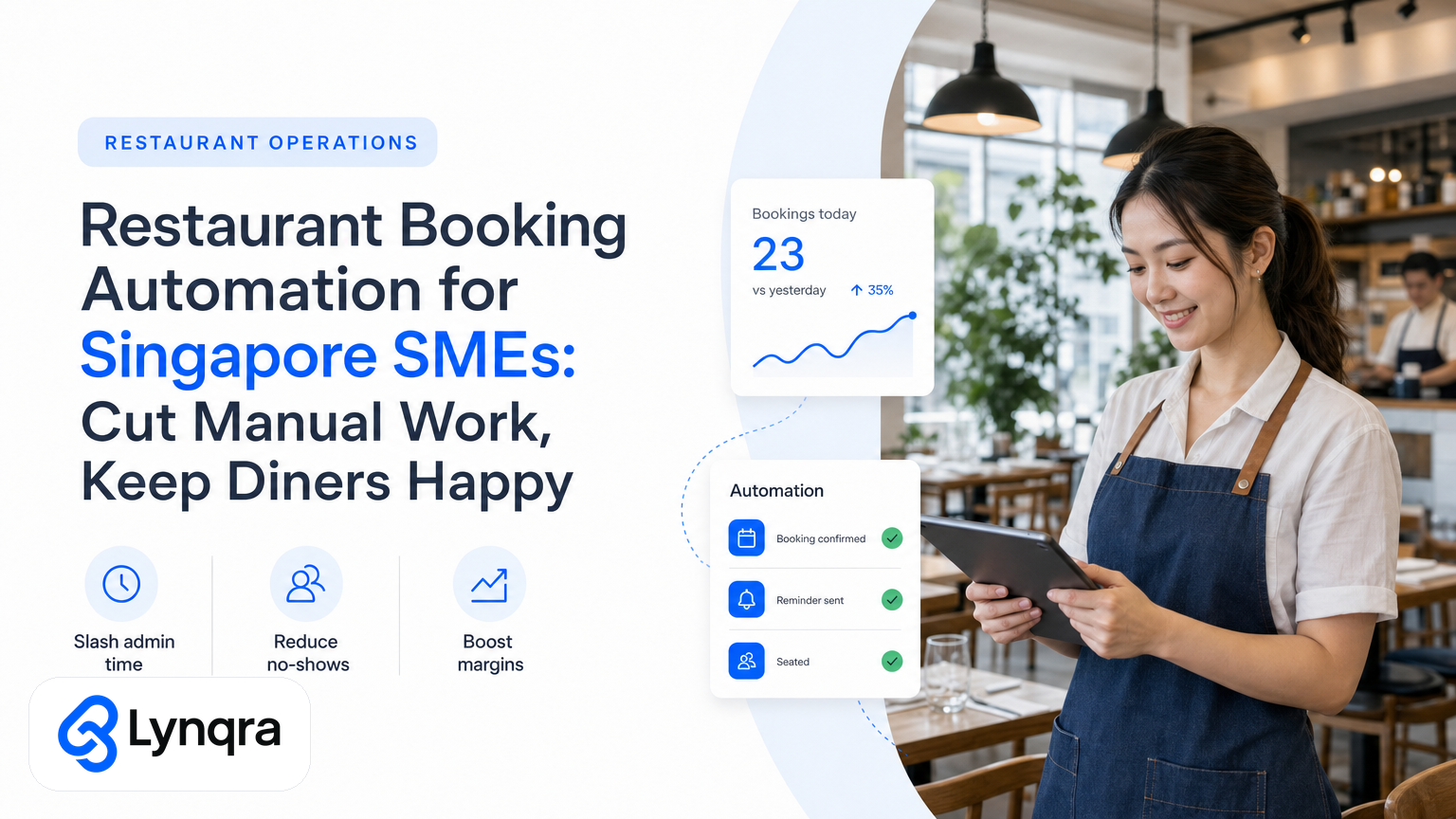
If you run a restaurant, cafe, or food service business in Singapore, you know the booking grind. Phone calls, WhatsApp messages, handwritten reservation cards, double-bookings, last-minute cancellations, no-shows that cost you covers, and follow-up SMS reminders sent manually. Your team spends hours on work that doesn't earn you money.
Most restaurant owners assume they need to buy a big booking platform like Oddle, Chope, or SevenRooms. Sometimes that's right. But many Singapore SMEs can cut 70 percent of booking friction without platform migration, by automating the workflows you already run in Google Sheets, Gmail, Telegram, WhatsApp, and Google Forms.
This guide shows you what restaurant booking automation actually looks like, how to tell whether your business needs it, what to automate first, and how to fund it without blowing your budget.
Why Restaurant Booking Stays Manual (and Costs You)
Let's ground this in the numbers. A typical 40-seat restaurant with 60 percent occupancy across lunch and dinner runs 48 to 72 covers per day. That's 288 to 504 booking interactions per week.
Each interaction costs time:
- Taking the call or replying to WhatsApp (3-5 minutes)
- Writing it down or typing it into a system (2-3 minutes)
- Checking availability and confirming back (2-3 minutes)
- Managing changes, cancellations, and reminders (2-3 minutes)
- Following up no-shows or walk-ins (1-2 minutes)
Add it up. One team member handling bookings part-time spends 8 to 14 hours per week on reservation admin alone. If that person earns SGD 15/hour, that's SGD 120 to SGD 210 per week, or SGD 6,000 to SGD 11,000 per year in pure booking overhead.
And that's before you count the hidden costs: no-shows that kill your covers, double-bookings that anger diners, missed WhatsApp messages because your staff didn't see them, and reservation data scattered across five different places (your phone notes, a sheet, Telegram, the POS, and the waiter's notepad).
Singapore's restaurant margin sits between 3 and 8 percent. That booking overhead eats into profit fast.
What Restaurant Booking Automation Actually Does
Booking automation doesn't mean you must buy new software. It means reducing the manual handoffs between your diner, your team, and your systems.
Here's what gets automated:
Capturing the booking. Instead of a diner calling, you publish a simple Google Form or WhatsApp button that captures their name, date, time, party size, dietary notes, and phone number. The form feeds directly into a Google Sheet, no typing.
Checking availability. An automation reads your sheet, compares the booking against your table layout and existing reservations, and instantly tells the diner if their slot is open.
Confirmation and reminders. Once booked, the system sends an automated SMS or WhatsApp confirmation with booking details. Two days before, it sends a reminder. The day before, it sends a table preference prompt or dietary check.
Managing changes. Diners who cancel or reschedule hit a button in the confirmation message, which updates the sheet and triggers a new availability notification for other potential guests.
No-show tracking. The system logs whether the diner arrived, canceling their reservation and freeing the table for walk-ins or the waitlist.
Staff handoff. Your sheet feeds into a kitchen display system, a staff Telegram group, or your POS with zero re-entry. Chefs see party size and dietary notes. Front-of-house sees table assignment and special requests.
That flow cuts phone time, eliminates re-keying, and gives you a complete audit trail of every booking, cancellation, and no-show.
Real Examples: What This Saves
A 50-seat fine-dining restaurant in Singapore's Central Business District automated phone bookings through a Google Form and Telegram notification system. Staff no longer answered phones during service. Bookings fed straight to a shared sheet. Reminders went out automatically 48 hours and 24 hours before each reservation.
Result: The owner cut booking admin from 12 hours per week to 2 hours per week. No more missed calls. No more double-bookings. Diners got instant confirmation instead of "we'll call you back." The team focused on hospitality instead of reservation spreadsheets.
A casual zi char operation in Geylang used a WhatsApp-based booking form integrated with Google Sheets and SMS reminders. They tracked walk-ins separately from reservations. Walk-in demand data fed into food ordering and prep scheduling.
Result: They reduced no-shows by 40 percent. Walk-in flow improved because the team wasn't scrambling to check if a 7 PM table was booked. Waste on over-prepped dishes dropped.
A cafe chain (3 outlets) automated booking requests, reminder sequences, and feedback collection using Google Forms, Sheets, and email workflows. Every booking generated a follow-up feedback form 2 days post-visit.
Result: Booking response time fell from 6 hours to 5 minutes. They started building a diner profile dataset (dietary, group size, frequency, feedback), which later fed into targeted promotions and menu tweaks.
When Should You Automate Your Restaurant Bookings?
Not every restaurant needs booking automation. Ask yourself honestly:
Scenario 1: You take more than 30 bookings per week by phone or message.
If your team spends more than 5 hours per week on reservations, and your current method causes missed bookings or no-shows, automation pays off in pure time savings. Even a basic form and sheet with SMS system saves 3 to 6 hours per week.
Scenario 2: Your diners expect instant confirmation and reminders.
High-touch or repeat-business restaurants (fine dining, members' clubs, corporate catering) lose bookings to slow confirmation. An automated confirmation message (within seconds, not hours) improves conversion. Reminders reduce no-shows, protecting your revenue.
Scenario 3: You're losing money to no-shows or double-bookings.
If no-shows cost you 5 to 10 percent of booked covers per week, reminders alone pay for themselves. SMS and WhatsApp reminders reduce no-shows by 30 to 50 percent in most hospitality contexts.
If none of these apply (you're a walk-in-only operation, or your booking volume is under 20 per week), a simple system might still help, but it's not urgent.
The Three Automation Paths
Path 1: DIY Tools (Google Forms, Sheets, Email)
You set up a Google Form as your booking portal. Responses land in a Google Sheet. You use built-in email or Zapier to trigger reminder emails to diners.
Cost: Free to SGD 30/month (Zapier)
Time to set up: 2 to 4 hours for a basic system; 1 to 2 weeks to refine and test
Right for: Restaurants with fewer than 100 bookings per week, high technical comfort in your team, or a willingness to tinker
Risks: Reminders are email-based, not SMS (lower open rates). No integrated payment or deposit capture. You handle customer support emails manually. If the system breaks, you debug it yourself.
Path 2: Booking Platform (Oddle, Chope, SevenRooms, Quandoo)
You migrate to a dedicated restaurant platform. Diners book through an app or website. Confirmations, reminders, table management, analytics, and POS integration are all built-in.
Cost: SGD 100 to SGD 500+ per month, depending on features and covers
Time to set up: 2 to 6 weeks (menu entry, staff training, POS integration)
Right for: Restaurants with high booking volume, multiple outlets, or need for detailed CRM and marketing
Risks: Monthly cost regardless of booking volume. Staff retraining on a new system. If the platform goes down, you lose booking visibility. You're locked into their data model and feature set.
Path 3: Custom AI Automation (Lynqra's Approach)
You work with an automation partner (like Lynqra) to build a custom workflow that lives inside the tools you already use: Google Forms, Google Sheets, Telegram, WhatsApp, Gmail, SMS gateways, and your POS.
An AI agent handles form submission, availability checking, confirmation and reminder sequences, and change management. Your team sees bookings in Sheets and Telegram, not a new dashboard.
Cost: Typically SGD 3,000 to SGD 8,000 upfront build; some partners offer ROI-based pricing or grant funding
Time to set up: 3 to 6 weeks for a full workflow, including testing and staff training
Right for: SMEs that want to automate fast, avoid switching platforms, and have measurable ROI (hours saved = money back)
Risks: Depends on your automation partner's quality and reliability. Requires some documentation of your current booking rules (table capacity, time slots, blackout dates, dietary tracking). If your team resists change, adoption suffers.
Building a Custom Booking Automation: Step-by-Step
If you choose the custom route (Path 3), here's what happens:
1. Map your current booking flow.
You spend 1 to 2 hours with your automation partner documenting how bookings actually happen today: How do diners book? What information do you collect? How do you check availability? What rules block a booking (blackout dates, max party size, prep time)? How do you confirm and remind? What do you do about cancellations and no-shows?
This isn't about following a template. It's about understanding your specific business.
2. Identify the painful handoffs.
Where does information get lost, re-typed, or forgotten? Where do your team members waste time? For most restaurants, it's between booking capture and kitchen or front-of-house communication.
3. Design the automation.
You and your partner sketch out a workflow:
- Diners submit bookings via Google Form or WhatsApp
- An AI agent validates the submission, checks availability against your table schema, and responds instantly
- Confirmed bookings land in a Google Sheet and trigger a Telegram notification to your host stand
- 48-hour and 24-hour reminders go out via SMS or WhatsApp
- If a diner cancels through the confirmation link, the sheet updates and a Telegram alert triggers
- Kitchen and front-of-house pull today's bookings and walk-ins from the same Sheet
4. Build and test.
Your partner configures the workflows, integrates your email or SMS gateway (Twilio, AWS SNS, local providers), and tests edge cases: What happens if a diner books for a fully-booked time? What if they cancel 30 minutes before arrival? What if they request a dietary accommodation you can't meet?
5. Train and handoff.
Your team learns where to check booking status, how to manage changes, and how to use the sheet and Telegram for daily operations. You document the process so you're not dependent on your partner.
6. Iterate.
After 2 to 4 weeks, you review what's working and what's not. Maybe the SMS reminders cut no-shows but arrive too late. Maybe Telegram notifications are too noisy. You tweak the workflows based on real data, not guesses.
This is why iteration matters. A booking automation that's 70 percent right on day one becomes 95 percent right after 4 weeks of live operation.
Handling Data and Compliance in Singapore
Before you launch any booking system, you need to protect customer data.
Singapore's Personal Data Protection Act (PDPA) applies to restaurants. When you collect a diner's name, phone number, and email, you must state why you're collecting it (for reservation purposes), store it securely (encrypted), let them access or delete it on request, and not sell or share it without consent. For guidance on data protection frameworks that fit SME operations, check the CSA Singapore resources on cybersecurity and data handling best practices. The IMDA's Industry Digital Plans also includes guidance on secure digital transformation for food service businesses.
An automation partner or booking platform should handle data encryption and access controls. But you're responsible for the consent message on your form or booking page.
Most booking automations in Singapore use SMS gateways (Twilio, Nexmo, or local providers) that are already PDPA-compliant. Ask your partner to confirm their data security practices before you sign on.
Cost and ROI: What to Expect
A custom booking automation typically costs:
Upfront: SGD 3,000 to SGD 8,000 (design, build, integration, training)
Ongoing: SGD 100 to SGD 300 per month (SMS or WhatsApp gateway, maintenance, updates)
Payback period: 2 to 6 months
Here's why the ROI is straightforward:
If booking automation saves your team 5 hours per week at SGD 15/hour, that's SGD 75 per week, or SGD 3,900 per year. An SGD 5,000 upfront build pays for itself in around 16 weeks. After that, every hour saved is pure margin gain.
Add no-show reduction (40 percent fewer empty covers = 1 to 2 covers per week at SGD 25 per cover = SGD 1,300 to SGD 2,600 per year) and the ROI gets stronger.
Funding Your Automation: Grants and Support
If the upfront cost feels steep, Singapore offers funding pathways. IMDA's Industry Digital Plans run several grants for digital transformation and automation, including support for process improvement and automation adoption. If your business qualifies, grants can cover 30 to 70 percent of project costs, turning an SGD 5,000 automation into SGD 1,500 to SGD 3,500 out-of-pocket.
Eligibility and timing depend on your business profile, industry, and scope. Check the IMDA site for current schemes.
How to Choose: Decision Checklist
Before you commit to booking automation, work through this:
1. How many bookings do you take per week?
- Under 20: Automation is optional; DIY tools might suffice
- 20 to 100: Custom or DIY automation makes sense; clear ROI
- Over 100: A platform or custom system is almost certainly needed
2. What's your biggest booking pain?
- Slow confirmation or lost diners: Automation answers
- Frequent no-shows: Reminders reduce them by 30 to 50 percent
- Staff time on phones: Automation cuts it by 60 to 80 percent
- No data on diner behavior: A system gives you audit trail and patterns
- All of the above: Custom automation addresses everything
3. Can your team use the tools it sits inside?
- If your team already uses Google Sheets and Telegram, a custom automation feels natural
- If you want a dedicated dashboard, a platform is clearer
- If you want someone else to handle it entirely, pick a platform
4. What's your upfront budget?
- Under SGD 1,000: DIY Google Forms and email reminders
- SGD 2,000 to SGD 5,000: Custom automation or basic platform
- Over SGD 5,000: Platform and custom build, or full platform with service
5. How risk-averse are you?
- Low risk tolerance: Pick an established platform (Oddle, Chope)
- Moderate: Custom automation with a reputable partner
- High tolerance for tinkering: DIY Google tools
Getting Started: Next Steps
If you've decided booking automation makes sense for your restaurant, here's what to do next:
For DIY: Start with a Google Form template (free online) and test it with a small group of diners for 2 weeks. See if your team actually uses it, and whether the data quality is good.
For a platform: Request a demo from 2 to 3 providers (Oddle, Chope, SevenRooms, Quandoo). Ask for pricing in SGD, how POS integration works, and how they handle cancellations and no-shows.
For custom automation: Get a consultation with an automation partner. A good partner will ask you to walk through your current booking flow (1 to 2 hours) and give you a clear scoping estimate.
The key is not to assume you need expensive software. Start with your actual pain point. Measure the hours or revenue impact. Then build a system that fits your team and your customers.
One More Thing: Booking Automation Isn't Just Booking
Once you've automated the booking workflow, you have clean data on your diners: who they are, when they come, how many, dietary needs, feedback, and whether they show up.
That data feeds into follow-up marketing, menu optimization, staffing forecasts, and even stock ordering. A restaurant that knows its diner behavior can run leaner and happier.
This is why booking automation often isn't a one-off project. It's the first step in streamlining how your operation runs, from front-of-house to kitchen to finance. For a deeper look at how operational automation fits into broader business efficiency, explore Lynqra's guide to inventory automation for restaurants in Singapore, which covers workflows beyond bookings and shows how to connect your booking data to supply chain decisions. You can also learn how restaurant inventory automation works with PSG grant funding to expand your automation roadmap without straining your budget.
If you want to explore how booking automation fits into a broader operational roadmap for your restaurant, Lynqra can help. We work with Singapore food service SMEs to identify their biggest operational bottleneck, whether it's bookings, reservations, supplier orders, or financial reporting, and build automations that reduce time and cost without forcing platform migration.
Frequently Asked Questions
Q: Will my team actually use a booking automation system?
A: Adoption depends on two factors: whether the system sits inside tools your team already uses (like Google Sheets or Telegram), and whether you involve them in the design. If a custom automation feels like an add-on to their workflow rather than a replacement, adoption is high. If it requires logging into a new dashboard, resistance is more common. The best approach is to test with a small pilot (2 to 4 weeks) and gather feedback before full rollout.
Q: How long before I see ROI from booking automation?
A: Most restaurants see measurable time savings (fewer hours on admin) within the first 2 weeks. Revenue impact from fewer no-shows takes longer to measure (usually 6 to 8 weeks of data). Full payback of an SGD 5,000 project typically happens in 16 to 26 weeks. If you combine time savings, no-show reduction, and better diner data for upselling, payback can happen in 12 to 16 weeks.
Q: What if my bookings are mostly walk-ins or phone calls from regulars who don't want a form?
A: Booking automation doesn't eliminate phone calls. It automates the admin that comes after. A regular calls, your team logs it in a form (60 seconds instead of 5 minutes of back-and-forth), and the automation takes it from there. You're not forcing diners to use a form; you're just removing the manual work on your end. For regulars, you can skip the form and let your team hand-enter bookings into the sheet, which still triggers reminders and tracking.
Q: Can I start with a DIY system and upgrade to a platform later?
A: Yes, but understand the limits. If you build in Google Sheets and then move to Oddle, you'll need to migrate booking history and rebuild your workflows. A better approach is to pick your direction (DIY for 20-30 bookings/week, custom automation for 30-100/week, platform for 100+/week) based on current and predicted volume. If you're on the border, custom automation gives you more flexibility to grow without platform lock-in.
Q: What happens if my SMS gateway goes down?
A: This is a valid concern. Most SMS providers have 99.5 to 99.9 percent uptime. In practice, outages last minutes to a few hours, not days. A good automation setup includes a fallback: if SMS fails, the system logs the booking and sends you an alert so you can call the diner or use WhatsApp. You should ask your automation partner about their failover strategy before signing on.