If you run a small or medium business in Singapore, you know the drill. An employee submits an expense claim. It sits in someone's inbox. A manager approves it (or forgets to). Finance chases a receipt. A week later, the reimbursement goes out. Repeat this fifty times a month across your team, and you've burned hours on work that a computer could handle in seconds.
Automating your expense approval is one of the fastest ways to reclaim time and reduce errors. This guide shows you how to automate expense approval with practical steps built for your actual workflows and compliance requirements.
What is expense approval automation, and why does your SME need it?
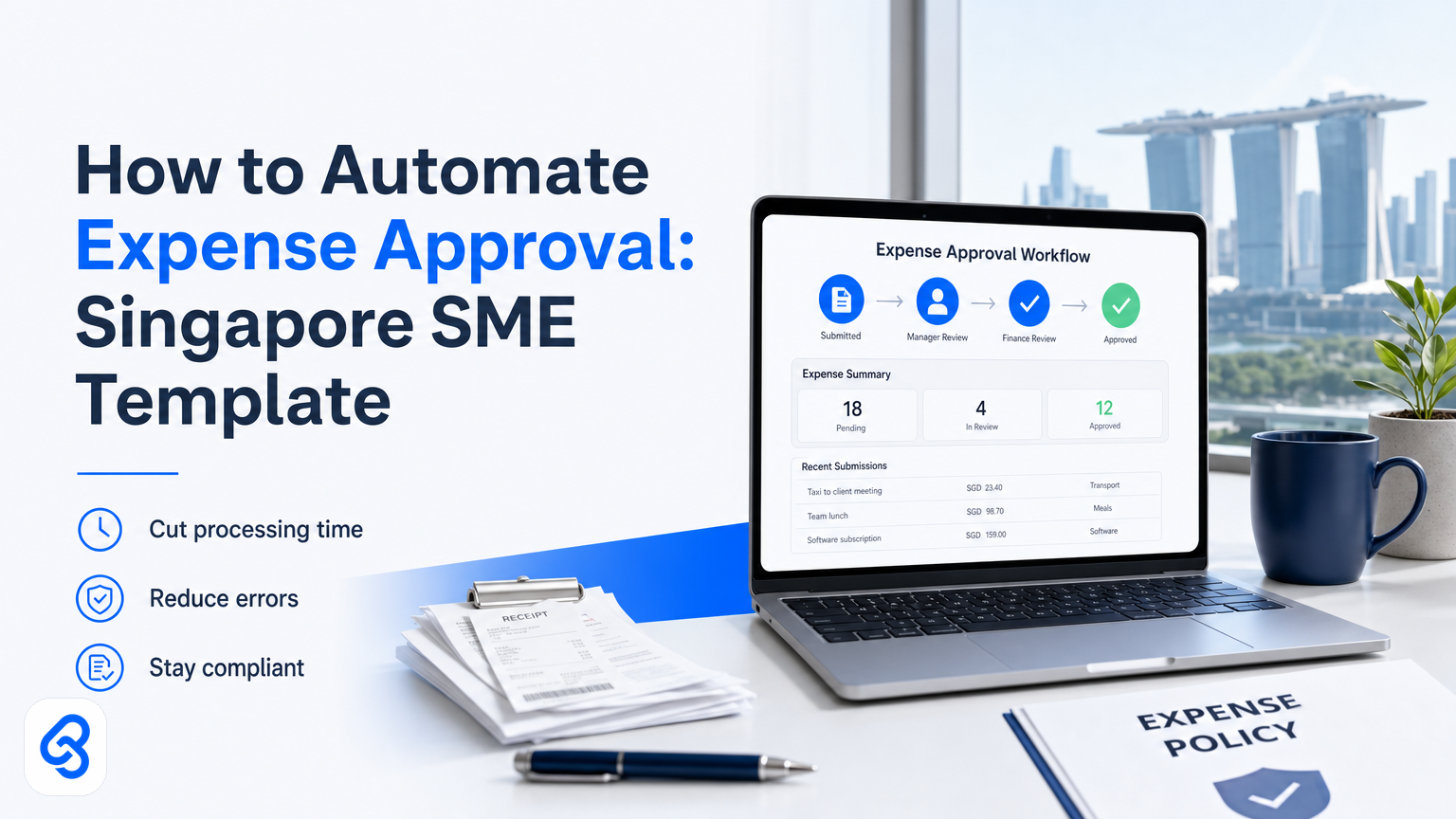
Expense approval automation removes manual work from the approval chain by connecting your expense submission tool to your finance system, creating automatic routing rules, and triggering notifications without human intervention. Instead of emails, spreadsheets, and follow-ups, approvals move through a defined workflow: submit, auto-route, notify, approve, record.
Why it matters for you: most Singapore SMEs waste 3-5 hours per week on expense management alone. Receipts get lost, approvals get forgotten, and finance can't close the books on time. When expense claim management runs smoothly, the books stay clean and people get paid on time. When it doesn't, receipts disappear, approvals get stuck, and month-end turns chaotic. Automation fixes this.
The cost savings are real too. You reduce duplicate claims, reject non-compliant expenses before they hit your system, and free up your finance team to do actual financial work instead of chasing approvals.
What happens before and after automating expense approval?
Before automation, your expense workflow likely looks like this:
Without automation: Employee fills out Excel sheet or generic form (no validation). Expense lands in manager's email. Manager forgets or delays approval (or approves without checking). Finance tracks down the receipt, asks for re-submission, or manually enters the claim into your accounting system. If the expense violates policy, no one catches it until too late. Month-end reconciliation becomes a nightmare because nothing is systematic.
With automation: Employee submits through a form or integrated tool. Submission captures the receipt, amount, category, and project code automatically (or with minimal input). System auto-routes to the correct approver based on expense category, amount, or employee department. Approver gets a notification with a clear decision button. Approval triggers automatic journal entry in your accounts or feeds directly into your accounting software (like Xero, Wave, or QuickBooks). Finance sees real-time visibility. Compliance checks happen at submission, not after.
The time saving is immediate: you cut manual data entry, eliminate email chains, and stop chasing receipts.
How does the automation workflow actually work?
Here's a concrete walkthrough so you can see exactly how the pieces fit together.
Step 1: Trigger (Employee submits expense)
Employee fills out a simple online form or submits through your existing accounting software. The form captures: expense date, category, amount, receipt attachment, and project code. This is the trigger that starts the workflow.
Step 2: Data validation (System checks the rules)
The automation immediately checks three things: Is the receipt attached? Is the amount within the employee's or department's approval limit? Does the expense category match your policy?
If any check fails, the system either rejects it with a message ("Receipt is required") or flags it for manual review. This is where you stop non-compliant expenses before they waste an approver's time.
Step 3: Smart routing (Expense goes to the right person)
The system automatically routes the expense to the correct approver based on rules you define. Rules might be: expenses under SGD 500 go to the team lead, expenses SGD 500-2000 go to the department head, anything above to you or your finance director.
Some systems route by department, project, or approver availability, which cuts the "who approves this?" question entirely.
Step 4: Notification (Approver gets alerted)
The approver receives a notification (email, Teams message, or dashboard alert) with a link to view the expense in full: amount, category, receipt, and employee name. They don't have to hunt through email or open multiple tabs.
Step 5: Approval decision (One click to approve or reject)
The approver clicks approve or reject. If rejected, the system notifies the employee with the reason and asks for resubmission or correction.
Step 6: Recording (Automatic entry into finance)
Once approved, the expense is automatically logged into your accounting system, tagged with the correct cost center, and ready for reconciliation. Finance sees it in real-time. No manual re-entry. No copy-paste errors.
Step 7: Reimbursement (Payment is triggered)
Depending on your setup, the approval can trigger an automated reimbursement batch, flag the expense for your next payroll run, or create a payment record for your bank integration.
Common pitfalls to avoid:
- Vague approval rules. If you don't define who approves what amount, the system can't route correctly, and you're back to manual decisions.
- Missing or incomplete receipts. Require receipts at submission, not approval. Rejecting an expense three days later because the receipt is missing wastes everyone's time.
- Not integrating with your accounting software. If approved expenses still require manual entry into Xero or Wave, you've only automated half the workflow.
- Too many approval levels. More approvers means more delay. Keep it to two levels maximum for expenses under a certain threshold.
- No audit trail. Make sure the system records who approved what, when, and why. You need this for compliance and internal audit.
What tools and software do Singapore SMEs actually use?
The market has evolved beyond simple form builders. Here are the main categories:
Cloud accounting software with built-in approval workflows (Xero, Wave, MYOB)
These platforms have approval features built in. You set routing rules, approvers get notifications, and approved expenses feed directly into your general ledger. If you already use one of these systems, this is often the fastest path because there's no tool-switching or manual integration.
The trade-off: flexibility is limited. You get the workflows the software offers, not fully customized ones.
Expense management platforms (Expense8, Divvy, Concur)
These are dedicated to expense tracking. They often integrate with your accounting software and offer more granular approval rules, receipt scanning (sometimes with OCR), and compliance checks built in.
Low-code workflow automation (Power Automate, Make, n8n)
These are powerful tools for building custom automation. Microsoft Power Automate is a cloud-based tool that lets you automate repetitive tasks and connect the apps you already use without writing code. You build simple "when this happens, do that" rules using a drag-and-drop interface.
The advantage: extreme flexibility. You can connect almost any tool and create custom workflows.
The disadvantage: requires someone to build and maintain the workflow. If your team isn't technical, you'll need a consultant to set it up, and changes require rebuilding.
Custom integrations and APIs
If you have older accounting software or very specific workflows, you might build a custom connection using APIs (application programming interfaces). This is powerful but expensive and requires technical resources to maintain.
For most Singapore SMEs, we recommend starting with what you already have: check if your accounting software has approval workflows. If not, look at dedicated expense platforms that integrate with it. Only move to low-code automation if you need workflows that go beyond the standard approval chain.
Why do Singapore SMEs struggle with automating expense approvals?
The barriers are usually not technical; they're organizational and financial.
No clear approval policy. Many SMEs have never documented approval limits by amount, department, or expense type. Automation requires these rules to be written down first. If you're unsure, sit down for an hour and define: who approves what, up to what amount, and what counts as a valid expense. This is the hardest part and the most important.
Systems that don't talk to each other. You might use Google Forms for submissions, Wave for accounting, and Gmail for approvals. Automation requires integration, which means choosing tools that have pre-built connectors or paying for custom integration work.
Upfront cost and time. Setting up a workflow takes 2-4 weeks if you do it yourself, or 1-2 weeks if you hire a consultant. Tools cost SGD 50-500 per month depending on features and transaction volume. For a business running lean, this feels like a cost without immediate return, even though the ROI is usually 2-3 months.
Resistance to change. Employees are used to filling out expense forms the way they always have. Managers are used to approving via email. Rolling out a new process requires communication and training, which takes time.
Compliance uncertainty. SME owners worry about whether the workflow meets regulatory requirements. The worry itself stops many from starting.
The way past these: start small. Automate one process first (like approval routing), prove the time and cost savings, then expand. Don't try to fix your entire expense system in one go.
How does automation fit with Singapore's tax and compliance rules?
Your expense workflow must work with Singapore tax and employment law, not around it.
IRAS and expense deductibility:
IRAS allows companies to deduct business expenses, including employee reimbursements, from taxable income. The requirement is clear documentation: you need proof (receipt, invoice) that the expense was incurred for business purposes. Review IRAS guidance on corporate income tax to understand deductibility of expenses and allowances.
Automation helps here because it enforces receipt capture at the point of submission and creates an audit trail. Every approved expense is timestamped and linked to a receipt. Your year-end tax filing is cleaner and faster.
MOM and salary deductions:
If you're reimbursing employees for expenses they paid out of pocket, IRAS treats this as a reimbursement, not salary, so it doesn't count toward CPF contribution limits. But the threshold matters: Review MOM employment practices guidance to ensure reimbursement policies align with employment law.
Automation doesn't change this rule, but it does ensure consistent application. If you have a clear policy ("all approved expenses are reimbursed within 7 days") and you automate it, you're less likely to miss someone or create disputes.
Audit readiness:
The strongest reason to automate: regulatory audits require proof. If you have a system that logs every submission, approval, receipt, and journal entry with timestamps, you pass audit in minutes instead of days. Manual spreadsheets invite questions.
The compliance takeaway: automation makes you more audit-ready, not less. Use it to enforce your policy, not to bypass it.
What does a basic expense approval template look like?
If you want to start simple, here's a decision framework you can use today:
Step 1: Define your approval tiers
- Expenses under SGD 250: approved by immediate manager
- Expenses SGD 250-1000: approved by department head
- Expenses over SGD 1000: approved by finance director or owner
Adjust the amounts for your business. Document this.
Step 2: Choose the capture method
- Use a Google Form, Excel form, or your accounting software's native submission tool
- Make receipt upload mandatory (no exceptions)
- Auto-categorize by dropdown (Travel, Office Supplies, Client Entertainment, etc.)
Step 3: Define a routing rule
- Create a simple rule: If expense amount is under 250, route to employee's manager; if 250-1000, route to department head; if over 1000, route to owner
- Use your accounting software's approval workflow feature if it has one
Step 4: Set up notifications
- Approver gets an email or Teams notification within 5 minutes of submission
- Notification includes a link to view the full expense (amount, receipt, category, employee name)
- Notification includes approve/reject buttons
Step 5: Log and reconcile
- Approved expense is tagged in your accounting system with the correct cost center
- Finance exports a weekly or monthly list to reconcile with bank transfers
- Any rejected expense is marked as such and returned to the employee with a reason
This template works with Xero, Wave, or Power Automate. Start here, run it for a month, measure the time saved, then add complexity (like automated reimbursement or project cost tracking) if you want. You can also reference accounts payable automation for Singapore SMEs to understand how expense approval fits into your broader finance process.
Can you get government support for automation in Singapore?
Yes. Singapore has programs to help SMEs go digital.
IMDA SMEs Go Digital:
The Infocomm Media Development Authority runs a program that helps SMEs adopt digital tools and automation. IMDA's SMEs Go Digital program and Industry Digital Plans provide step-by-step guidance to help SMEs go digital and thrive in today's digital economy.
This is relevant to your expense workflow because automation falls under "business process improvement." IMDA can guide you on tool selection and may help fund some of the cost. Check the current scheme details on the IMDA website as eligibility and funding levels change.
Enterprise Singapore Grants:
Enterprise Singapore offers grants for business capability improvements. If you're implementing automation that demonstrably cuts costs or improves efficiency, you may qualify for co-funding.
Important: grant details, eligibility, and funding percentages change regularly. Always check official IMDA and Enterprise Singapore websites for current information rather than relying on what you read here.
The practical rule: if automation genuinely cuts your operating costs by 20 percent or more, it's worth exploring whether a government program can help fund it.
How Lynqra helps automate expense approvals for Singapore SMEs
Most Singapore SMEs come to us with the same problem: they know expense approval is broken, but they don't know how to fix it without hiring a full-time systems person or overpaying for software they don't fully understand.
Here's how we approach it:
We map your current workflow. We sit down with you and your team for 1-2 hours. We watch how expenses actually flow (often messier than you think). We identify the biggest bottlenecks: are approvals getting stuck? Are receipts getting lost? Is data being re-entered three times? Are compliance checks happening too late?
We identify the ROI. We calculate your actual cost of current process: how much time does finance spend on expenses per week? How many errors happen? How much time is lost to chasing approvals? From this, we work out exactly how much money and time you'd save by automating, so the decision isn't theoretical.
We build or integrate, not force a tool. We don't sell you software. We look at what you already have (Xero, Wave, Google Workspace, Teams) and build the workflow using those tools plus low-code automation where needed. If your accounting software has approval features, we turn them on and configure them. If it doesn't, we build a custom workflow using Power Automate or Make, integrated with your system.
We handle the messy parts. Setting up approval rules, building the integration, testing the workflow, training your team, and fixing the inevitable edge cases on day one. You don't have to.
Our broader approval workflow automation guide covers how approval systems work across different business processes. If you'd like a deeper dive into claims-specific automation, our expense claims automation resource for Singapore SMEs goes into claims workflows in detail.
If you'd like to explore how automated expense approval could work for your SME, we offer a free discovery call. We'll map your current workflow, estimate the savings, and show you exactly what's possible. Email mark@lynqra.com or use the contact page.
FAQ
Can I automate expense approval if I use an old accounting system?
Yes, but with limits. If the system is no longer supported or has no API, you'll likely need to build a separate workflow that feeds into it, which adds friction. We recommend upgrading to modern cloud accounting (Xero, Wave, QuickBooks Online) if you're starting automation. The cost of migration is usually recovered in the first few months through efficiency gains.
What if my approvers are overseas or work irregular hours?
The beauty of automation is that approvers don't need to be at a desk. They get a notification (email, Teams, or SMS), click a link on their phone, and approve. The workflow waits for their decision but doesn't require real-time availability. You can set timeout rules: if not approved in 3 days, escalate to a secondary approver.
Do I need to change my expense policy to automate?
Not necessarily, but it helps. If your policy is vague (e.g., "reasonable expenses" with no limits), automation can't route correctly. Spend an hour documenting approval limits by amount and category. Automation then enforces this policy consistently, which often reveals how loose your current process is.
Will automation reject legitimate expenses by mistake?
It can, if your rules are too strict. That's why we build an "exception" path: if an expense doesn't fit the standard rules, it gets flagged for manual review instead of auto-rejected. This keeps the system flexible while still catching most errors.
How long does it take to set up expense approval automation?
A basic workflow: 2-4 weeks if you build it yourself, 1-2 weeks if you hire a consultant. The timeline depends on how many approval rules you need, whether your tools integrate easily, and how much testing you want to do before launch. Most SMEs see payback within 2-3 months.
What's the best first step?
Document your current approval policy (who approves what, up to what amount). Then check if your accounting software already has approval features you can use. Most do. If it does, turn them on and configure them. This costs nothing and takes a week to run smoothly.