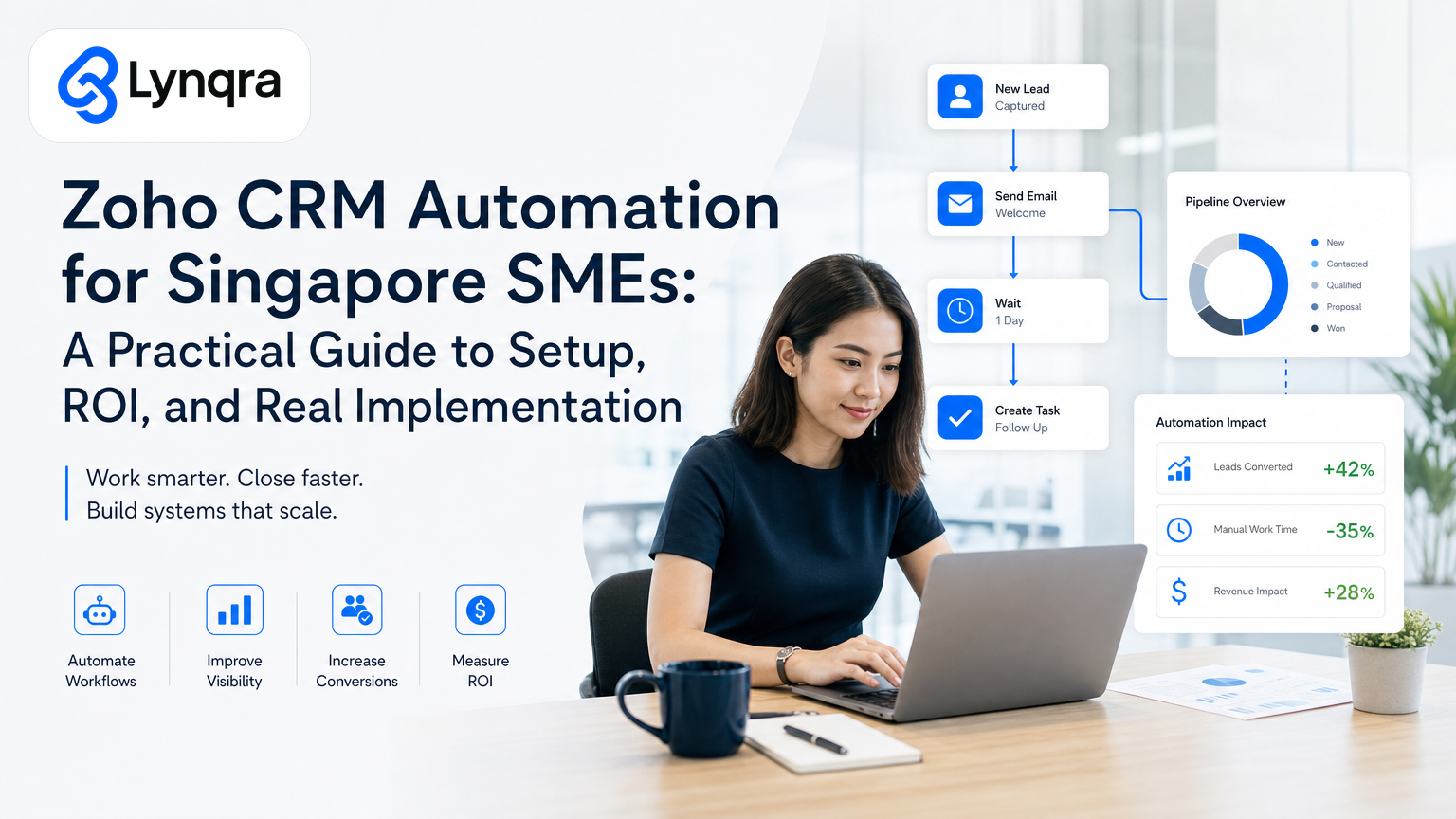
You've heard that automation saves time. What you need to know is whether Zoho CRM automation actually fits your team, what it costs to set up properly, and which workflows give you the fastest payback.
This guide walks you through the decision, shows you what automation looks like in real SME workflows, and tells you how to avoid the trap of buying software you don't use.
Why Singapore SMEs Consider Zoho CRM Automation
Zoho CRM is popular with Singapore SMEs because it costs less than enterprise platforms, integrates with tools you already use, and has straightforward automation built in. You don't need to learn a new software stack to get started. Many teams run invoicing, follow-ups, quotations, and approvals inside Zoho or alongside it using simple connectors.
But buying the software is not the same as implementing it. A lot of SMEs buy Zoho, turn on a few features, and find themselves back to manual work within weeks because the automation doesn't match how their team actually operates.
The difference between a smooth implementation and a failed one usually comes down to two things: choosing the right processes to automate first, and building workflows that your team will actually use without friction.
Which Processes Should You Automate First in Zoho CRM?
Not every workflow benefits from automation equally. Some save you 30 minutes a week. Others save you 6 hours a week and eliminate errors at the same time.
Invoice and payment tracking is one of the highest-ROI automations. If your team manually logs invoices into Zoho after they land in your inbox, you're losing time and risking missed deadlines or duplicate entries. Zoho's email parsing and workflow automation can catch incoming invoices, extract key data (invoice number, amount, due date, vendor), and route them for approval or payment without anyone typing anything. In our experience with trading and distribution SMEs, this alone cuts 6 hours per week of manual data entry and eliminates missed payments. For businesses handling multiple invoices, this automation directly supports your compliance obligations under Singapore's regulatory frameworks.
Lead follow-ups and task routing come next. If you have a sales team, you know that leads slip through cracks because no one owns the next step. Zoho CRM lets you set rules so that when a contact reaches a certain stage (like "qualified lead"), the system automatically creates a task, sends an email reminder, or notifies a specific team member. This keeps momentum going without a manager having to chase people in Slack.
Quotation generation and approval works well in Zoho because you can template most of what you send. For food production or manufacturing SMEs, automating quote generation from a customer enquiry reduces your response time from 2 hours to 6 minutes. The system pulls customer data, applies pricing rules, generates the PDF, and sends it without human hands touching it. If the quote exceeds a threshold, it routes to a manager for approval automatically.
Approval workflows and audit trails matter a lot in regulated industries and for financial governance. Zoho lets you set approval chains so that expenses, purchase orders, or customer credit limits route to the right person with full visibility of who approved what and when. This builds compliance into the system instead of relying on email chains that get lost. When you're handling customer and employee data in your CRM, maintaining clear audit trails also helps you meet Singapore's data protection requirements under the Personal Data Protection Act (PDPA). The PDPC provides practical guidance on data protection responsibilities that automation workflows can help you enforce systematically.
Customer data enrichment and segmentation happens automatically in Zoho. When a new contact comes in, you can trigger a workflow that flags high-value customers, auto-assigns them to senior sales staff, or marks them for follow-up based on their purchase history. This removes the manual sorting that people usually do wrong anyway.
Pick one of these first. Get it working. Measure how much time it actually saves. Then build from there. Too many SMEs try to automate everything at once and burn out their team during the transition.
The Real Cost of Zoho CRM Automation for SMEs
Zoho CRM's per-user pricing is transparent, but automation cost goes beyond the monthly subscription.
Software cost: Zoho CRM Standard (which includes basic automation) costs roughly S$30-50 per user per month, depending on your contract length and whether you add their automation builder or integrate third-party tools. For a team of 10, you're looking at S$3,600-6,000 per year for the software itself. For roughly twenty Singapore dollars per user per month, you get pipeline management, automation, email integration, reporting, and a mobile app that works well.
Setup and configuration: If you're building workflows that touch your invoicing system, email, or approval routing, you need someone to set it up. That person needs to understand both Zoho's workflow builder and your actual process. Many SMEs hire a Zoho consultant for this. A simple implementation (one or two workflows) costs S$2,000-5,000. A more complex setup (invoice automation, approval routing, integrations with your accounting system) runs S$8,000-15,000 or more.
Integration with your other tools: Zoho plays well with Google Workspace, accounting software, and email, but if you use custom systems or have unusual requirements, you might need custom API work or a middle-layer tool like Zapier or Make. This adds cost and complexity.
Team training and change management: Your team needs to know what the automations do, how to use them, and what to do when they break. A full day of hands-on training usually helps. Without it, people revert to their old manual habits.
Grants and funding: Singapore has several grant programmes that can help cover digital transformation costs. The IMDA's SMEs Go Digital programme supports SMEs with digital tools, automation, and technology adoption. You can also explore Enterprise Singapore's grants overview for other available support. Exact amounts, eligibility criteria, and timelines vary by scheme, so confirm directly with IMDA or Enterprise Singapore.
A realistic total for a small to medium SME: S$6,000-25,000 in year one, depending on complexity. Year two is usually just the software cost.
Common Pitfalls to Avoid
Building workflows that don't match how people actually work. If you automate a process but your team still prefers their old workaround, the automation sits unused. Before you build, observe your team for a week. Understand the real flow, the exceptions, the shortcuts, and the handoffs. Build the automation around how they work, not around how you think they should work.
Choosing processes that are too complex. If a workflow has 15 manual decision points and 8 different paths, automating it is tricky and expensive. Start with processes that are repetitive and linear. Once you nail those, tackle the complex ones.
Treating Zoho CRM as a standalone system. Most SMEs run Zoho alongside email, Google Sheets, their accounting software, and a few other tools. The automation that works best lives in the gaps between these tools, not within Zoho alone. Make sure your integrations are solid before you launch.
Not planning for data quality. If your CRM is full of duplicate contacts, inconsistent field names, or incomplete information, automation will amplify those problems. Spend time cleaning up data before you automate. Once automations are running, bad data becomes bad decisions at scale.
Underestimating training time. Your team will need at least one training session and ongoing access to documentation. People forget. Processes change. Set aside time for reinforcement.
How to Measure ROI
Don't just ask "did we save time?" Instead, measure what changed.
Time savings: Track hours per week on the specific task before automation, then measure again 4 weeks after launch. For invoice processing, this is easy: count how many invoices per hour the team processed manually, then compare to how many the system now processes without human input. Be honest about the measurement. If the team just does other work instead of sitting idle, they didn't lose 6 hours, they freed up 6 hours. That's still valuable, but it's different.
Error reduction: Count mistakes or rework before and after. Did you miss payment deadlines? Did customer quotes have pricing errors? Did approvals get lost? Automation often eliminates these entirely.
Speed: Measure turnaround time. How long did it take to respond to a customer enquiry before automation? How long after? For quotations, the difference between 2 hours and 6 minutes is massive for customer perception.
Cost per transaction: Divide your total cost by the number of transactions processed. For invoicing, if you automate 500 invoices per year and spend S$15,000 on setup plus S$5,000 per year in ongoing cost, each invoice costs S$40 to process via automation. If your team was processing them manually at a cost of S$100 per invoice, the math is clear.
Compliance and audit quality: If automation improves your audit trail, traceability, and compliance, assign a value to the risk you eliminated. If you used to miss a payment deadline once a quarter, the cost of a late payment to a supplier can be significant.
Measure these 4 weeks after launch, then again at 3 months and 6 months. Automations sometimes improve further as your team adapts to using them.
Should You Build Custom Workflows or Use Pre-Built Templates?
Zoho CRM comes with pre-built workflows for common tasks like lead routing and task creation. These are free and useful, but they rarely match your exact process.
Pre-built workflows are good for: getting started quickly, understanding what automation looks like, and handling basic tasks like sending follow-up emails. They require little customization and minimal training.
Custom workflows are worth the effort when: your process is specific to your business (like your approval routing or pricing logic), the workflow touches multiple systems (email, accounting, documents), or the financial impact is large enough to justify the setup cost. Building custom workflows usually means working with a Zoho consultant or using Zoho's workflow builder yourself if you have someone with technical ability on your team.
Most SMEs end up with a mix: 2-3 pre-built workflows for simple tasks, and 1-2 custom workflows for their most important processes.
How Zoho CRM Automation Compares to Other Approaches
Some SMEs ask whether they should use Zoho or build automation inside Google Sheets, or use a middleware tool like Zapier or Make.
Zoho CRM is best when: you need a proper contact database, your team is already in Zoho, you have complex approval logic, and you want workflows to live inside the system where the data is. The automation is native and fast.
Google Sheets automation works well when you have a small team, your data is mostly in Sheets already, and you need quick wins without buying new software. For more details on this approach, see our guide to Google Sheets automation for Singapore SMEs.
Middleware tools like Zapier or Make are useful when you need to bridge Zoho with other systems (like payment processors, email marketing, or accounting software) but you don't want to hire a developer. They add cost and a dependency on a third party, so they're best for specific integrations rather than core workflows.
For most SMEs, Zoho CRM automation plus strategic Google Sheets automation covers 80% of what you need.
Building Your Automation Roadmap
Rather than trying to automate everything at once, build a roadmap.
Start by listing your current manual workflows: data entry, approvals, follow-ups, reporting, customer outreach. For each one, estimate the hours per week it takes and what it costs if someone makes a mistake (missed deadline, duplicate work, wrong data).
Pick the top 3 by impact: the ones that cost the most time or carry the biggest risk of errors.
For each of these, write down: what triggers the workflow, what decisions or data transformations happen in the middle, what the end result is, and who needs to be notified. This is your process map.
Next, cost it: setup time, integration complexity, training, ongoing maintenance. Divide the annual cost by the hours you expect to save per year. If the payback is 6 months or better, you have a strong case to move forward.
Run a pilot with one workflow. Measure the results honestly. Adjust based on what your team learns. Then move to the next one.
This approach lets you show ROI at each step, build team confidence, and avoid over-committing to a large automation project that might not work.
Getting Started: The First Steps
1. Map your current process. Spend a few days watching how your team actually does the work. Don't assume. Observe.
2. Identify the bottleneck. Which step takes the longest? Which one creates the most errors? Start there.
3. Get a quote. Talk to a Zoho partner or consultant. Tell them your process map and ask for an estimate of setup, training, and ongoing support.
4. Check grant options and digital transformation support. Singapore's economic development agencies offer support for SMEs adopting digital tools. The IMDA's SMEs Go Digital programme specifically helps with automation and technology adoption. Confirm eligibility and application timelines directly with IMDA or Enterprise Singapore to understand what support is available for your automation project.
5. Plan the pilot. Define success: how much time should you save? How many errors should disappear? After 4 weeks, check whether you hit those targets.
6. Train your team. Make sure everyone understands the workflow and knows how to troubleshoot basic issues.
7. Measure and iterate. After launch, revisit the metrics monthly. Adjust the workflow based on what you learn.
This is a working timeline: 2-3 weeks to map and scope, 2-4 weeks to build and test, 1 week to train, then 4 weeks to measure. By week 10-12, you should know whether this automation is working and whether you want to scale it.
When You Need Help Beyond Zoho CRM Alone
Sometimes the bottleneck isn't just in your CRM. Your invoices come in as PDFs and someone manually types them into Zoho. Your quotations live in Word templates. Your approval process spans email, Slack, and spreadsheets. Your stock levels are in one system and your customer data in another.
In these cases, you need automation that bridges multiple systems, not just Zoho CRM setup. This might mean building data extraction from PDFs, triggering workflows across email and messaging apps, or syncing data between systems using APIs.
For more on this broader automation approach, see our guides to data entry automation in Singapore and business process automation for Singapore SMEs. These cover workflows that use AI to extract data, approve documents, and route work across multiple tools without forcing you onto a new platform.
Next Steps
Zoho CRM automation makes sense for most Singapore SMEs, but only if you pick the right process, set realistic expectations, and measure results honestly.
The best way to know whether it's right for your business is to talk through your specific workflows with someone who understands both Zoho and how SMEs actually operate. If you'd like to discuss your current process and explore which workflows are worth automating first, we can help you map out where the biggest bottlenecks are and work out the real cost and timeline for your team.