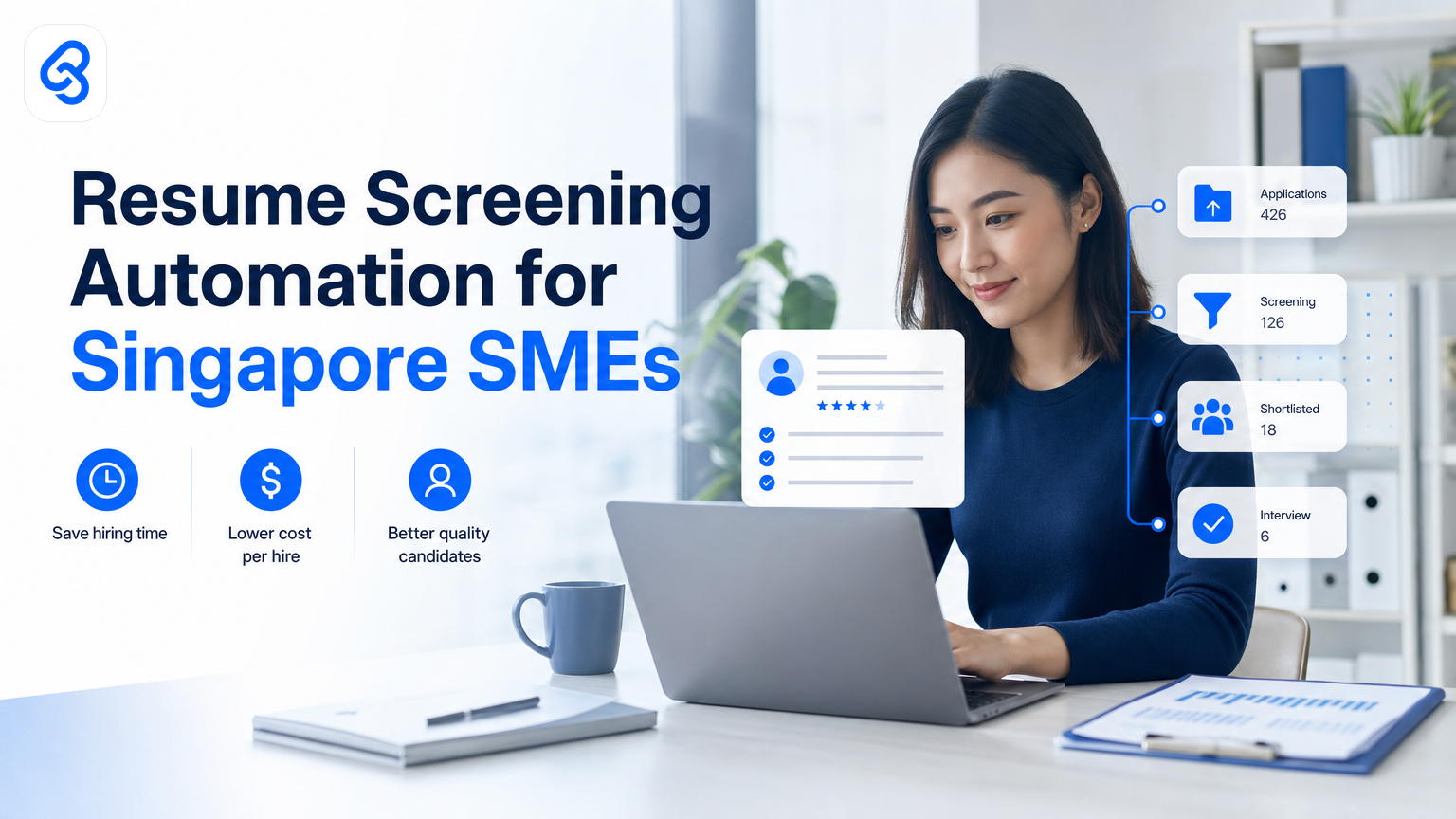
Automating resume screening can transform hiring for Singapore SMEs struggling with manual, time-consuming candidate reviews. A targeted resume screening automation Singapore SME template helps businesses quickly filter candidates, saving staff hours and improving hiring accuracy. This article explains why and how SMEs in Singapore can adopt tailored automation workflows, with practical guidance on building systems that focus on returns, not just tech.
What Is Resume Screening Automation and Why Does It Matter for Singapore SMEs?
Resume screening automation uses AI and software tools to sift through job applications without manually reading every CV. It helps identify top candidates quickly, ranks them by relevance, and eliminates biases common in manual shortlisting. For Singapore SMEs, this means faster hires and fewer resources spent on unsuitable candidates.
Singapore's tight labour market and rising wages create pressure on small teams. Labour costs continue to rise and competition for talent intensifies, according to data tracked at SingStat. Saving time in recruitment and improving hire quality directly cuts cost and boosts competitiveness.
This automation reduces repetitive admin work and allows HR teams to focus on interviewing and onboarding, tasks that require human judgement. SME owners face operational bottlenecks in growth and often lack specialised recruitment teams. A custom resume screening template provides a practical framework this user group can adopt quickly.
How Can Singapore SMEs Develop a Resume Screening Automation Template?
Singapore SMEs can build an effective resume screening automation template by mapping the existing recruitment workflow to identify repetitive steps. This starts with defining clear selection criteria aligned with job requirements and company values. Common steps in the template include:
- Job application intake via channel integration (email, web portal)
- Parsing resume data (education, skills, experience) using AI extraction tools
- Matching candidate profiles against job criteria with scoring rules
- Filtering out unqualified candidates automatically
- Flagging shortlisted profiles for HR review
Each step links with a category of automation software: document parsing tools, natural language processing AI for skill matching, and workflow automation platforms that handle candidate status changes. Lynqra specialises in connecting these modules using the latest AI stacks, customised per SME size and sector at Resume Screening Automation for Singapore SMEs.
Singapore's digital transformation initiatives provide a foundation for this shift. The IMDA Industry Digital Plans may contain sector-specific pathways relevant to your automation journey, offering guidance and resources for small businesses exploring automation in core processes like hiring.
What Are the Common Pitfalls When Automating Resume Screening?
Several mistakes undermine automation ROI in resume screening for SMEs. Over-reliance on keyword-matching algorithms can lead to biased or inaccurate candidate rankings, overlooking promising talent with unconventional resumes. Poor data integration across application channels causes duplicates or lost applications. Unrealistic complexity also stalls adoption; automation must simplify, not add layers.
Data privacy is critical for Singapore SMEs handling personal applicant data. Privacy laws require compliance with PDPA personal data protection principles, especially in automated decision processes. You should review official guidance at the CSA Singapore resources to understand your obligations regarding data security. SMEs should design workflows with secure data storage, clear consent, and audit trails that document how automated decisions were made.
How to Automate Resume Screening: Step-by-Step Workflow Example
An efficient resume screening automation begins with capturing applications through a standardised online portal integrated with cloud storage. This automatically triggers a resume parsing AI that extracts structured candidate information like skills, certifications, and work history. Next, a rules engine scores candidates by relevance to the job description (e.g., experience years, relevant skills). Candidates scoring below a threshold are filtered out.
The shortlisted profiles go into an HR dashboard for final review and interview scheduling. Notifications can be automated via email or messaging apps. Tools involved include:
- Application intake workflow automation tools (form and trigger platform)
- AI-powered resume parsers with NLP (Natural Language Processing)
- Business rules engine or low-code workflow automation platform
- HR candidate management dashboard integration
- Notification system (email or WhatsApp API automation)
Common challenges include setting appropriate scoring rules to avoid false negatives and integrating systems smoothly. SME owners benefit from working with automation consultants like Lynqra who tailor templates focusing on measured time and cost savings, not just technology rollouts. Learn more about HR & Candidate Screening Automation for Singapore SMEs.
What Grants or Support Can Help Singapore SMEs Adopt Automation?
Singapore SMEs can fund automation projects through government initiatives. Review the MOM employment practices guidance and connect with local business networks at the Singapore Business Federation for updates on available grants and support programmes. Grant-supported automation remains a strategic investment rather than an expense by cutting recruitment time, enabling better hires, and freeing resources for growth.
Practical Checklist for Singapore SMEs Considering Resume Screening Automation
- Identify recruitment workflow bottlenecks and manual pain points
- Define objective job criteria suitable for algorithmic matching
- Choose AI resume parsers compatible with your application channels
- Ensure data security and compliance with Singapore regulations
- Plan system integration for seamless data flow and candidate management
- Set realistic expectations on automation scope; focus on screening instead of full hiring decision automation
- Consult automation specialists for tailored, ROI-focused builds
How Does Lynqra Help Singapore SMEs Automate Hiring?
Lynqra works closely with SME owners to understand bottlenecks slowing talent acquisition. We scout the latest AI tools and integrate them into custom-built automations designed for the SME scale in Singapore. Our approach prioritises measurable reductions in time and cost rather than flashy tech features.
Beyond resume screening, Lynqra also automates candidate communication workflows using WhatsApp Business API for faster candidate engagement. See WhatsApp Business API Automation for Singapore SMEs for details. For finance teams, we build accounts payable automation that produces immediate cost and time ROI at Accounts Payable Automation Singapore: How to Build It Right. Explore AI automation grants and ROI strategies with Lynqra's AI Automation Grants in Singapore: EDGE and SME ROI Guide.
FAQ: Resume Screening Automation for Singapore SMEs
Q: Can resume screening automation replace my HR team?
A: No, it automates repetitive screening work but does not replace human judgement in interviews and final hiring decisions. It frees your HR team to focus on tasks requiring insight and personal interaction.
Q: How do I ensure data privacy compliance when automating recruitment?
A: Comply with Singapore's data protection framework by securing applicant data, obtaining clear consent, limiting data access, and keeping audit records of automated decisions.
Q: What kinds of jobs benefit most from resume screening automation?
A: Roles with high application volumes and defined, measurable criteria benefit most. For small teams or niche roles, automation can reduce workload but may be less effective.
Q: Are there costs involved besides software licensing?
A: Yes, integration, workflow design, data security measures, and staff training are important investment areas. Factor these in early when planning your budget.
Q: How quickly can SMEs implement automation templates?
A: A basic resume screening automation template can be deployed in a few weeks depending on system complexity and integration needs. Professional consultation speeds this up considerably.
---
For a direct conversation tailored to your hiring challenges, reach out to Lynqra to discuss how we can create a smart, time-saving automation that suits your SME's growth journey.